Accelerating the Path from Product Idea to Clickable Prototype
Product managers running discovery face a distinct friction point when transitioning from raw research to a tangible concept. They spend weeks interviewing users, synthesizing insights, and mapping out logic, only to watch that context degrade the moment the project enters the visual design phase. The standard workflow forces a translation step where strategic intent is often flattened into static screens. It requires proving functional value through interaction early in the cycle. Teams are realizing that accelerating the feedback loop means moving past flat assets and validating core assumptions with interactive models.
The Prototyping Shift Happening Right Now
The product discovery landscape is shifting toward rapid, spec-driven iteration where PMs bypass static design phases and generate clickable models directly from research. This shortens validation cycles and prevents early alignment issues before engineering begins.
Historically, the gap between an idea and a functional model required heavy design resources. Product managers would draft a specification, hand it to a designer, and wait weeks for high-fidelity mockups. That sequence creates an artificial barrier to learning. By the time a concept is visual enough to test, the team has already overcommitted to a specific execution.
Current market behaviors show a strong pivot toward functional validation. Teams report that placing working logic in front of users early prevents the costly mistake of building features nobody actually needs. The emphasis has moved from how a screen looks to how a user moves through it. This shift demands tools and processes that treat prototyping as an extension of the specification itself, not a separate downstream activity.
Moving from Static Assets to Interactive Discovery
Transitioning to interactive discovery means validating ideas with functional logic rather than flat images. PMs now rely on interactive elements to capture real user intent before writing a single line of production code.
A static screen can only confirm whether a user understands the visual layout. It cannot prove whether they will complete a complex workflow or abandon a multi-step form. Interactive discovery focuses on the journey. We found that testing a working flow early surfaces behavioral insights that flat images simply hide.
According to a rapid prototyping guide, a healthy validation workflow commonly starts by testing five to ten low-fidelity concepts. From there, teams narrow down to two or three deeper candidates. They commit to building exactly one candidate only after real demand is proven.
Formulating the Right Idea Funnel
A structured idea funnel filters broad concepts into actionable prototypes by starting with clear problem statements. Teams that test multiple lightweight ideas before committing resources significantly reduce the risk of building unwanted features.
Not every idea deserves a prototype. Treating every brainstorm as a mandate for a clickable mockup clogs the product pipeline and exhausts team bandwidth. The goal is to apply a rigorous filter at the very top of the funnel. Product managers must define a strict problem statement and identify the target user segment before any visual work begins.
A well-formulated funnel requires letting go of the perfect solution early on. You are looking for directional correctness. When you test a concept, you are not testing the final product, but rather the underlying hypothesis. If the hypothesis fails, the prototype has successfully done its job by saving engineering time.
Using LLMs for Product and Market Research
Product teams use LLMs during early discovery to synthesize user interviews, analyze competitor features, and outline core workflows. This accelerates the research phase and helps PMs define specific user problems faster.
Generative tools excel at finding patterns across large datasets. When you feed interview transcripts, customer support tickets, and sales calls into a model, you can quickly identify recurring pain points. This creates a solid foundation for your problem statement.
However, moving from raw AI outputs to a testable concept introduces the risk of context loss. This is Why Research Insights Die Before the Prototype (And How to Fix It). Product managers must actively anchor their generated workflows to actual user quotes and verified data points to ensure the original intent survives the transition.
The 90-Day Rule for Product Scope
Setting a strict time limit on prototype development forces product managers to narrow their scope. Breaking down large visions into small, testable workflows ensures rapid feedback and prevents bloated early builds.
Scope creep is the enemy of fast validation. When a team tries to build every requested feature into the first interactive model, the feedback loop stretches from days into months. Shalev Kuty outlines this perfectly in a recent article, stating directly: "If Your Prototype Takes More Than 90 Days, The Idea is Too Big."
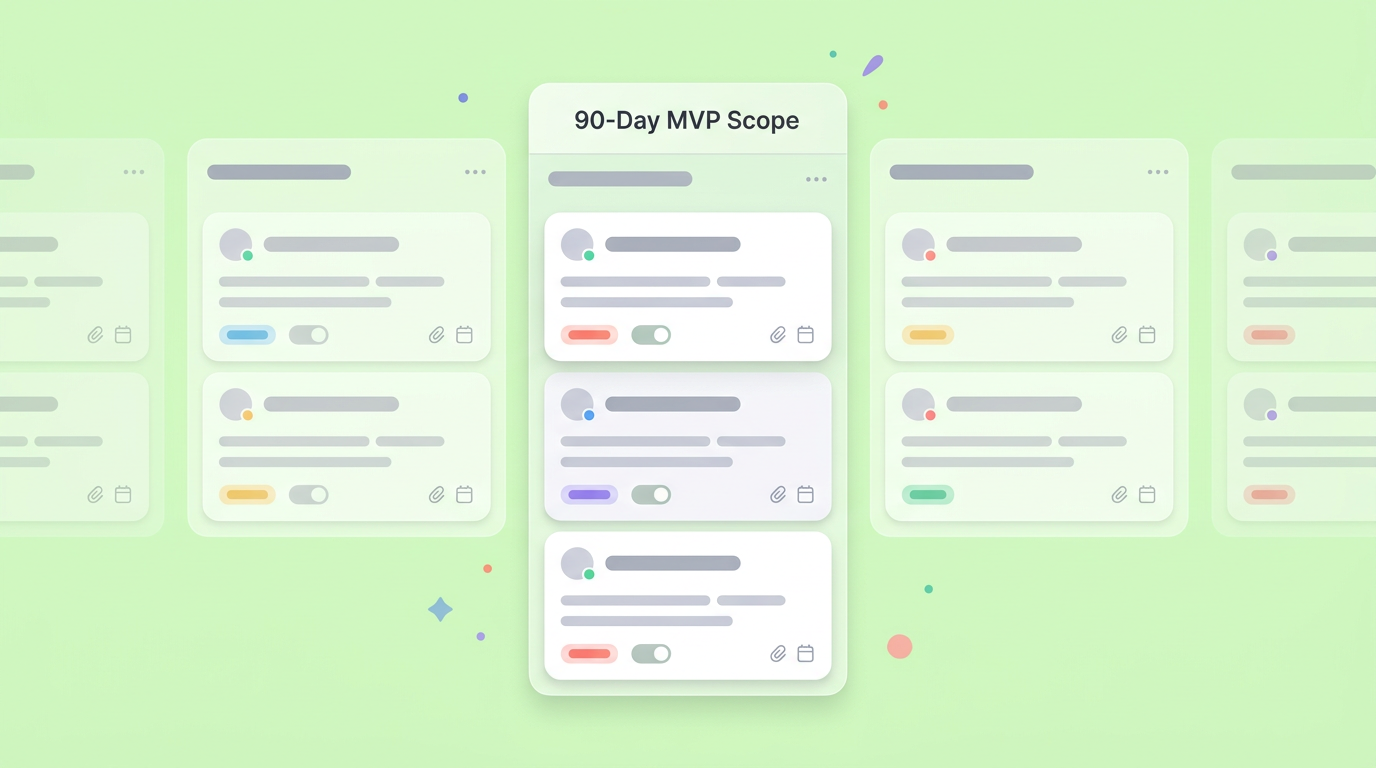
Enforcing a tight deadline forces prioritization. You have to decide which single interaction actually proves the product's value. Everything else becomes a backlog item for a future iteration.
How to Turn Product Idea Into Prototype Fast
Knowing how to turn product idea into prototype fast requires focusing on a single core user flow and starting with low-fidelity layouts. Rapid iterations with early user feedback keep the process moving without getting stuck on visual polish.
The most efficient teams operate on a strict, repeatable loop. A standard rapid prototyping cycle involves:
- Defining objectives
- Conducting research
- Sketching
- Building a low-fidelity prototype
- Testing with users
- Iterating
You can read more about this foundational loop in a comprehensive prototyping resource.
Speed comes from intentional restraint. When you skip high-fidelity styling, you bypass debates about color palettes and typography. The focus remains entirely on structure, navigation, and core utility. This lean approach allows a PM to iterate multiple times in the same week, refining the logic based on actual user interactions.
Define the Single Core User Flow
Isolating one primary user journey prevents prototype bloat and clarifies the exact value proposition being tested. This focus allows teams to validate the most critical assumptions before expanding the product footprint.
If your product is a new task management tool, the core flow is not the settings page or the user profile. Instead, the core flow is:
- Creating a task
- Assigning a task
- Marking a task complete
By isolating this single path, you reduce the complexity of the prototype and make it easier for test users to provide targeted feedback.
When users interact with a single, clear workflow, their behavior tells a concrete story. You can see exactly where they hesitate, where they click the wrong button, and where the logic breaks down.
Bridging Research Notes and Wireframes
Connecting research directly to wireframes involves linking user quotes and data points to specific UI elements. This maintains the original intent of the discovery phase when transitioning into visual structures.
The transition from a text document to a visual board is where most strategic context is lost. When product managers hand over a raw spec, the resulting wireframes often miss the nuanced user behaviors uncovered during research. The key is to map every functional requirement directly to an interactive component.
This is where unified environments shine. Dazl is the PM's teammate from ideation and spec writing through a hand-off ready prototype, keeping the whole team aligned. By maintaining the specification and the prototype in the same ecosystem, teams prevent the silent drift that happens when context is handed off across disconnected tools. Moving past isolated documentation is essential for Beyond the Whiteboard: Making Product Discovery Actually Clickable.
Validating with Low-Fidelity and Smoke Tests
Smoke tests and low-fidelity prototypes provide immediate market feedback with minimal investment. Measuring real intent through landing pages and early wireframes prevents teams from scaling unproven concepts.
Before committing to complex functional logic, you need to know if users actually want the solution. Smoke tests act as an initial filter for market demand. A simple landing page detailing the proposed value proposition, accompanied by a call-to-action (CTA), offers hard data on user interest.
If the market responds positively, the team can confidently invest in a low-fidelity interactive model. In our testing, starting with basic structural wireframes rather than styled components keeps user feedback focused entirely on utility. Users are more likely to critique a rough, unpolished interface because it feels like a work in progress rather than a finished product.
The Click-Through Reality Check
Tracking early click-through rates on waitlists or simple landing pages offers hard data on user demand. A high conversion rate justifies the effort of building a more complex interactive prototype.
Measuring intent requires looking at actual user behavior, not just survey responses. People will often say they like an idea, but their willingness to click a pricing button or join a waitlist tells the real story.
Aakash Gupta highlights this dynamic in his prototype-to-product playbook, stating: "At most tech companies, a click-through rate of >5% on the call-to-action is a strong positive signal. Anything less than 1% is a major red flag." Tracking this metric provides a clear, objective threshold for whether an idea should proceed to the next stage of development.
Testing with the Right User Cadence
Testing prototypes with small, targeted groups of users uncovers the majority of friction points quickly. Running separate validation passes at different fidelity levels keeps iterations fast and actionable.
You do not need a massive focus group to find glaring usability errors. Testing in small, rapid batches allows the team to fix problems immediately and test the updated version on the next group.
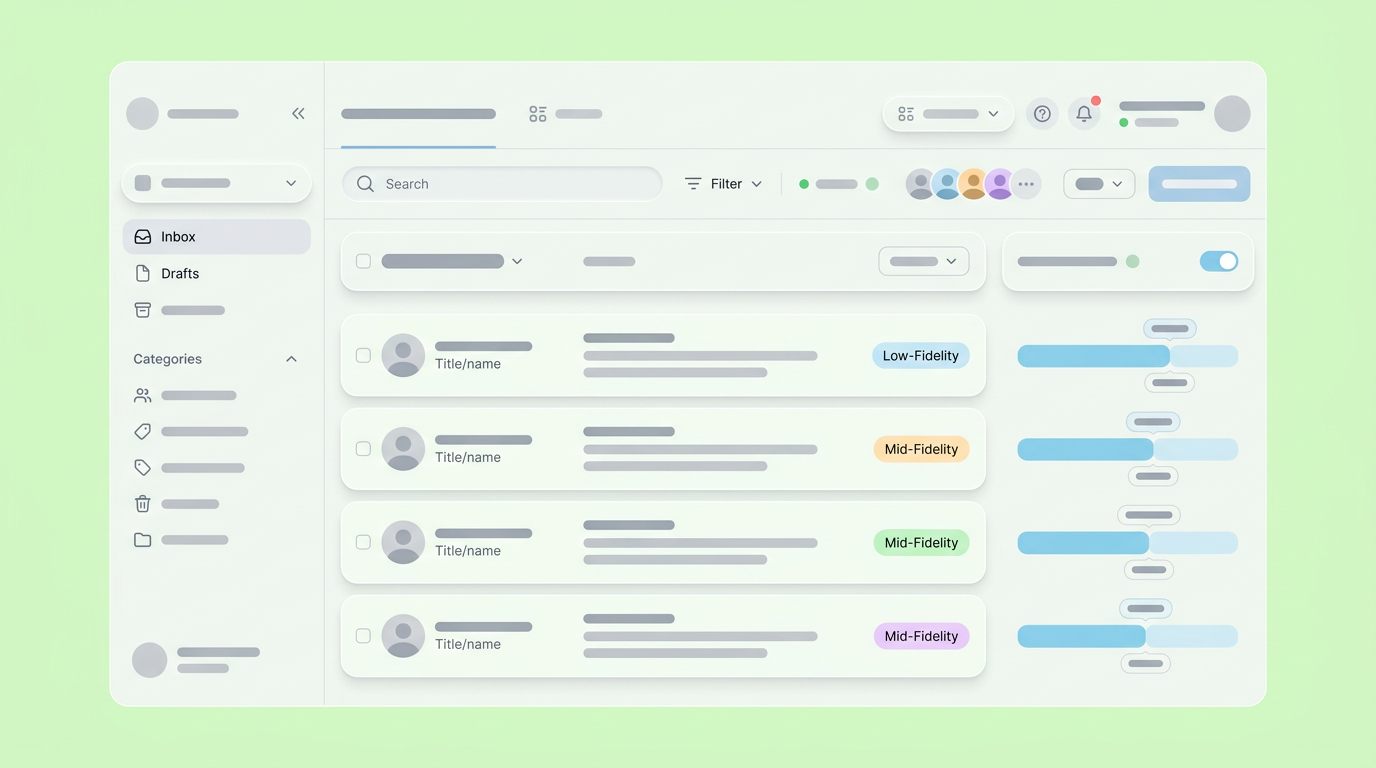
A practical cadence is to test low-fidelity concepts with three to five users, process the feedback, and then test the refined mid-fidelity version with another group. Gupta also recommends putting an interactive prototype in front of five to eight users from your specific target segment to ensure the insights are highly relevant to your actual market.
The Next Era of Spec-Driven Validation
The future of product discovery relies on executable specifications that serve as both documentation and functional models. Product teams will increasingly validate concepts through interactive logic rather than abstract descriptions.
As the industry matures, the separation between writing a product requirement and prototyping that requirement is dissolving. The manual translation steps that slow down alignment are being replaced by workflows where the spec naturally generates its own testable interface.
This evolution shifts the product manager's focus away from managing design handoffs and toward pure behavioral validation. When the documentation is interactive, stakeholders do not have to imagine how a feature will work. They can click through the logic themselves. Moving forward, the teams that succeed will be the ones that treat prototyping not as a distinct phase, but as the standard language of product alignment.
You can simplify your workflow by joining Dazl to help your team transition from initial research to validated interactive models.
Get Started

