Stop Starting Over: How to Turn a Product Idea Into a Prototype Fast
A persistent myth in product management is that product discovery and product prototyping are two distinct phases separated by a formal handoff. The common assumption dictates that you first gather customer feedback, synthesize it in a document, and then translate that context into a completely separate tool to build a visual model. This mindset forces teams to rebuild their product concept from scratch every time they move from ideation to testing.
The reality is that translating research docs into wireframes creates a massive gap where context dies. The most effective product teams treat ideation and prototyping as a continuous motion on a single surface, skipping the manual rebuild entirely.
The Momentum Killer: Rebuilding from Scratch
Rebuilding a product idea from a text specification into a visual prototype creates unnecessary friction and delays validation. Moving from a research repository to a design tool usually means starting over.
Product managers often spend weeks defining user problems, mapping out user journeys in Miro, and writing detailed specifications in Jira or Linear. When the time comes to actually visualize the solution, the process grinds to a halt. The PM has to sit down, open a blank canvas in Figma, and attempt to recreate the exact logic they just spent weeks documenting.
The problem isn't a lack of clarity; it is the friction of the toolchain. You are forcing a dynamic, multi-layered product concept into a static visual format.
Every time you switch environments, you lose fidelity. The initial customer insights that sparked the idea get left behind in a text document, while the visual mockup becomes disconnected from the core user problem.
Why Context Dies in Translation
Context is lost when the visual representation of a product idea is decoupled from the research and logic that generated it. A static mockup cannot easily hold the assumptions, edge cases, and user feedback that shaped it.
When you hand a wireframe to a stakeholder, they see boxes and buttons. They do not see the three weeks of customer interviews that dictated why those buttons exist. Because the prototype lives in one system and the discovery data lives in another, stakeholders focus their feedback on surface-level visual details rather than the underlying product logic.
According to a recent report, the global product prototyping market is projected to reach US$44.8 billion by 2032 at an 11.2% CAGR. Despite this massive investment in tooling, teams still struggle with context loss.
If your prototype cannot instantly reference the customer quote that inspired a specific feature, you spend your product reviews defending design choices instead of validating the solution. Ending context loss moving from product ideation to clickable prototypes requires keeping the visual output tethered directly to the strategic input.
The Reality: Fast Prototyping is Continuous, Not Phased
Fast prototyping requires abandoning the phased approach in favor of a continuous workflow where research directly informs the visual model without manual translation. The modern approach connects the specification directly to the interactive output.
Instead of treating the prototype as the final deliverable of the discovery phase, successful discovery PMs treat the prototype as a thinking tool. The visualization should emerge organically as you refine the product logic.
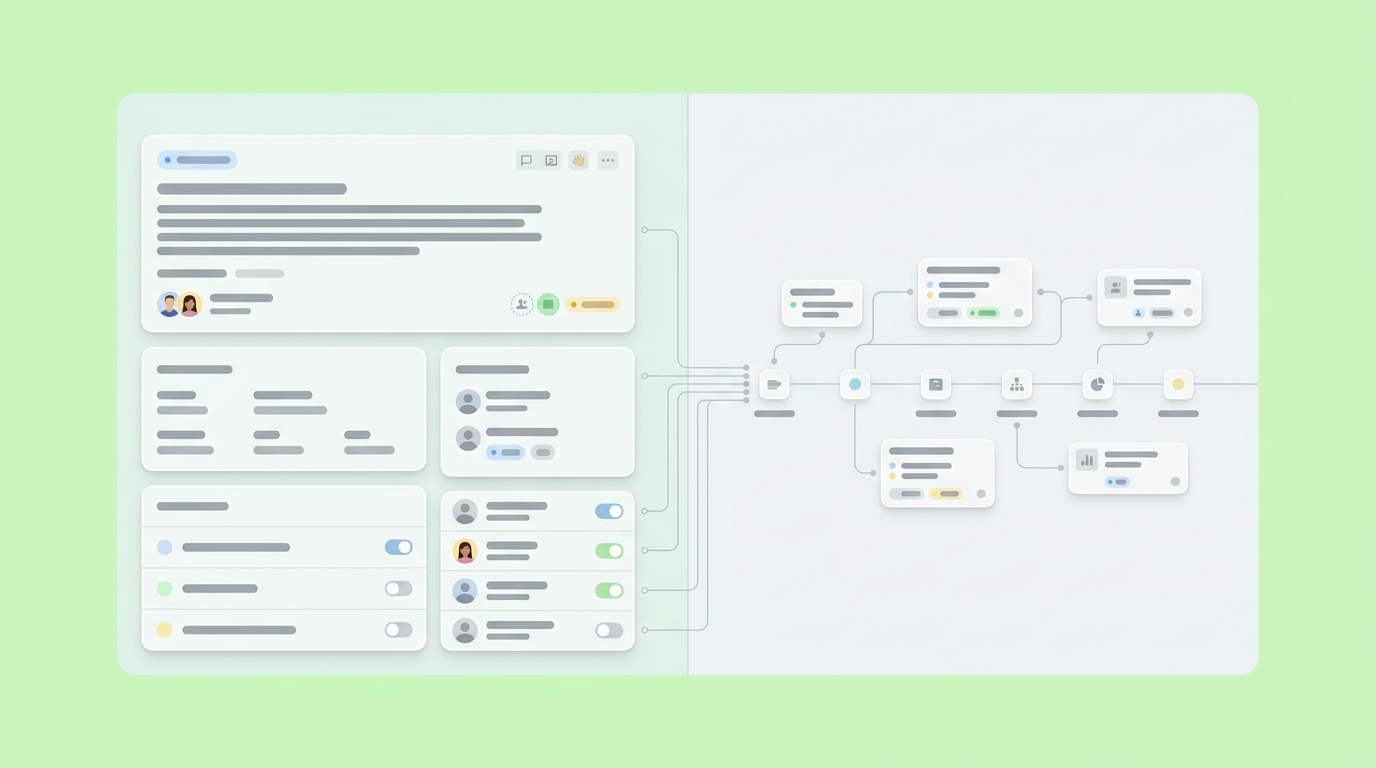
Shifting from Specs to Interactive Canvas
Moving to an interactive canvas allows product teams to:
- Map out user flows.
- Attach research data.
- Generate clickable components in the same workspace.
This eliminates the gap between thinking and making. When we mapped out the most efficient discovery cycles, we found that teams thrive when they do not have to leave their primary workspace to test an idea. An infinite canvas approach lets you cluster customer feedback, draft user stories, and immediately visualize the corresponding interface. The specification and the prototype become the same artifact.
If a stakeholder asks why a specific onboarding flow was chosen, you do not need to hunt down a separate document. The reasoning is literally attached to the interactive component. This approach treats the product concept as a living system rather than a sequence of dead deliverables. You can manipulate the logic and watch the prototype update, ensuring that the visual representation always matches the current strategic thinking.
The Rise of Low-Code for Rapid Validation
Low-code platforms accelerate validation by allowing product managers to generate functional prototypes directly from business logic. This reduces reliance on engineering for initial testing.
The shift toward rapid validation is measurable. Industry data indicates that 70% of new applications will be built using low-code or no-code platforms by 2025, a forecast commonly attributed to Gartner. This transition fundamentally changes how PMs answer the question of how to turn product idea into prototype fast.
Instead of waiting for a design sprint, product managers can use low-code environments to spin up functional models that test the actual mechanics of a feature, its appearance. A clickable prototype that handles basic data inputs provides significantly better customer validation than a static image. Bridging the gap from product discovery to clickable prototype means using tools that understand logic, states, and data flows, enabling a higher fidelity of feedback much earlier in the process.
How to Turn a Product Idea Into a Prototype Fast
Turning a product idea into a prototype quickly requires:
- Anchoring your concept in a single workspace.
- Generating interactive components from your logic.
- Iterating based on direct stakeholder interaction.
Speed comes from eliminating handoffs.
The traditional method of wireframing by hand is too slow for modern product discovery. To move fast, you have to change the medium you work in. This involves:
- Shifting from static documents to interactive canvases.
- Leveraging generative tools to automate UI creation.
- Fostering a continuous feedback loop directly within the prototype.
Step 1: Anchor the Concept on an Infinite Canvas
Anchoring your concept on an infinite canvas allows you to synthesize customer interviews, business requirements, and rough flows in one visible area before generating any interface. The spatial organization clarifies the product logic.
Start by dumping your raw discovery data onto the canvas. Group the customer pain points, outline the proposed user journey, and define the core actions the user needs to take. By keeping everything spatial, you can see the relationship between the problem and the proposed solution.
Dazl supports this exact workflow by providing a single workspace where PMs can transition directly from mapping out user journeys to generating a testable interface. The canvas acts as the single source of truth. When the underlying assumptions change based on new customer data, the spatial layout adapts, ensuring that the eventual prototype is built on a solid, visible foundation.
Step 2: Use Generative Prototyping to Skip the Wireframe
Generative prototyping uses your structured logic and requirements to instantly create interactive models, allowing you to skip the manual drawing of wireframes. You move directly from spec to interactive testing.
Once the logic is mapped, the next step is visualization. The rapid prototyping market is growing, with market projections varying by source and forecast period. Much of this growth is driven by tools that automate the tedious aspects of UI creation.
Instead of dragging and dropping rectangles, you define the states and the data model. The tooling generates a functional representation of that logic. This is how you stop rebuilding your concept from scratch. The prototype is a direct projection of your written requirements. If a requirement states that a user must complete a three-step verification, the generative tool produces those three distinct states, complete with navigation.
Step 3: Iterate with Real Stakeholder Feedback
Iterating with real feedback requires embedding stakeholder comments directly onto the clickable prototype, ensuring that critiques are tied to specific interactions rather than abstract concepts.
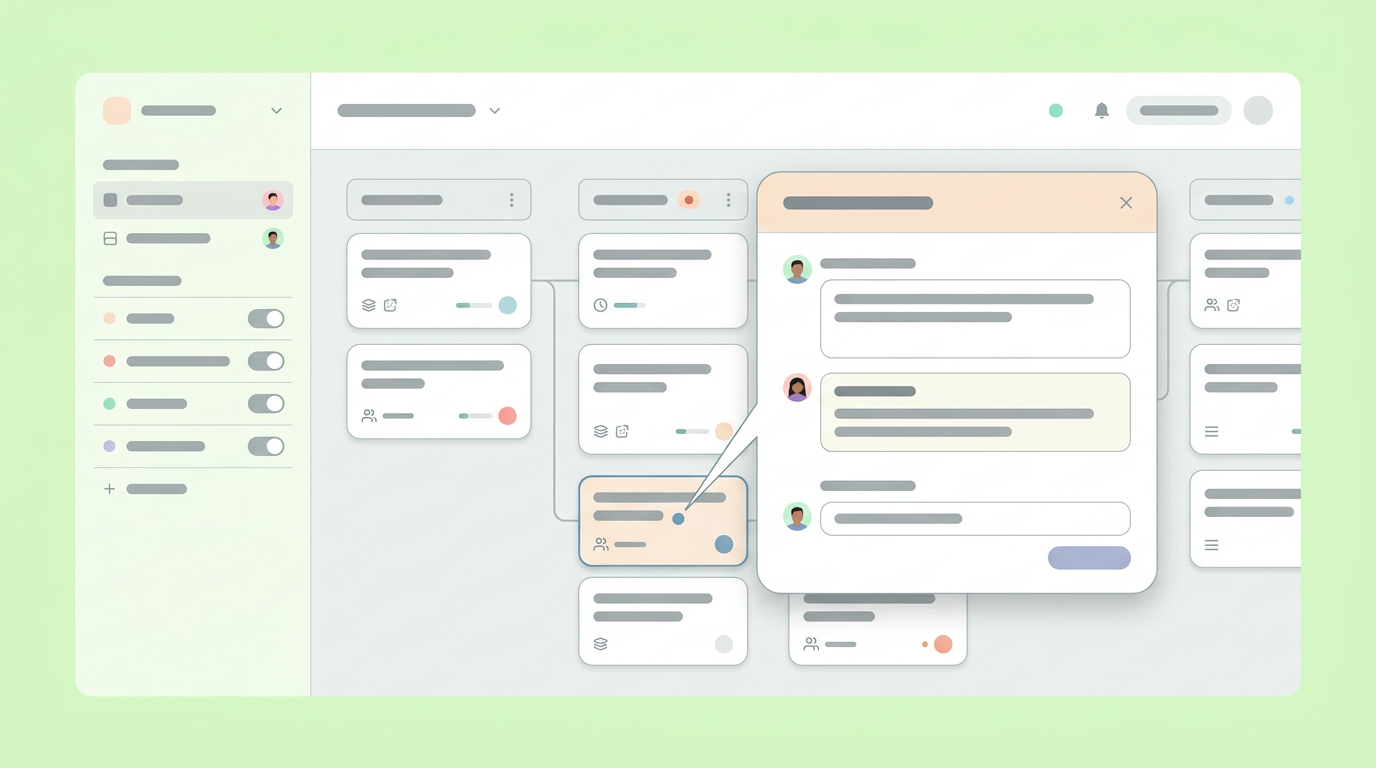
When the prototype is ready, you put it in front of users and internal stakeholders. Because you used a continuous workflow, the feedback loop is incredibly tight. If a user struggles with a specific flow, you do not have to write a ticket, send it to design, and wait for a new version.
You adjust the logic on the canvas, and the prototype reflects the change immediately. They stop focusing on the color of a button and start questioning the sequence of the user journey.
The Tangible Impact of Closing the Gap
Closing the gap between ideation and prototyping reduces time-to-market, improves team alignment, and drastically shortens the payback period on product development efforts. Connected workflows yield faster returns.
The speed gained by eliminating manual translation translates directly into business value. You validate the wrong ideas faster and double down on the right ones sooner.
Shortening the Payback Period on Product Ideas
Using rapid, logic-driven prototyping shortens the payback period of a product idea by catching flawed assumptions before they consume expensive engineering resources.
A recent benchmark analysis on low-code adoption highlighted that organizations using faster development platforms can see shorter payback periods, though the specific vendor payback figures should be verified before publication.
This financial metric directly applies to the prototyping phase. When a PM can generate a functional prototype in hours rather than weeks, they can run validation tests much earlier in the quarter. Catching a fundamental flaw in the product architecture during week one of discovery, rather than week four of a development sprint, saves substantial capital. Fast prototyping turns validation from an expensive event into a routine, low-cost activity.
Aligning Engineering and Design Sooner
A prototype that accurately reflects the underlying product logic aligns engineering and design teams much earlier in the process, reducing friction during the final handoff.
Engineers need to understand:
- State management.
- Data requirements.
- Edge cases.
Designers need to understand:
- User flows.
- Constraints.
When a prototype is built directly from the product specification, it serves as a shared language for both disciplines. Instead of handing engineers a static image and a dense text document, you provide an interactive model where the logic is already defined. Engineers can see exactly how the application is supposed to behave, while designers can take the validated interaction model and apply the final design system. This shared understanding prevents the dreaded scenario where a feature is built exactly to spec but fails to solve the user problem.
Moving Validation Closer to the Customer
The mechanics of building a prototype are becoming fully commoditized. The value of a product manager no longer lies in their ability to draw a wireframe, but in their ability to structure a problem, generate a testable model, and extract truth from the market. As the friction of creation approaches zero, the frequency of testing must increase. The teams that win will not be those that build the highest-fidelity mockups, but those that run the most validation cycles in the shortest amount of time. You have the tools to collapse the distance between a raw idea and a clickable reality. The next step is simply using that speed to ask better questions of your users.
You and your team can accelerate this workflow by signing up for Dazl to turn your discovery research into functional prototypes.
Get Started