Moving Past Disposable AI Prototypes: A Technical PM's Guide
You spend three hours prompting an AI coding assistant to build a functional prototype, carefully adjusting the components until the flow feels exactly right. Then you hand the output over to engineering, and they politely explain that none of the generated frontend components match the company's internal design system. The prototype gets relegated to a reference video, and the team starts rebuilding the entire interface from scratch. For technical product managers who want to work closer to the code, generating isolated interfaces is no longer enough. The true friction lies in bridging the gap between a written specification and the actual constraints of the living production environment.
Finding a workable workflow requires connecting the initial requirements directly to the components the engineering team actually uses. When you generate a prototype in isolation, the AI lacks the broader product context. It invents styling, ignores established data models, and bypasses the architectural decisions your team spent months standardizing. Technical PMs need a process that enforces these constraints early, ensuring that early iterations shorten the path to production rather than creating parallel, disposable artifacts.
The Reality of Prototyping on the Real Codebase
The reality of prototyping on the real codebase means navigating the tension between rapid ideation and strict technical constraints. Most AI coding assistants generate functional code quickly, but they operate entirely outside the context of your existing product architecture. This often leads to code that is technically sound but operationally misaligned, adding significant rework later in the development cycle. For example, a recent industry survey highlighted that over 60% of prototype-to-production transitions face major delays due to these architectural mismatches.
According to Forrester's 2026 research, 84% of product managers report that their firm embeds generative AI into at least some of its products, up from 58% in 2024. Despite this massive adoption in the product itself, the workflows used to build these features remain fragmented. PMs are adopting tools to speed up requirements gathering, but the hand-off to engineering still relies on disconnected mockups and lengthy documentation.
Organizations are struggling to turn this high adoption rate into consistent, scalable practices. When product teams operate in silos, generating code that engineering cannot use, the promised velocity of AI diminishes rapidly.
The Disconnect Between PRDs and AI Output
The disconnect between product requirements documents and AI output happens because coding assistants do not read the strategic intent behind the feature. When you prompt a standard AI editor, it optimizes for immediate functional output. It does not reference the user personas, the success metrics, or the edge cases defined in your Why Your Detailed PRD Still Fails (And How to Fix It) specification.
This forces PMs to manually translate their product strategy tools into highly specific technical prompts. You end up acting as a translation layer, copying context from documentation into the chat window. When the requirements change, the prototype becomes instantly outdated, requiring a manual reconciliation process that frustrates both product and engineering teams.
Why Design Systems Break in AI Generation
Design systems break during AI generation because standalone coding tools prioritize generic solutions over proprietary component libraries. The assistant will gladly write a functional button, but it will use standard HTML and CSS rather than importing the customized React component your team relies on.
This creates a massive visual and structural inconsistency. When the generated code ignores your design system, engineering cannot simply merge the prototype. They must strip out the generated styling and map the functional logic to the correct internal components. This reconstruction phase negates the time saved during the initial prototyping process.
Finding a Cursor Alternative for Product Managers
A viable cursor alternative for product managers isn't just another integrated development environment; it's a workspace that connects living requirements to functional components. PMs need tools that understand the product narrative, the syntax of the programming language.
The U.S. Census Bureau noted that overall AI usage among businesses hovered between 17% and 20% in early 2026, with an expected increase in the near future. As this usage grows, the market is shifting toward specialized workflows. While engineering teams prioritize complex refactoring and debugging capabilities, product managers require environments focused on alignment, context preservation, and stakeholder visibility.
When evaluating options, the focus must shift from how fast the AI writes code to how accurately it respects the product context.
The goal is to establish a shared space where the prototype serves as an interactive extension of the product documentation.
Bridging the Gap from Strategy to Execution
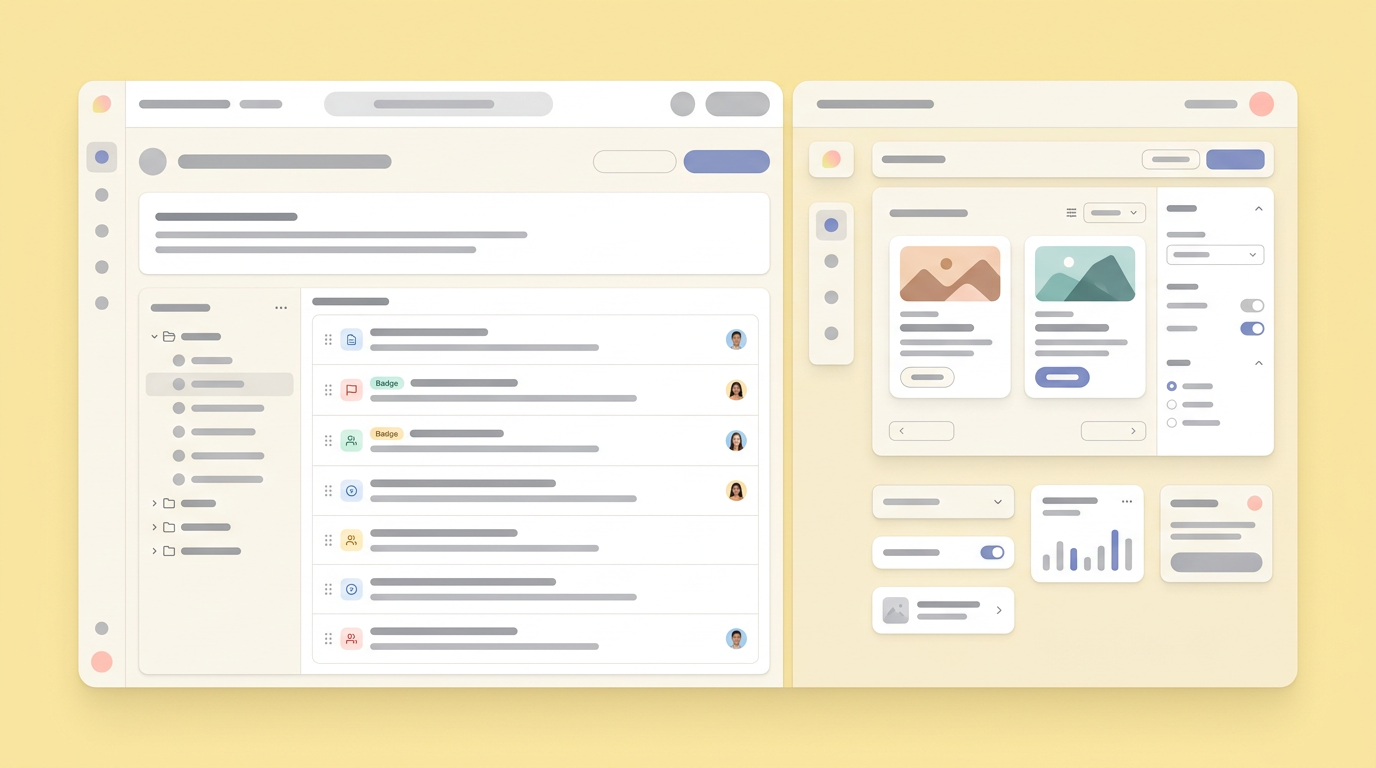
Bridging the gap from strategy to execution requires product management tools that maintain a continuous thread from the initial idea to the final code. When the prototype lives directly alongside the specifications, stakeholders can evaluate the functional experience without losing sight of the strategic goals.
This alignment prevents scope creep and ensures the technical implementation matches the business requirements. Instead of relying on static mockups that require interpretation, teams can interact with a functional model that behaves exactly as described in the requirements.
Handling Complex Stacks and Machine Learning Data
Handling complex stacks and machine learning data introduces another layer of complexity for technical PMs. When defining workflows involving machine learning for product managers, generating a simple frontend interface is insufficient. The prototype needs to illustrate how data flows through the application, how models return predictions, and how the system handles latency or errors.
A robust prototyping environment allows PMs to mock these complex interactions without needing to write the underlying data pipelines. By connecting the prototype to realistic mock data or existing APIs, the team can validate the user experience of the machine learning feature before committing engineering resources to backend development.
How to Stop Discarding Prototypes and Start Aligning Teams
Transitioning from disposable mockups to production-ready prototypes requires enforcing component constraints and maintaining a single source of truth across the entire product journey. Teams must stop treating prototypes as temporary sketches and start treating them as the first draft of the actual product.
When the generated code uses the correct design system and references the actual data models, engineers can focus on optimizing performance and security rather than rebuilding the interface.
This is where integrating a workspace like Dazl alters the dynamic. By connecting the ideation phase directly to the prototyping process, the entire team maintains context. The prototype evolves as the requirements evolve, ensuring that everyone remains aligned on the final output.
Standardizing Product Management Tools
Standardizing product management tools reduces the context switching that fragments product development. When teams consolidate their workflows, the data flows naturally from research to requirements to prototyping.
This consolidation allows the AI to reference past decisions and user feedback when generating the interface. It creates a cohesive environment where the prototype is informed by the full history of the product, resulting in more accurate and relevant iterations.
Synchronizing Code with Collaboration Software for Product Teams
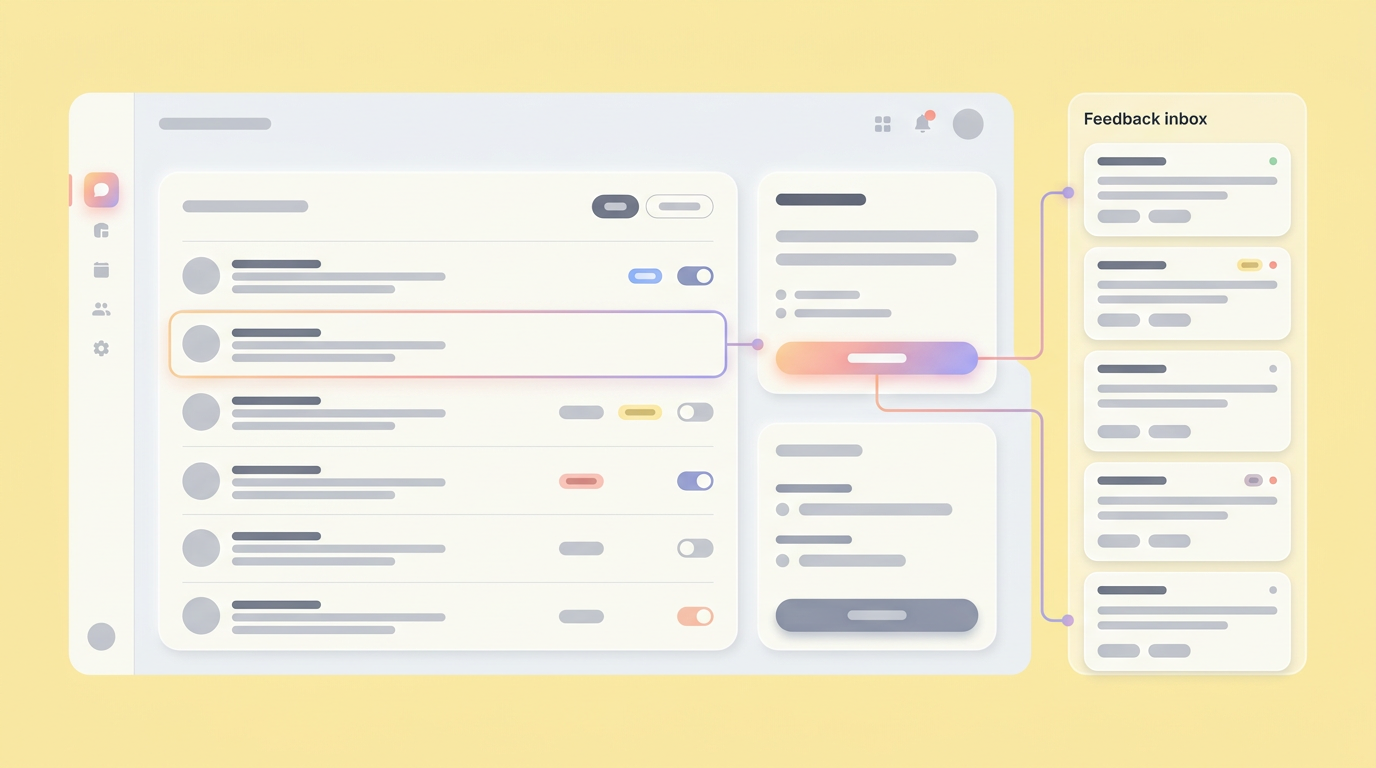
Synchronizing code with collaboration software for product teams ensures that stakeholder feedback is captured in the context of the functional experience. Rather than collecting comments in a disconnected document, feedback is attached directly to the specific interactions within the prototype.
This integration simplifies the review process and provides clear, actionable guidance for both product and engineering teams. It eliminates the ambiguity of written feedback and ensures that everyone understands exactly what needs to be adjusted before development begins.
Key aspects include:
- Centralizing feedback within the functional prototype itself.
- Reducing misinterpretations caused by disconnected communication.
- Accelerating the iteration cycle by clarifying action items.
- Ensuring all stakeholders have a single, unified view of the prototype's status.
Building a Hand-Off Ready AI Workflow
Establish a continuous loop where the prototype remains attached to the living specification, ensuring the code generated aligns with internal standards. A hand-off ready workflow minimizes the interpretation required by engineering.
To capture this value, teams must implement workflows that translate AI productivity into tangible product improvements. This means shifting focus from isolated generation to connected, scalable processes. Read more about how Technical PMs Are Moving Prototypes to the Real Codebase to understand this transition.
Here are key steps to building a hand-off ready AI workflow:
- Define clear constraints for the AI based on the engineering design system.
- Attach the prototype directly to the requirements documentation.
- Use mock data that accurately reflects the production environment.
- Collect stakeholder feedback directly within the functional interface.
- Implement version control for prototype iterations, similar to code repositories.
Shifting Away from Roadmap Software Alternatives
Shifting away from static roadmap software alternatives allows teams to focus on interactive validation. Traditional roadmaps prioritize timelines over user experience, often masking underlying usability issues until late in the development cycle.
By replacing static roadmap items with functional prototypes, stakeholders can experience the proposed feature rather than just reading about its planned delivery date. This interactive approach drives better prioritization and ensures the team is building the right solution.
Integrating User Story Mapping Tools
Integrating user story mapping tools with the prototyping environment ensures that every generated interface directly addresses a specific user need. The prototype becomes a visual representation of the user journey, allowing teams to validate the entire flow rather than just isolated screens.
This connection helps identify gaps in the experience and ensures the technical implementation aligns with the intended user behavior. It provides a clear framework for evaluating the success of the prototype against the original product goals.
Benefits of this approach:
- Visualizing the entire user journey within the prototype.
- Ensuring each feature directly addresses a user need.
- Validating the flow from a user perspective early in the process.
- Facilitating early identification of user experience gaps or logical inconsistencies.
Scaling AI Across the Product Journey
Moving from experimental features to embedded practices requires treating AI as a collaborative partner rather than an isolated code generator. As product teams mature their use of generative tools, the focus shifts from individual productivity to team alignment and execution.
The future of product prototyping relies on environments that maintain strict alignment between the strategic intent and the technical constraints. By enforcing these standards early in the process, technical PMs can bridge the gap between ideation and production, ensuring their concepts survive the transition to engineering.
The objective remains clear: build workflows that preserve context, respect the architecture, and deliver functional value faster.
You and your team can bridge the gap between discovery and delivery by joining Dazl to connect your product context with production code.
Get Started