Why Your Detailed PRD Still Fails (And How to Fix It)
You finish the kickoff meeting, close the tab, and breathe a sigh of relief. You just spent two weeks writing a 15-page product requirements document. It has user stories, acceptance criteria, error states, and logic flows. You hand it over to the engineering lead, confident that the team has everything they need to start building. Two weeks later, you see the first internal build, and the core user flow is fundamentally different from what you envisioned.
The immediate reaction is usually self-blame. You assume the spec wasn't detailed enough. You think that if you had just added three more paragraphs explaining the transition between the dashboard and the settings panel, the developer would have understood. This creates a vicious cycle where product managers write increasingly massive documents that engineers have less and less time to read.
The problem isn't the depth of your writing; it's the medium itself. Text is a fundamentally lossy format for describing interactive software. No matter how comprehensively you document a digital experience, words leave room for interpretation. When you rely solely on text, you are forcing the reader to build a mental model of the software, and that mental model will inevitably differ from yours.
Replacing the belief that "better specs create better software" requires a shift in how we capture ideas. The artifact you hand off shouldn't just describe the product; it should behave like the product.
The Myth of the Exhaustive Document
Why Text Fails Interaction Design
Text cannot adequately describe complex interactive states, leading to inevitable misinterpretations during the handoff process. When developers read static descriptions of dynamic software, they fill the gaps with their own assumptions.
We often assume that clearer writing solves alignment issues across the product team. If a developer builds a modal that dismisses on click rather than on swipe, the instinct is to update the PRD to explicitly state the dismissal behavior. This approach scales poorly. A modern web application has thousands of micro-interactions, state changes, and conditional logic branches. Attempting to document all of them in a static document turns the PRD into an unreadable technical manual.
Developers and designers do not read 20-page documents linearly. They scan for the information they need at the moment they need it. When crucial interaction details are buried in paragraph seven of a sub-section, they get missed. The engineering team builds based on their interpretation of the core user story, and the nuances of the design are lost. Relying on text to convey motion, spatial relationships, and temporal changes guarantees that your team will build something slightly different than what you intended.
The Cost of Interpretation Gaps
Misinterpreted requirements force expensive rework cycles, delaying product launches and frustrating engineering teams. Rebuilding features because the initial intent was misunderstood drains team velocity and morale.
Industry standard metrics consistently show that rework accounts for roughly 20–40% of development effort in typical software organizations, with a significant portion stemming from misunderstood requirements.
When a developer builds a feature based on a misread spec, the cost isn't just the time spent writing the wrong code. It includes the QA time to test it, the product manager's time to review it, the subsequent bug tickets, and the context switching required to fix it.
Static documents also create a false sense of consensus. During a PRD review, stakeholders might nod along to a written description of a feature, believing they understand how it will work. That consensus evaporates the moment they see the actual implementation. They weren't agreeing on the product; they were agreeing on their individual mental models of the product. This deferred conflict forces product managers to negotiate feature changes late in the development cycle, exactly when changes are most expensive to make.
Moving from Static Specs to Living Models
Why Teams Need a Unified PRD to Prototype Tool
A unified tool bridges the gap between text and visual execution, keeping the product vision grounded in a testable reality. Connecting the written requirements directly to an interactive model ensures everyone is evaluating the same experience.
The tech industry is currently experiencing a rapid shift in how ideas move into production. According to a recent report on 2026 tech trends, AI is giving rise to a "prototype economy" where teams move from idea to product in real time. This shift makes the traditional, disconnected PRD feel obsolete. Many successful companies are already embracing this change.
When the spec and the prototype are linked, updating a requirement forces a conversation about the visual impact, and updating the design forces a conversation about the requirements. This bidirectional relationship prevents the document from drifting away from reality. You stop writing about how a feature should feel and start showing the team exactly how it behaves. Dazl handles this workflow by keeping the entire product journey - from ideation to hand-off ready prototypes - in a single, aligned workspace.
How Context Loss Happens in Handoff
Handoff creates a silo where the original strategic intent of the PRD detaches from the visual design and engineering implementation. This separation forces developers to constantly switch context between design files and requirement documents.
The traditional handoff involves multiple disconnected artifacts. Typically, the product manager owns the PRD in a wiki, the designer owns the mockups in a design tool, and the engineer tracks the work in a ticketing system. This fragmentation leads to communication overhead.
As requirements evolve, keeping these artifacts in sync becomes a full-time job. A change made in the design file rarely makes its way back to the PRD, creating conflicting sources of truth. If you want to understand why your PRD fails in design, look at how many different places a developer has to check to understand a single feature.
This fragmentation leads directly to context loss. A developer looking at a static mockup might not understand the business logic dictating why a certain button is disabled. If they have to open a separate tab, find the right PRD, and scroll to the correct section to find the answer, they might just guess instead. Stopping context loss requires bringing the context to where the work is happening.
Building the Artifact That Teams Actually Use
Connecting Acceptance Criteria to UI Components
Linking specific requirements directly to their visual counterparts ensures engineers have immediate, concrete context for every user story. Contextualizing criteria within the prototype eliminates ambiguity and accelerates development.
When we observe high-performing product teams, they rarely rely on standalone text documents for complex features. Instead, they map their acceptance criteria directly onto the interface. For example, if a requirement states that a user must enter a valid email address before proceeding, that rule is attached to the email input field in the interactive model. The engineer thus sees the visual component and the logic governing it simultaneously.
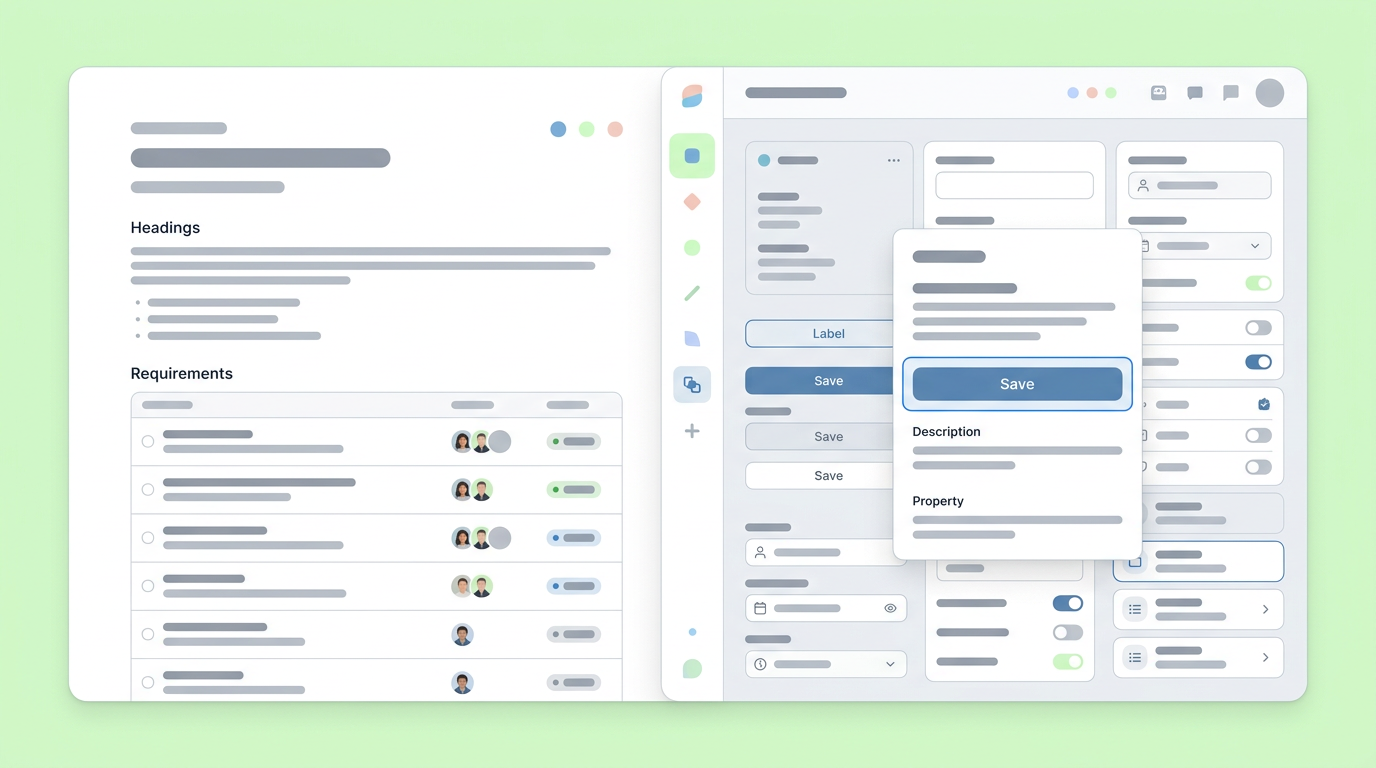
This contextual approach drastically reduces the cognitive load on the engineering team. They don't have to translate abstract text into concrete UI elements. Research into modern product workflows indicates that teams replacing purely static specs with interactive prototypes often report cutting their user acceptance testing cycles by nearly half.
Handling Edge Cases Visually
Modeling edge cases visually rather than burying them in text ensures error states and empty states are built correctly the first time. Showing the team what happens when things go wrong prevents critical user experience gaps.
Product managers spend a significant portion of their PRD writing detailing edge cases. These include scenarios such as network failures, zero search results, or attempts to access restricted features. Documenting these situations is crucial.
They focus on the happy path and plan to handle the edge cases later, which often means they get forgotten entirely until a user encounters a broken state in production.
By building out these states in a prd to prototype tool, you force the team to confront them during the design phase. You can demonstrate the specific error message that appears, the layout of the empty state, and the user flow for recovering from a failure. Visualizing these scenarios ensures they receive the same level of design and engineering attention as the primary user journey.
Integrating the Workflow Across the Organization
Aligning Stakeholders Early
Interactive prototypes allow stakeholders to click through the intended experience, exposing flaws in the product logic long before engineering begins. Testing concepts visually secures faster, more accurate buy-in from leadership.
Getting meaningful feedback from stakeholders on a written document is notoriously difficult. They will often skim the text, approve the concept in principle, and save their substantive feedback for when they can actually click around the staging environment. This is too late.
The recent trends highlighting how AI is reshaping tech and design processes, as noted by IBM, emphasize the importance of rapid, tangible iteration. You need artifacts that stakeholders can experience.
When you present a clickable prototype linked directly to the product requirements, stakeholders interact with the proposed solution, which offers several key benefits. They experience the friction points directly, understand the user flow in context, and can provide specific, actionable feedback based on reality rather than imagination.
This early alignment prevents the dreaded late-stage pivot that occurs when leadership finally sees the product and realizes it doesn't solve the core business problem.
Shortening the Path to Production
Combining the spec and prototype accelerates development by providing a clear, interactive blueprint that reduces engineering guesswork. A unified artifact gives developers the exact specifications and visual context they need to ship faster.
Separating the PRD from the prototype adds unnecessary friction to that process. While we see AI tools like ChatPRD streamlining the generation of the initial text, the real velocity gains come from connecting that text to the visual execution.
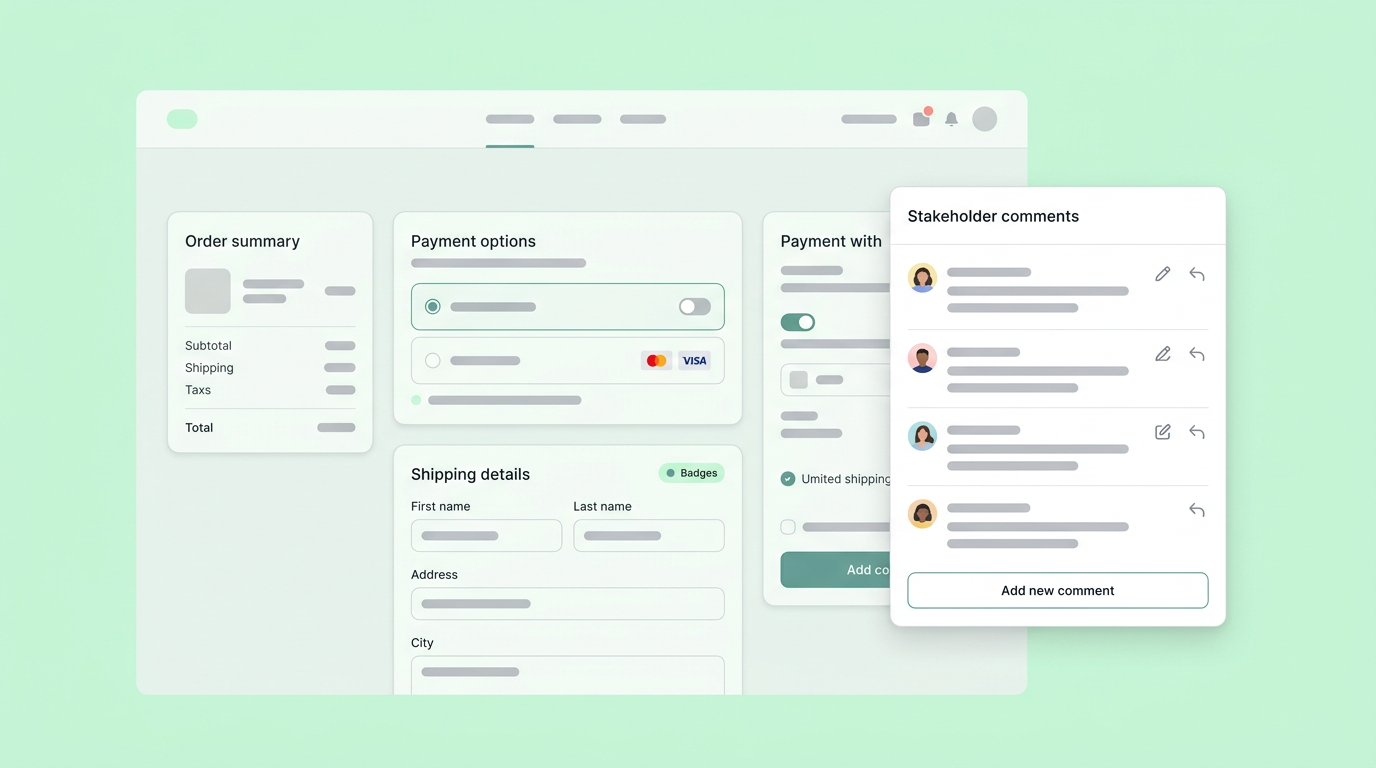
Engineers want to build, not decipher. Providing them with an interactive model where the requirements are embedded directly into the components allows them to start coding immediately with a clear understanding of the end goal. They can inspect the prototype, read the associated logic, and translate that directly into production code. This workflow minimizes the back-and-forth communication required to clarify misunderstandings, significantly shortening the overall development cycle.
The Artifacts We Leave Behind
The artifacts we create define the velocity of our teams. Clinging to the belief that a perfectly written, exhaustive document will save a project only guarantees more friction and more rework. The future of product management isn't found in a better word processor; it is found in models that combine the clarity of written logic with the undeniable reality of an interactive experience.
Shifting away from static PRDs requires a willingness to change how you communicate intent. You have to move past simply describing what a feature should do and start showing the team how it operates. As you adopt workflows that integrate specifications with visual models, you'll find that alignment happens naturally, debates over interpretation disappear, and the software your team builds actually matches the vision you started with.
You can eliminate these costly communication gaps by signing up for Dazl to transform your team's detailed requirements into interactive prototypes.
Get Started

