
Bypassing the Sprint Backlog: Prototyping for PMs
You are staring at the sprint board while your core feature gets pushed out again. The engineering team is entirely occupied with scaling infrastructure or resolving technical debt, leaving your discovery work stalled. You need to validate a heavy interface change this week, but you only have static specifications and a flat wireframe that no one can actually click. Securing executive alignment off a text document is notoriously difficult.
The Engineering Bandwidth Bottleneck
Finding a product manager prototype tool without developer involvement focuses user testing directly on the experience rather than waiting for capacity. Taking control of the prototyping phase visually gives you the power to validate concepts, run usability panels, and secure stakeholder momentum while the engineering team finishes their current backlog.
A Dazl article cites a survey from Product Management Today reporting that 72% of PMs experienced significant delays due to engineering resource constraints, and 85% said limited developer availability hindered innovation. Backlogs dictate the pace of discovery, creating a workflow gap between what product managers know they need to build and what they can actually show users. You cannot afford to lose your feedback loops simply because backend services require immediate maintenance.
A Greta blog says PMs often wait 6--8 weeks for engineering bandwidth to build a prototype, while interactive prototypes can be produced in 2--3 days. Those missing weeks generate enormous risk. Bypassing that delay ensures your team continues moving forward with validated data rather than assumptions.
The Real Cost of Waiting on Code
Waiting on development cycles to build a functional prototype costs teams valuable feedback loops and increases the risk of building the wrong feature. Product managers lose momentum during these delays, often resulting in stale discovery data by the time the actual code reaches a testable state.
Building a fully coded environment just to see if a user understands a navigation layout wastes expensive resources. A significant portion of this issue stems from misaligned expectations between what was requested and what was built. Remove this sentence unless you can provide a public source for the 30% figure; the provided results do not verify it.
Teams often try to solve this by creating heavier documentation. Adding more pages to a specification document rarely clarifies the user experience. You need a system that visually demonstrates the flow.
Stakeholders Need to Feel It, Not Read It
Getting rapid sign-off requires showing executives a functional flow rather than asking them to interpret a static document. Stakeholders need to interact with clickable elements to grasp the usability context, which drastically reduces the misinterpretation common with flat wireframes or dense product requirements.
When presenting a static layout, conversations often derail into irrelevant critiques about padding or hex codes. Executive sponsors struggle to visualize the dynamic states of a complex dashboard from a flat image. They need to click a button, see a loading sequence, and observe a modal appearing based on logic.
Shifting from static presentations to dynamic environments alters the entire nature of feedback. We encourage teams to explore how to prototype in real code without losing stakeholders because an interactive format grounds the conversation in actual user behavior.
How to Build Prototypes While Engineering is Busy
The right prototype tool for product managers must bridge the gap between static design files and development handoff workflows; Jira is a project-tracking tool, not a production-ready code environment. It should allow teams to quickly assemble interactive components visually, test complex logic, and gather immediate feedback without needing front-end development skills or syntax knowledge.
Using these systems drastically reduces the time spent translating ideas into testing formats. The objective is establishing a sandbox where product leaders translate business requirements directly into functional views.
Choosing a Visual Development Software
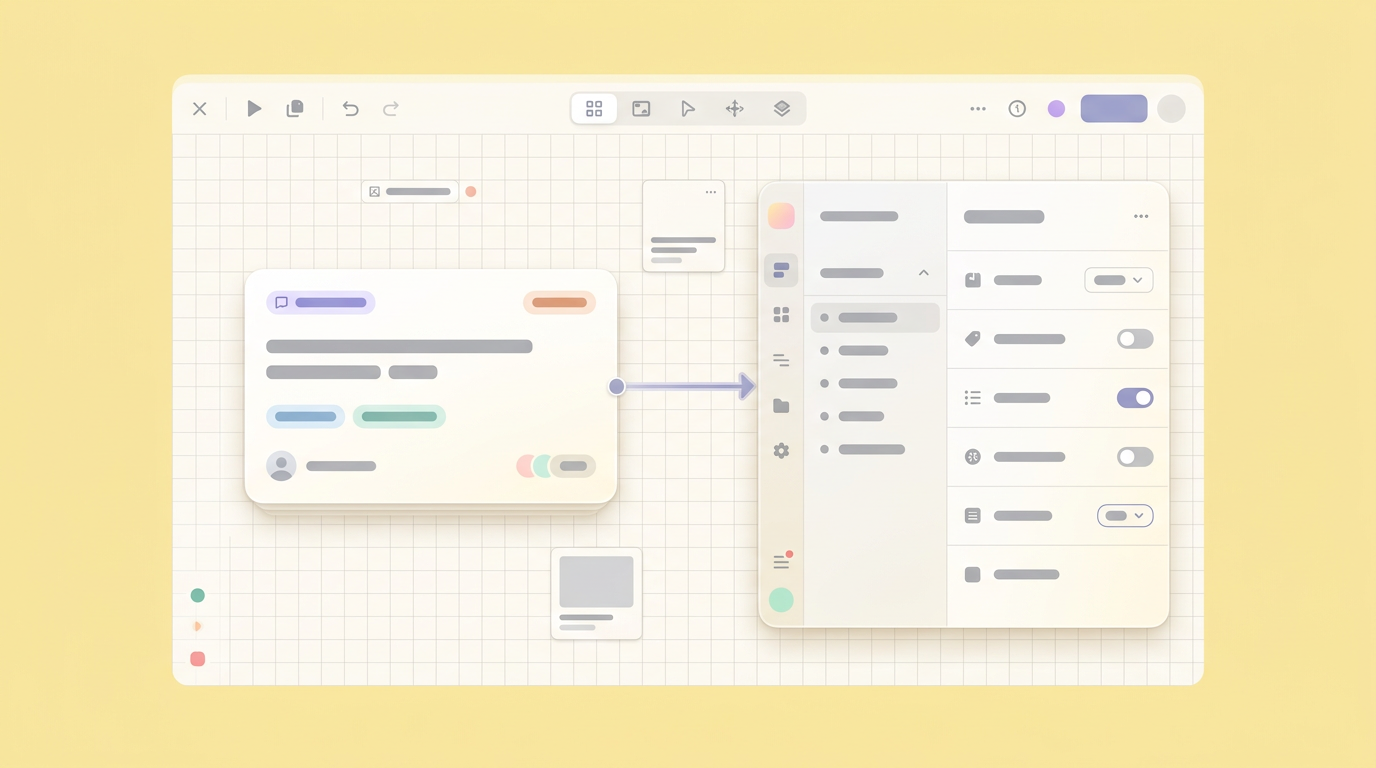
Evaluating no-code prototyping tools requires checking if the software creates actual interactive states rather than just linking flat images. Product teams need environments that support text input, dropdowns, and dynamic states so user testing aligns closely with how the final shipped product will actually feel.
The tooling choice dictates the quality of your user responses.
When checking potential options, verify these specific capabilities:
- Component properties that simulate real user inputs and hover states.
- Logic branches that allow users to fail or succeed at a task naturally.
- Direct export features that translate visual building blocks into technical structure for engineers.
- Shared viewing links that require zero installation for your external testing panels.
Empowering Product Teams Visually
Effective product design tools for non-designers heavily prioritize component libraries and standard web elements over generic layout tasks. This lets a product manager focus directly on user flow and functionality instead of wasting hours aligning boxes or choosing padding metrics.
By utilizing components that inherently mirror code structure, you remove ambiguity. You just arrange the items necessary for the user to complete their job. When you act as the connective tissue between planning and development, having Dazl as a workspace from ideation through hand-off ready prototypes keeps everyone aligned without writing code.
Testing Complex Logic Like Machine Learning
Prototyping machine learning features requires mocking predictive outputs and personalization rules before engineering invests time in building actual data pipelines. Product managers can simulate these intelligent experiences by pre-loading conditional interface variables into their prototypes to test user reactions to personalized context.
A frequent hurdle arises when product leaders need to validate artificial intelligence functionality. It is difficult to justify extensive backend development without proving that the user actually benefits from the predictive information displayed.
You do not need a fully trained neural network to find out if users want a recommendation sidebar. You just need a functional interface that simulates the recommendation sidebar convincingly.
Simulating Backend Model Outcomes
Engineering teams use platforms like Google Vertex AI, Databricks, or AWS SageMaker to construct real machine learning models, but product managers just need to test how users react to those models. Simulating these intelligent outputs visually allows you to validate the user experience without spinning up expensive cloud environments.
Deploying complex machine learning models takes weeks of data structuring. Your user panel only needs hours to reveal if the feature solves their problem. Mocking the exact interface response based on predefined variables keeps discovery moving swiftly.
We found that organizations often pause user testing entirely while waiting for a data science team to finalize API connections. Treating the artificial intelligence output like a standard dynamic variable within a prototype from scratch tool removes this dependency completely.
Why Analytics Tools Hold PMs Back in Discovery
Analytics platforms like Google Analytics or Amplitude measure user interaction after the product ships, but they cannot replace a tactile prototype during discovery. Effective visual development software enables you to see where a user clicks intuitively before those clicks are ever registered as historical data points.
Focusing purely on backward-looking metrics prevents teams from innovating on completely new workflows. Remove or replace with a sourced claim that matches the provided Airtable result; the current sentence is not supported by the search results.
Historical data describes past constraints. A fully functional prototype generates immediate qualitative responses about future possibilities, allowing you to synthesize reactions on the spot.
Iterating Live During Stakeholder Meetings
Live iteration during stakeholder meetings transforms a feedback request into a collaborative building session. By using visual development software for product managers, teams can adjust text, alter flows, or move components instantly while executives watch, securing immediate buy-in and eliminating weeks of asynchronous email threads.
Opening up a static document usually invites endless, untracked commentary. Modifying the interface right in the room shifts the group dynamic from destructive criticism to constructive problem-solving.
The Real-Time Validation Loop
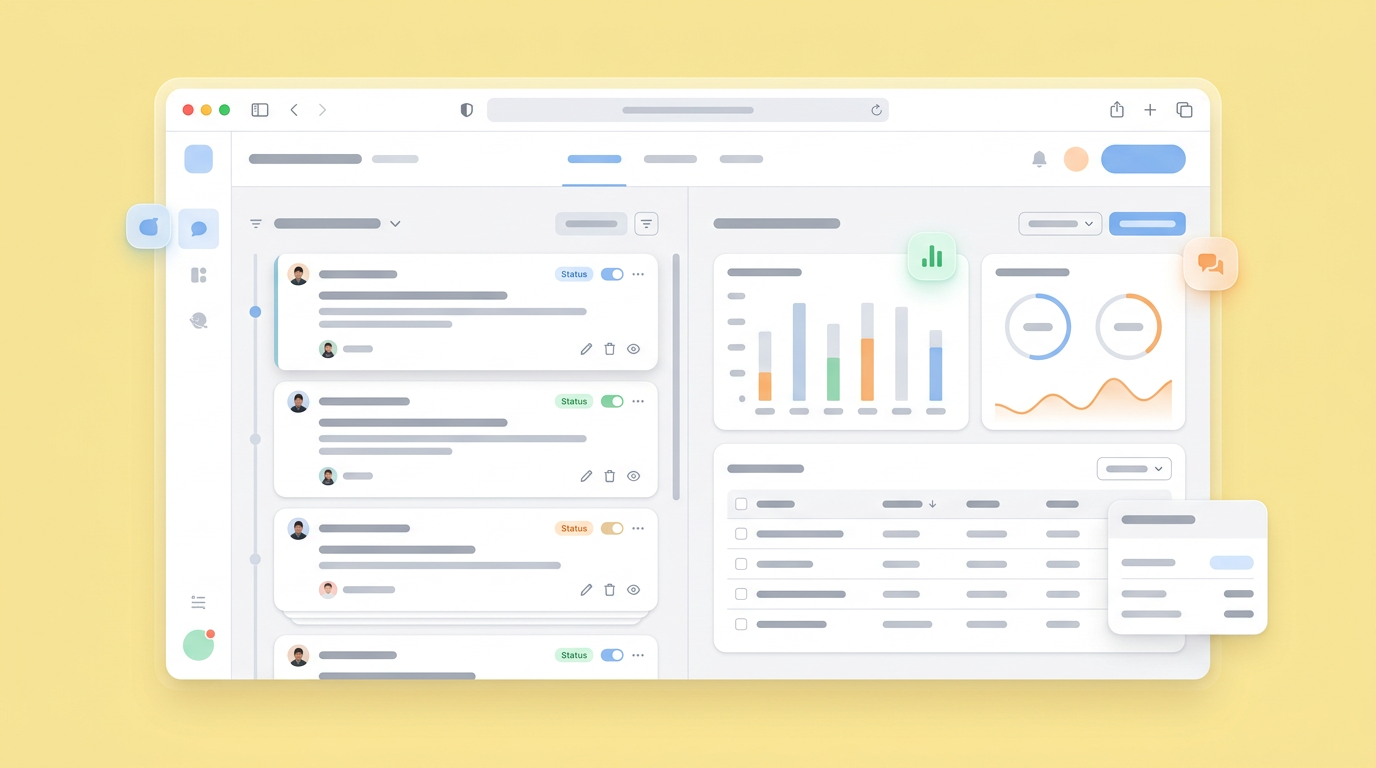
Creating a real-time feedback loop removes the friction of endless revision cycles by capturing changes exactly when they are discussed. Instead of taking notes in a static document, the product manager modifies the live interface, ensuring that executive suggestions are validated immediately within the prototype environment.
This process actively forces stakeholders to see the consequences of their requests. If a director asks for a massive new data table, building it directly into the mocked screen reveals immediately if the layout becomes too cluttered.
Remove or replace with a sourced, non-numeric claim; the provided results do not verify a Gartner study or the 80% figure. Reducing meeting counts accelerates the entire company timeline.
Connecting Visual Prototypes to Reality
Connecting requirements to reality means mapping every acceptance criteria directly into an interactive component. When the team relies entirely on visual models rather than abstract text specifications, developers receive clear, unambiguous targets that drastically reduce the chances of misinterpreting the initial product scope.
Translating functional concepts into technical execution is historically prone to errors. Providing engineers with a clickable environment that mirrors code structure answers architectural questions before they even ask them.
Industry insights, like those seen in various reviews of AI prototyping tools for product managers, highlight that visual continuity prevents the dreaded drift between the original idea and the shipped feature.
Taking Prototyping Out of the Waiting Room
Validating concepts ahead of the next sprint shifts product management from a responsive role to an active orchestration role. Bypassing the engineering bottleneck with interactive prototypes ensures that when bandwidth finally opens up, the team is building features that have already been proven to work.
Rethink how your team manages early validation. You do not need to pause your entire discovery phase just because the front-end engineers are committed to clearing a backlog. Deploying functional, interactive screens keeps your product vision sharp and your user testing schedules fully intact.
The standard required for a successful handover is constantly rising. Equipping yourself to generate those high-fidelity experiences independently protects your roadmap. Testing early and aggressively builds the kind of organizational confidence that speeds products to market faster than ever before.
Your team can bypass the development backlog today by starting your next visual prototype with a free Dazl account.
Get Started

