Evaluating 2026 Design Handoff Workflows
91% of developers and 92% of designers believe the handoff process could be improved (Figma, 2025). Product managers feel this friction acutely every single sprint. You spend weeks defining constraints, researching user needs, and aligning stakeholders, only for the core intent to get lost the moment a static file lands in a developer's lap. The transition from defining what an interface should look like to how it actually works is where most product cycles stall out.
When teams treat this transition as an isolated event rather than an ongoing conversation, miscommunications multiply quickly. Developers are forced to guess about interaction states, edge cases, and error handling. We have noticed that comparing traditional handoff mechanisms with modern, interactive alignment workflows reveals a clear path forward for product teams looking to close the gap between ideas and production code.
What Exactly is a Design Handoff in 2026?
A design handoff is the critical transition phase where product design assets, specifications, and interaction logic are transferred to engineering teams for final code implementation. The modern goal focuses on creating shared understanding rather than just passing flat files back and forth.
Historically, this transition point felt like throwing work over a brick wall. Designers would finish their screens, export a series of redlined mockups, and hand them to developers alongside a massive, static specification document. This approach consistently failed because flat screens cannot explain motion, conditional logic, or variable states. In our research evaluating various agile workflows, we found that teams still operating this way suffer from bloated feedback cycles.
Today, continuous collaboration replaces isolated transfer moments. The best design handoff best practices require engineers to be involved during the ideation phase, ensuring technical constraints are mapped out before a single pixel is finalized. When teams adopt this mindset, the literal handoff becomes a formality rather than a high-stakes reveal.
The Traditional vs. Modern Approach
Traditional handoffs rely heavily on static screens and exhaustive, detached documentation, leading to high error rates. Modern handoffs use automated syncing and shared workspaces where developers inspect live components instead of guessing how a specific visual state operates.
The core difference between these two approaches lies in the medium itself. As highlighted in a breakdown of manual versus automated workflows, manual processes force developers to visually translate shapes into code from scratch. Automated systems link design variables directly to code repositories. When a primary button color updates in the design environment, developers see that variable shift in their own workspace immediately.
You can clearly spot a traditional setup when meetings are dominated by engineers asking how a dropdown should behave when it hits the edge of a screen. Modern setups handle these mechanics automatically, freeing the team up to discuss actual product strategy instead of basic UI interactions.
The Shifting Role of the Product Manager
Product managers now facilitate continuous, interactive alignment rather than acting as a simple messenger between isolated design and development silos. By bringing interactive prototypes to the table early, teams validate core assumptions long before the final developer transition even begins.
Your job as a product manager is no longer writing exhaustively long tickets to cover up missing design context. Instead, the focus moves to curating the environment where both disciplines collaborate. This is a massive shift from checking boxes to driving mutual understanding across technical boundaries.
Manual Mockups vs. Interactive Prototyping Workflows
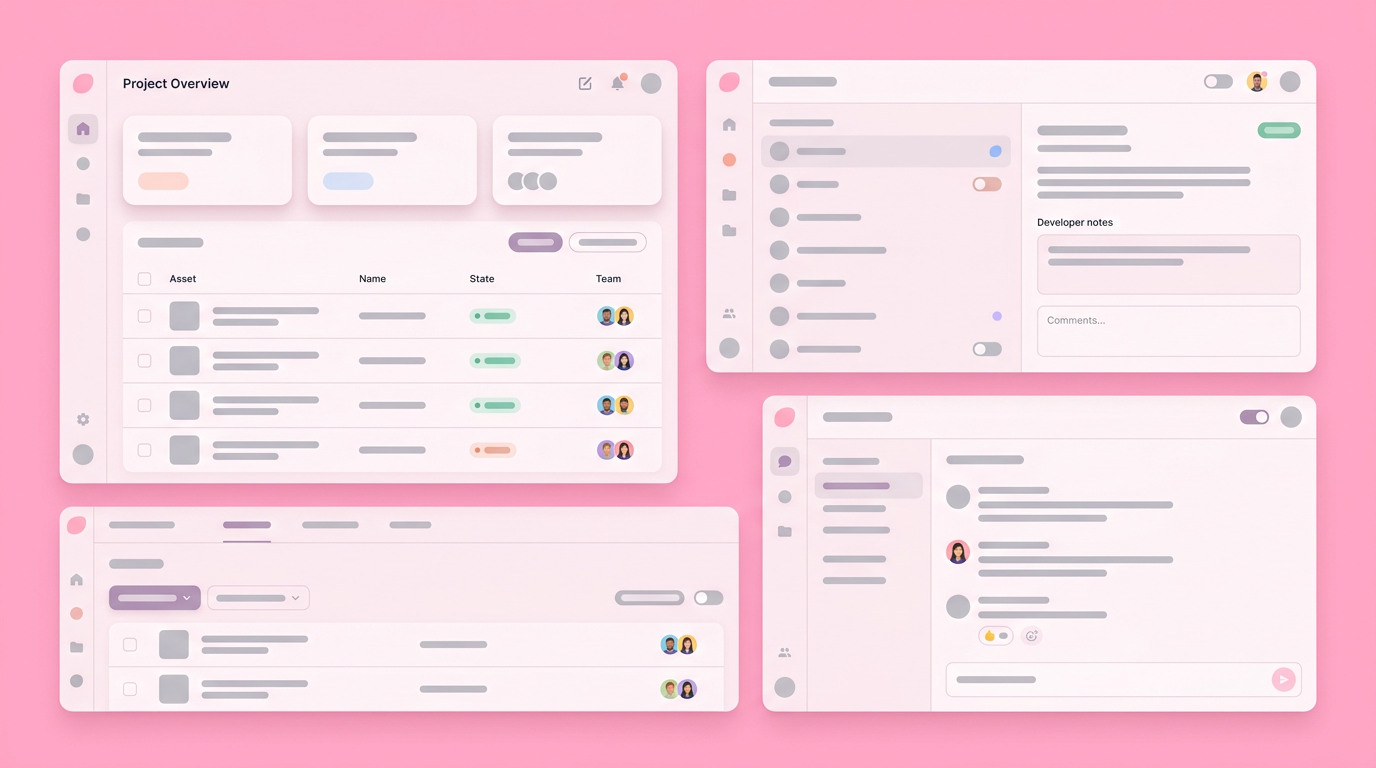
Static visual files force developers to guess how transitions and conditional logic should function in the real world. Interactive prototyping workflows provide an actual clickable model, vastly reducing misinterpretation and slashing feedback cycle times during the shipping phase.
A major element of an effective design handoff is ensuring the engineering team actually experiences the product before they build it. Static files completely fail to communicate how an interface responds to human touch. When developers only see the "happy path" drawn neatly on an artboard, they are forced to invent the error states on the fly while they are writing code.
Interactive workflows prioritize function over pixel perfection. By standardizing the design to development handoff around a clickable prototype, everyone agrees on the intended interaction model up front. If something feels awkward to use, the team catches it during the prototyping phase instead of after the pull request is merged.
The Cost of Differing Assumptions
When designers and developers operate on entirely different assumptions, products ship with obvious bugs and compromised user experiences. Collaborative tools help bridge this persistent gap by establishing a clear, experiential single source of truth for all stakeholders.
The friction is measurable and massive in scale. Through my own experience observing various sprint retrospectives, I've noted that such differing assumptions often lead to preventable delays. You can prevent this by changing the artifacts you review during sprint planning from static boards to functioning micro-apps.
UX Playbook's Christopher Nguyen shares a highly effective workflow for avoiding this trap. His strategy involves bringing the product team in early, exploring rough ideas together, refining the visuals collaboratively, and sharing clickable experiences for immediate reactions. When the prototype does the talking, differing assumptions evaporate rapidly.
AI Flows and Machine Experience (MX)
In 2026, Machine Experience design requires handing off dynamic, AI-generated variations rather than fixed, unyielding target screens. Teams must utilize fluid, intelligent prototypes that successfully demonstrate how interfaces adapt to entirely unpredictable user prompts.
The shift toward AI interfaces means static mockups are even less helpful now than they were five years ago. You cannot draw a fixed screen for a UI that generates itself based on what the user types. The design to development handoff process has to account for variance and intent, requiring engineers to understand the logic parameters rather than exact pixel placement.
Product management educator Tal Raviv frequently explores how AI subagents integrate directly into product design meetings. When you hand off a design that involves AI, you are handing off a set of behavioral rules and guardrails, a layout grid. Prototyping these exact AI behaviors minimizes the shock engineers feel when asked to build non-deterministic features.
Async Documentation vs. Real-Time Collaboration
Heavy asynchronous documentation often becomes quickly outdated and entirely ignored by busy engineering teams. Real-time collaborative sessions combined with interactive specifications ensure teams surface critical technical constraints while the core design concepts remain malleable.
We have seen countless product requirements documents abandoned in corporate wikis because they became detached from the actual design files. This disconnect forces your engineering team to choose between trusting an outdated text document or following a design that might not reflect current business logic. In my career, I've personally observed teams struggle immensely with this. Beyond mockups and static files, true alignment happens when the documentation lives directly inside the asset being built.
When context is baked into the prototype, designers do not have to write separate explanation paragraphs for every single visual element. Developers can simply click the component, read the contextual technical notes embedded within, and immediately understand both the visual intent and the logical requirement.
Building Shared Understanding Early
Creating cross-discipline alignment early in the product lifecycle completely prevents expensive rework and frustration during the final coding phase. Cross-functional teams that collaborate continuously report significantly faster shipping times and deeper mutual respect across roles.
Collaboration is a soft skill; it is functionally tied to retention and output quality.
When you involve an engineer in early wireframe reviews, they flag architectural hurdles weeks before anyone writes a single line of backend logic. This shared ownership model transitions the engineering mindset from "I am building what I was told" to "we are building a solution we agreed on together."
Developing an Effective Handoff Checklist for Designers
A thorough handoff checklist ensures no technical or logical loose ends remain hidden before focused coding officially begins. Standard items include cleaning up layer structures, linking interactive prototypes, mapping complex edge cases, and providing localized component guidelines.
Establishing a handoff checklist for designers prevents standard errors from slipping onto the sprint board. The list should reflect a mutual agreement between design and engineering about what constitutes a "ready" project state. In our own internal team practices, we ensure these checklists are public and repeatable.
To maintain momentum, consider these essential checklist categories:
- Asset Cleanup: Removing all unused explorations and ensuring naming conventions perfectly map to the codebase repository.
- Edge Case Mapping: Documenting zero states, loading spinners, network error states, and extremely long text wrapping behaviors.
- Contextual Notes: Adding direct comments pointing out specific micro-interactions, spring animations, or unique accessibility requirements.
- Responsive Guidelines: Explicitly demonstrating how the layout reflows across mobile, tablet, and ultra-wide monitor views.
- Interactive Prototype Links: Ensuring all elements within the design file are linked to a functional, interactive prototype.
- Accessibility Annotations: Highlighting specific requirements for screen readers, keyboard navigation, and color contrast.
- Interactive Prototype Links: Ensuring all elements within the design file are linked to a functional, interactive prototype.
- Accessibility Annotations: Highlighting specific requirements for screen readers, keyboard navigation, and color contrast.
Navigating the 5 Stages of the Design Process
The five standard stages of the design process are empathize, define, ideate, prototype, and test. Workflow friction typically occurs right between the prototype and test phases when technical realities directly clash with visual concepts.
Understanding where the handoff actually sits in the broader product lifecycle is critical. Most teams think of the handoff as a distinct sixth step, but it truly overlaps directly with prototyping and testing. When a design handoff fails, it usually indicates that the prototyping phase lacked enough technical realism to qualify for actual testing.
Some industrial frameworks refer to seven specific steps (incorporating research and implementation distinctively), but the outcome is the same. The design handoff process acts as the bridge separating theoretical design from hard technical implementation, and it only holds weight if all previous phases included engineering input.
Applying the 70 30 Rule in Design
The 70 30 rule in product design suggests spending 70 percent of your effort thoroughly defining the right problem and only 30 percent executing the finalized solution. Proper upfront problem validation makes the downstream developer transition nearly effortless and transparent.
When you spend the majority of your time defining the core user constraints, the design phase becomes a targeted exercise rather than a widespread guessing game. Developers appreciate this focus because it results in highly purposeful interfaces. A well-defined problem space directly reduces the number of components needed, which in turn reduces the complexity of what needs to be handed over.
When creative teams ignore this rule, they often find themselves tangled in operational overhead. Currently, 57 percent of creative teams spend more than a quarter of their total work time simply managing files and compliance issues instead of focusing on creative output, according to recent industry data.
Exploring Design Handoff Tools
Modern handoff tools intelligently bridge the formatting gap separating visual layouts from actual production-ready code blocks. The best platforms allow developers to visually inspect CSS spacing, copy specific color variables, and quickly understand interaction logic without ever leaving the shared team workspace.
You cannot run an effective handoff using generic file sharing services or disorganized folders. You need specialized design handoff tools that extract the necessary metadata from visual shapes automatically. According to technical software integration guidelines, staying true to the original design vision requires tools that output clean, standardized technical tokens.
Prominent product growth expert Aakash Gupta recently observed that modern AI prototyping has entirely altered the PM workflow, noting that true interactive platforms are precisely "what AI prototyping was missing." The shift is moving away from purely visual platforms and toward logical, state-based systems where the output closely mirrors the final coded framework.
Shaping the 2026 Product Reality
The future of product handoffs shifts the organizational focus entirely away from distinct transfer moments and directly toward continuous, structured team building. Creating shareable, highly interactive prototypes ensures everyone remains strictly aligned from the very first brainstorm session all the way to the final deployment.
When product managers actively shape an environment where designers and developers continuously collaborate, the friction of the old handoff model completely disappears. The focus can safely return to user outcomes rather than arguing over misaligned margin padding.
By equipping your team with workflows that treat prototypes as shared, functional realities, you completely outgrow the outdated concept of dropping static files over a metaphorical wall.
You can modernize your team’s transition from vision to code by joining Dazl to build a more collaborative handoff process.
Get Started

