Beyond Mockups: Agile Handoffs in 2026
A feature design gets approved on Tuesday, but by Thursday morning, the engineering team has already flagged three missing edge cases and a broken structural layout. This friction happens regularly when teams treat the end of a design phase as a rigid dividing wall rather than a collaborative bridge.
Moving beyond this frustrating pattern requires a complete shift in how product managers approach their asset delivery workflows. Effective design handoff tools for agile teams change this dynamic entirely by placing everyone in the same context from the very beginning. Our focus here is on the exact steps product managers and designers take to turn brilliant concepts into production-ready reality.
The Reality of Moving from Design to Code
Moving concepts into development requires significantly more effort than simply sharing a file link in a Slack channel. They struggle to effectively translate visual intent into functional code within tight sprint deadlines. This friction demands specific documentation practices, continuous stakeholder alignment, and the integration of highly collaborative toolsets:
- Establish Shared Language Early: Align on terminology and scope from the beginning.
- Choose Collaborative Workspaces: Utilize platforms that support both visual and technical inspection.
- Shift to Interactive Prototypes: Move beyond static mockups to demonstrate complex behaviors.
- Standardize Final Delivery: Create repeatable, meticulously documented protocols.
The Figma Research Team points out in their recent design statistics report that great design relies entirely on constant collaboration between designers, developers, and stakeholders. While specialized workspaces have adapted to modern needs, cross-functional groups still face massive administrative hurdles right where the visual layout meets the actual codebase.
Why the Over-the-Wall Approach Fails
Handing over static files without adequate technical context creates instant bottlenecks for engineering teams. Developers cannot guess hover states, loading skeletons, or specific error handlers from a single flattened imagery file. This severe lack of interactive detail forces endless rounds of clarification, completely derailing agile sprint timelines.
Angus Ewing, a recognized design systems expert, notes that traditional Agile methodologies were built primarily for shipping features to end users. Design systems behave entirely differently, which is precisely where product teams tend to get permanently stuck. Teams often falsely assume that visual completeness equals technical readiness. We consistently see this painful mismatch when product specifications focus strictly on the happy path, leaving the edge cases completely undefined.
The Hidden Costs of Poor Alignment
Vague delivery processes drain vital resources through repetitive clarification cycles and mounting technical debt down the road. Designers step away thinking their job is completely finished, only to spend the next two weeks answering basic structural questions. This constant context switching leads directly to delayed product releases and frustrated team members.
This highly frequent contact requires sturdy organizational structures to prevent constant daily interruptions across the team.
Step 1: Establish Shared Language Early in the Sprint
Early alignment prevents late-stage structural miscommunications between vastly different technical disciplines. Bringing engineering leads into the initial concept sketching phase helps identify difficult technical constraints long before finalizing graphical assets. Building this shared vocabulary ensures everyone understands the exact scope of the proposed feature.
The absolute best toolsets fail completely if the people using them do not speak the identical language. Component naming conventions must match exactly between the visual layer and the code repository. Here are some key areas for shared language:
- Component Naming: Ensure designers and developers use the same terms (e.g., "Primary Actions Card" vs. "Submit Button Container").
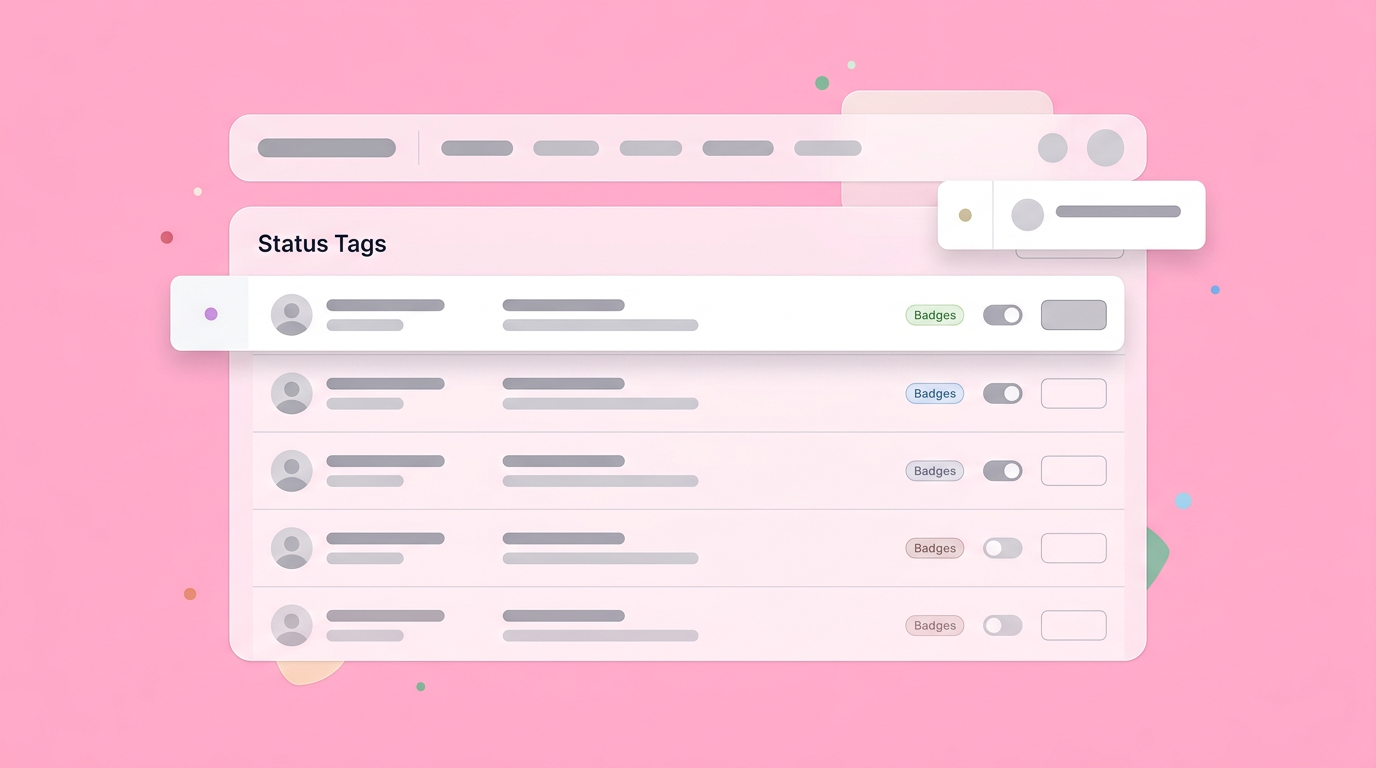
- Status Tags: Agree on clear tags like "Ready for Dev."
- Technical Terms: Standardize vocabulary for technical constraints and solutions.
Bringing Developers into the Ideation Phase
Inviting developers to initial concept reviews grounds highly ambitious product ideas in actual technical reality. Engineering input heavily shapes the desired user experience by highlighting core system limitations and proposing practical structural alternatives.
This early inclusion creates a genuine sense of shared project ownership over the final solution.
Product managers often instinctively try to shield developers from early messy ideas to protect sprint capacity. This instinct actually hurts the final output and slows down overall momentum.
When technical leads review early lo-fi prototypes, they catch structural impossibilities before designers spend precious hours polishing them.
Validating Before Building
Testing core visual interactions before committing any hard code significantly reduces wasted engineering hours. Creating quick click-through models allows product managers to verify user flows directly with real customers. This upfront software validation process ensures the development team only builds exactly what users actually need. Key validation activities include:
- Click-through models: For verifying user flows.
- Lo-fi prototypes: To catch structural impossibilities early.
- User testing: To confirm the development team builds what users need.
Getting workflow validation right acts as a massive operational efficiency driver for agile teams. You can learn exactly how to validate a product idea quickly to save these precious sprint hours while maintaining high product quality.
Step 2: Choose Collaborative Workspaces Over Silos
Selecting modern platforms that support both visual exploration and technical inspection bridges the traditional discipline gap effortlessly. The right environment allows designers to iterate freely while simultaneously providing developers with precise styling metrics. Centralizing this heavy technical work eliminates costly version control nightmares altogether.
Software teams operate best when they share a single reliable source of truth for all documentation. The rapid rise of inspection applications has given engineers dedicated spaces to review files without fear of altering the core visuals. It takes very careful evaluation to find the right design collaboration tools for your specific sprint cadence and team size.
Organizing Files for Easy Navigation
Logical file structures help developers naturally find exactly what they need without constantly asking for directions. Utilizing clear page naming conventions, distinct status tags, and separate spaces for exploration versus finalized structures removes daily project friction. Good visual organization directly translates to significantly faster feature delivery.
We found that utilizing a highly visible "Ready for Dev" tag works wonders for cross-functional sanity. Designers should always maintain a messy playground page for open ideation and a strictly governed page for final technical specifications. This clear division of spaces tells the complex engineering team precisely where to look.
Leveraging Specialized Environments
Integrating dedicated technical viewports within core design applications provides exact measurements and ready-to-use structural code snippets. These specialized software modes effortlessly extract spacing rules, typography guides, and color variables directly from the canvas. This exact precision removes all annoying guesswork from the initial structural layout coding phase.
Modern toolsets in 2026 often include strict automation rules that export graphical assets straight to project source control. Selecting specific systems like Anima or Figma to Azure can further optimize agile backlogs for specialized teams.
Step 3: Shift from Static Mockups to Interactive Prototypes
Moving rapidly beyond flat graphical imagery allows product teams to communicate complex behavioral logic highly accurately. Interactive structural models demonstrate transition timings, hover states, and conditional rendering in a way static screens never could. Showing the intended interactive experience directly replaces pages of tedious typed documentation.
The modern product manager's workspace has to handle significantly more than simple box wireframing. Product growth expert Aakash Gupta recently noted a massive industry gap, observing that while many PMs try using varied AI tools, very few products deliver true functional prototypes. This massive disconnect explains exactly why specialized interactive workspaces matter so much.
Showing the Flow Rather Than Telling
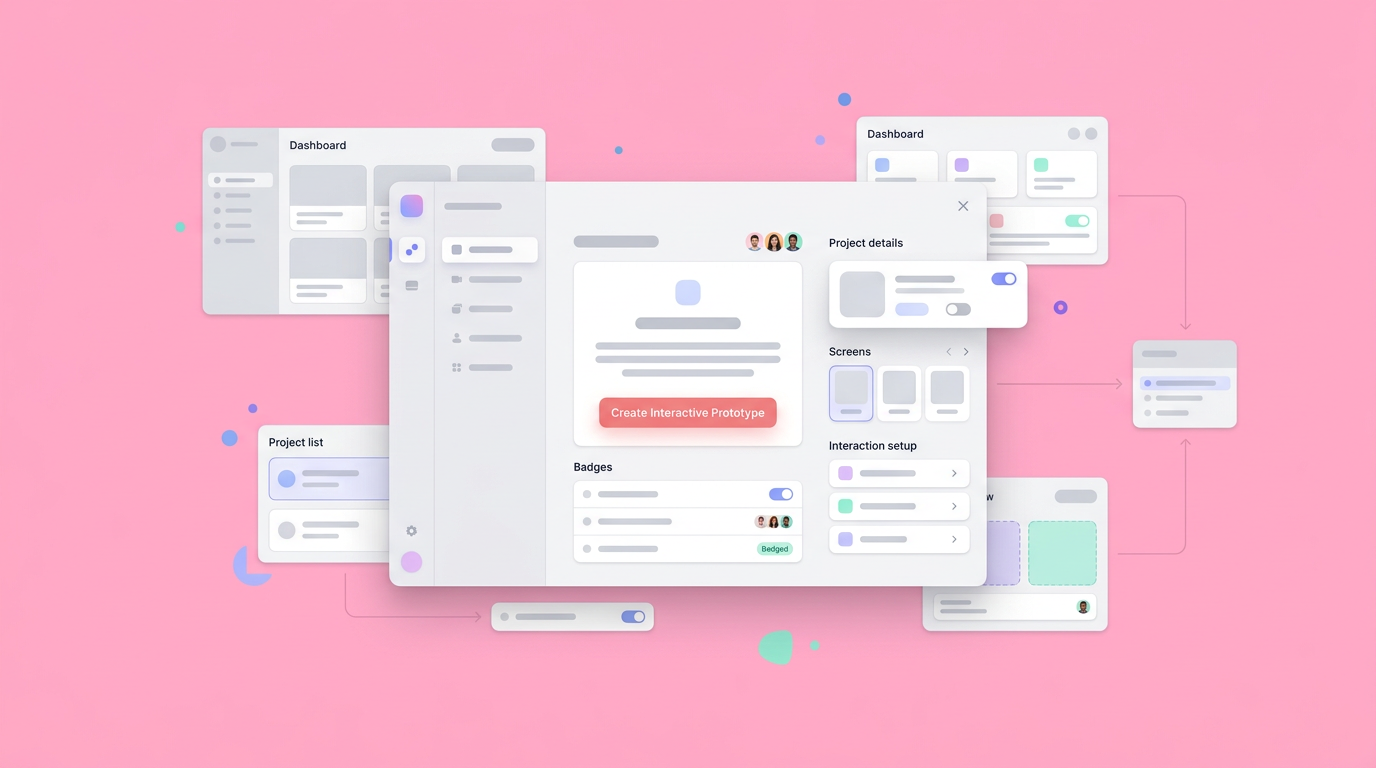
Demonstrating core user pathways through fully clickable models completely removes ambiguity for the busy development team. Seeing exactly how a modal animates or precisely how a server error state triggers provides immediate project clarity. This visual communication method dramatically speeds up the comprehension of complex business logic.
UX leader Christopher Nguyen strongly advocates for a highly visual, continuous communication workflow. He typically suggests bringing the entire product team in early, exploring diverse interface ideas openly, refining specific interactions, and then sharing the visual results for immediate reactions. This loop relies entirely on bringing abstract software concepts to life visually.
Keeping the Whole Team Aligned
Utilizing highly collaborative prototyping platforms directly acts as a central hub for all crucial stakeholder conversations. Project managers, visual designers, and system engineers can effortlessly place comments directly onto specific user interface elements. This deeply contextual feedback loop prevents critical architectural decisions from getting lost in disconnected chat channels.
The prominent PM educator Tal Raviv frequently highlights how bringing specialized tools and specific intelligent subagents into meetings heavily speeds up iteration. Built originally by Wix co-founder Nadav Abrahami, Dazl serves as the modern PM's designated teammate for this exact collaborative purpose. It readily handles everything from very early ideation all the way to generating an interactive prototype, keeping everyone completely mathematically aligned.
Step 4: Standardize the Final Delivery Process
Creating a highly repeatable, meticulously documented delivery protocol ensures no critical product details slip through the cracks. A formal review checklist guarantees that core assets, component metrics, and behavior logs are fully documented before a ticket moves forward. Standardization brings highly necessary predictability to the entire agile development cycle.
Every strong agile sprint desperately needs a very clear definition of functional readiness. When designers and back-end developers agree entirely on a specific checklist, the endless back-and-forth messaging finally stops. Establishing highly predictable software development environments ensures the routine administrative details handle themselves automatically.
Creating the Pre-Development Checklist
Documenting strict requirements for responsive browser behaviors, core accessibility standards, and empty data states actively protects the development timeline. Teams must carefully verify that all text styles match the established design system perfectly before coding begins. Checking these exact details systematically prevents highly unexpected architectural blockers mid-sprint.
A truly solid checklist always includes edge cases, server error states, and network loading states. Ensure your team carefully documents all responsive grid behaviors and specific component visual constraints. These relatively small project details often dictate the absolute difference between a strictly stalled sprint and a highly successful feature deploy.
Setting Up Continuous Feedback Loops
Maintaining highly open communication channels post-delivery allows teams to handle completely unforeseen technical realities gracefully. Scheduling very brief alignment syncs during the intense build phase heavily helps resolve implementation coding questions quickly. This ongoing team partnership consistently produces a much higher quality final product interface for users.
Modern agile trends heavily emphasize outcome-driven, real-time collaboration across all major departments. The ultimate goal is maintaining a living partnership throughout the entire sprint, rather than settling for a single isolated transaction.
Moving Forward with Collaborative Build Cycles
Transitioning safely away from rigid delivery gates toward continuous collaborative building creates noticeably stronger product teams. By integrating rich visual communication, early technical specification validation, and highly modern workspaces, agile sprints become significantly more predictable. This fully integrated operational approach ultimately massively speeds up the essential path to production.
The frustrating era of tossing unorganized files over a proverbial departmental fence has officially ended in the tech industry. Today, professional success requires safely maintaining a tight feedback loop from the very first concept sketch all the way to the final interactive structural model. The absolute most effective product managers deeply treat their software stack as an active participant in this constant loop.
After deploying these systematic team changes, we found that utilizing a dedicated workspace platform like Dazl allows groups to maintain momentum completely effortlessly. When your workspace natively supports the complex journey from raw concepts to highly functional, shareable prototypes, technical translation simply becomes a minor administrative detail rather than a complete sprint blocker.
You can help your team improve technical alignment and streamline agile workflows by choosing Dazl as your specialized collaborative workspace.
Get Started

