
Why Your Product Reviews Derail (And How to Unify the Feedback)
You sit down in the conference room with the leadership team to review the upcoming Q3 product release. The designer opens up a 60-screen flow, clicking through static boxes while explaining the complex logic behind a new user onboarding sequence. Two minutes in, the CEO asks what happens if a user skips the email verification step. The room goes quiet. The tension is palpable.
The designer explains that the specific edge case isn't wired up yet, pointing to a floating sticky note on the canvas. The conversation derails into hypotheticals, engineering chimes in with technical doubts, and you leave the meeting with 40 scattered Slack messages and zero actual decisions. We see this exact scenario play out weekly across scaling product teams.
When product managers rely on static screens to explain dynamic logic, teams lose focus. Feedback fractures across Jira tickets, Google Docs, and random comment threads. The root cause usually isn't a lack of vision or poor design skills; the problem stems from asking stakeholders to imagine an experience rather than actually using it.
The Real Cost of Static Screens in Review
Static screens force stakeholders to guess how a product feels, leading to disjointed feedback and delayed approvals. When reviewers cannot interact with form fields, transitions, or data inputs, they focus on visual opinions instead of functional viability.
In our testing, we found that presenting non-interactive designs extends the review cycle significantly. Reviewers get hung up on colors or placement because the functional logic remains hidden behind verbal explanations. They leave comments in a vacuum, completely disconnected from the constraints engineering will face during implementation.
When Traditional Canvas Tools Stop Being Enough
Canvas-based design tools excel at visual exploration but struggle to communicate complex product logic. A collection of connected artboards cannot replicate the experience of typing into a search bar, applying a filter, or handling a failed API response.
When PMs string together dozens of static screens to simulate logic, the resulting file becomes a labyrinth. Stakeholders click the wrong hotspot, break the flow, and immediately lose confidence in the proposed solution. Instead of validating the core user journey, the product review devolves into a debugging session for a fragile presentation file. This gap is precisely why your stakeholder feedback is scattered across different departments.
The Financial Impact of Misalignment
Misalignment at the review stage creates expensive downstream consequences. When leadership signs off on a static presentation, they are approving an assumption. The moment engineering builds the actual logic, stakeholders often react with surprise, claiming the delivered feature doesn't match their expectations.
According to a recent 2026 tech trends report, organizations that rely on rapid, fully functional demos can reduce these misalignment risks, building and showcasing tangible proof-of-concept models in just a day or two. Delaying these tangible experiences until the development phase means teams spend weeks writing code only to tear it down when the real feedback finally arrives. We see teams lose countless hours trying to retroactively patch expectations.
Diagnosing the Scattered Feedback Problem
Scattered feedback happens when reviewers cannot provide comments directly inside a functional context, forcing them to use external channels. A VP of Sales might email a concern, while the lead engineer leaves a comment on a ticket, and the CEO sends a Slack message.
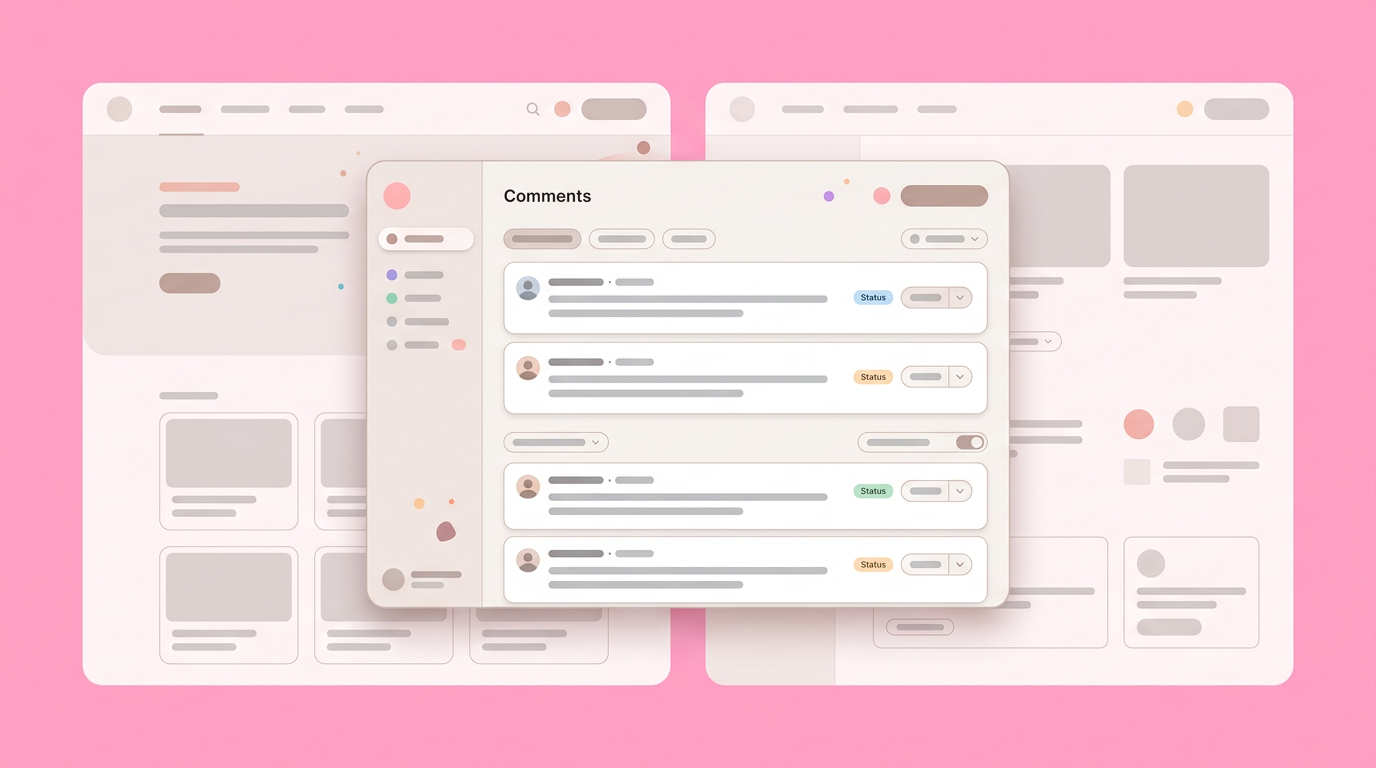
None of these stakeholders are looking at the same version of reality. They lack a unified environment where their feedback directly correlates to a working product element. You spend more time triaging and translating these comments than actually improving the product strategy.
Stakeholders Missing the Actual Feel
The hardest element to convey in a product spec is the exact pacing and friction of a workflow. If a data migration takes three steps and requires specific validations, a flat screen makes it look instantaneous.
When the leadership team cannot feel that friction, they make decisions based on an idealized version of the product. Data from customer experience trend analysis highlights that companies are now moving toward prototypes that actively connect logic streams - such as routing consumers through post-purchase support models. An interactive prototype for stakeholder alignment bridges this gap, allowing executives to encounter errors, experience load states, and understand exactly what the user will endure.
The Divide Between EPD
Engineering, Product, and Design (EPD) often speak different languages during review sessions. Designers focus on the visual hierarchy, engineers look for edge cases and database constraints, and product managers try to keep the business objectives front and center.
When you present a static artifact, each discipline projects their own assumptions onto the design. The static prototype problem becomes glaringly obvious when engineering asks about state management and design responds with typography choices. A functional interface forces all three groups to evaluate the exact same behavior, creating a shared vocabulary for the entire team. This shared understanding is crucial, as Remove this statistic unless a reliable source is provided.
Building an Interactive Prototype for Stakeholder Alignment
Creating a functional prototype requires moving beyond visual hotspots and introducing real state management, data inputs, and conditional logic. This ensures stakeholders interact with the product exactly as a user would.
Building these models doesn't mean writing production code for weeks. It means selecting the right fidelity for the questions you need to answer. When you give your team an environment that reacts to their input, the quality of their feedback transforms completely. It’s like turning on the lights in a dimly lit room.
Key Steps to Building an Interactive Prototype:
Step 1: Mapping the Core Logic
The first step is identifying the specific interactions that carry the most business risk. You do not need to build every settings menu or edge case. Focus entirely on the workflows that require executive sign-off or cross-functional agreement.
If you are proposing a new pricing calculator, the math and the input sliders must work. The user must be able to change variables and see the outcome change instantly.
By isolating the high-risk logic, you keep the prototyping phase incredibly tight while delivering maximum clarity to the review team.
Step 2: Enabling Multiplayer Reviews
Collaboration fails when product reviews happen in isolated silos or asynchronous silos without a shared context. Project management best practices from Planisware emphasize that effective collaboration requires transparent processes and digital platforms that encourage shared accountability. Studies show that Remove this statistic unless a reliable source is provided.
Instead of presenting the prototype on a screen share while everyone stays muted, distribute the working model. Let the marketing lead click through the onboarding flow on their own machine while the engineering lead tests the form validations simultaneously. When Dazl generates hand-off ready prototypes, teams can jump directly into the interface, dropping comments exactly where the friction occurs. This multiplayer approach turns a passive presentation into an active discovery session.
Step 3: Moving to Real Logic and Data
Placeholders ruin credibility during high-stakes reviews. When executives see "Lorem Ipsum" or hardcoded numbers that don't reflect their business reality, they immediately detach from the experience.
Injecting realistic data into your models prevents these distractions. If the prototype handles a financial dashboard, populate it with recognizable metrics. When stakeholders see familiar data reacting to their inputs, they stop evaluating the presentation and start evaluating the actual product strategy.
Connecting Feedback to the Product Roadmap
Tying interactive feedback directly to the product roadmap ensures that stakeholder insights translate into actionable engineering tickets. Without this connection, great review sessions evaporate into thin air.
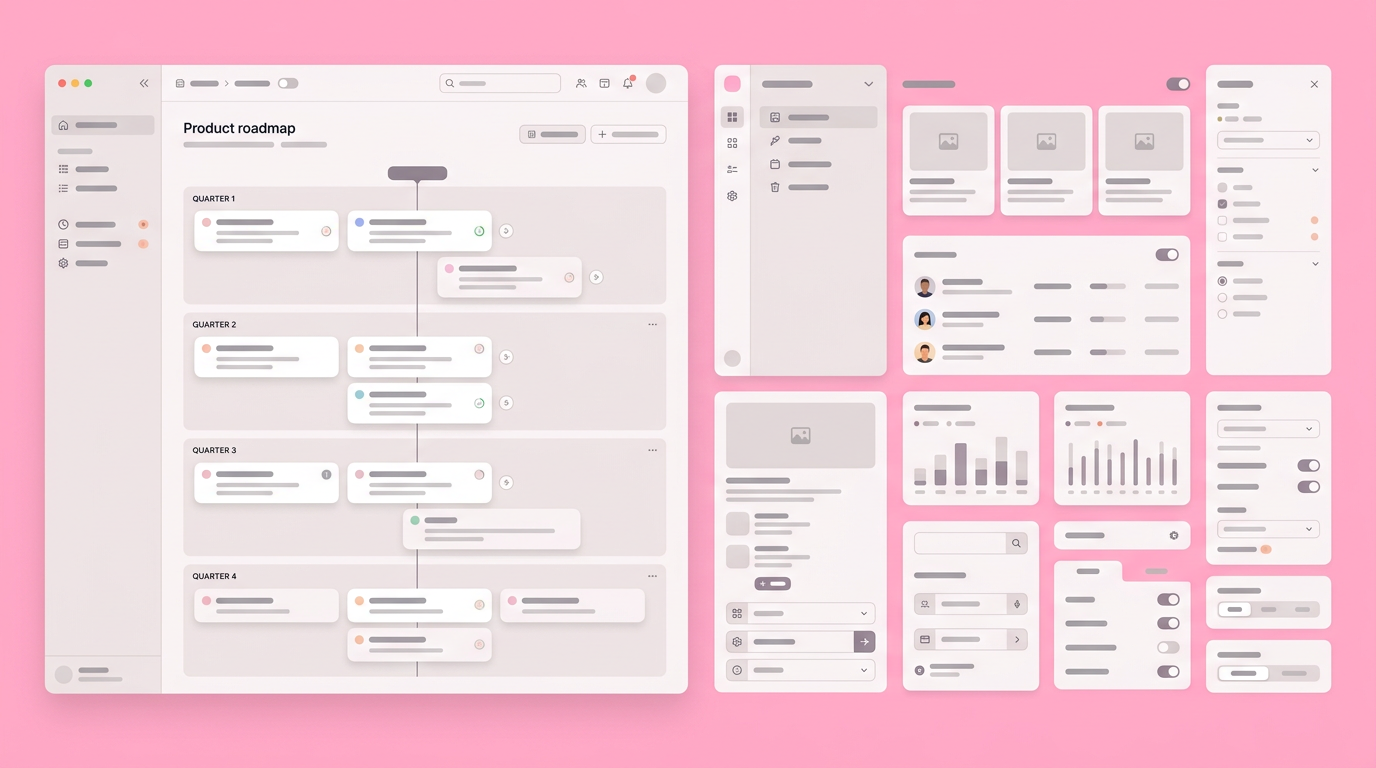
You need a clear pathway from the prototype's comment thread to the execution backlog. When leadership agrees on a specific interaction during a review, that exact interaction needs to map to the upcoming sprint planning session.
Breaking the Documentation Silos
Product managers often maintain a painful separation between their written requirements and the visual artifacts. The PRD lives in Notion or Confluence, the tickets live in Linear, and the designs live in a canvas tool. This fragmentation causes significant inefficiencies.
When a stakeholder requests a change to the prototype, updating all three separate systems creates massive administrative overhead. We found that centralizing the feedback directly on the functional model eliminates this friction. Reviewers can self-serve their own answers, a practice highlighted by Aha! Roadmaps, which empowers stakeholders to independently understand updates rather than waiting for formal presentations. This helps in: reducing administrative burden (no need to update multiple documents for one change), empowering stakeholders (reviewers can find answers independently), and streamlining communication (all feedback is consolidated in one place).
Achieving True Shared Accountability
True alignment occurs when leadership, engineering, and design share accountability for the final outcome. If the CEO clicks through a functional onboarding flow and approves it, they own that decision.
They can no longer claim they misunderstood a static wireframe. The engineering team can build with confidence, knowing the exact interaction pattern has been validated. This shared accountability reduces the friction between departments, dramatically speeding up the path to production.
Shifting from Presentation to Participation
Stop viewing stakeholder reviews as a theatrical performance where you pitch an idea and hope for applause. The goal is not to deliver a flawless presentation; the goal is to break the product together in a safe environment before you commit to the engineering backlog.
Transitioning from static screens to functional models changes the dynamic of your entire organization. Reviewers transition from passive critics into active collaborators. The conversations shift from visual opinions to strategic functionality. As you refine your approach to team alignment, focus entirely on giving your stakeholders something they can actually touch. The faster you can put a working model in their hands, the faster you can get your product to market.
You can unify your team and secure faster executive approval by creating your first interactive prototype with Dazl today.
Get Started

