
7 Practical Steps for Building an AI App From Concept to Prototype
Product managers and citizen creators are rapidly outpacing traditional engineers in prototyping new concepts. Learning how to build an AI app is no longer constrained to deep technical architectures; it is fundamentally a product design challenge. Managing AI logic requires shifting from rigid feature requirements to mapping fluid, probabilistic human interactions.
Define the Real Scope Before Touching a Model
Defining the scope requires isolating the exact user problem and deciding if the solution actually demands a generative model or simple logic. A clear discovery phase anchors the entire project, ensuring you outline specific guardrails and use cases before any engineering resources are committed.
In a recent industry breakdown on building applications, an independent AI educator stressed that thorough research and strict scoping form the bedrock of the process. Spending deliberate effort on this stage dictates exactly what kind of product you build, keeping the entire team aligned on the fundamental user journey.
In our testing of different discovery workflows, setting hard boundaries against "cool but useless" AI features saved teams countless hours of misdirected engineering effort.
Identifying the Target User and Workflow
Targeting the correct user involves mapping their current daily tasks and identifying precisely where an intelligent agent can reduce friction. Knowing the user prevents you from adding complex chat interfaces into workflows where a simple predictive suggestion would be far faster.
Every successful product starts with a hyper-specific audience in mind. When you document the target user, focus heavily on their existing tool stack and their tolerance for latency. A legal professional reviewing contracts expects perfect accuracy and will wait ten seconds for a deep analysis. A sales representative, however, needs millisecond-level predictive text while typing an email. Pinpointing these behavioral nuances helps product teams decide whether they need large language models or much simpler, faster categorization scripts. Incorporating these findings into a solid product spec keeps developers focused on the actual workflow.
Minimizing the Feature Creep Trap
Minimizing feature scope requires selecting just one core cognitive task to automate in your initial version, explicitly excluding secondary AI functionalities until the primary workflow proves its value to real users.
Teams frequently assume that any new platform must do everything at once. Modern software creation often suffers from scope bloat when product managers attach generative text features to every single input field. By stripping the concept down to the absolute smallest useful version, you protect your timelines and guarantee you can validate the hardest technical risks early.
Choose Between Visual Builders and Custom Code
Selecting a development approach means weighing the extreme speed of low-code platforms against the granular control of custom engineering stacks. For early validation and internal sharing, visual builders win on speed, while production-grade scaling often demands tailored server architectures.
Industry adoption of faster tooling is moving incredibly fast. A comprehensive AI app builder statistics report shows that 70% of new enterprise applications will rely on low-code or no-code solutions by the end of 2026. This signals an enormous industry shift where the foundational AI application development steps are happening visually, allowing product managers to spin up initial versions without pulling engineers away from critical infrastructure tasks.
Evaluating Technical Capabilities
Assessing technical limits involves documenting the data types you need to process and verifying whether an out-of-the-box builder supports those specific file structures or requires custom server configurations.
When drafting an AI software creation guide for your internal teams, compare platform capabilities meticulously. Some visual builders excel at connecting to popular LLM APIs for text generation but completely fail when you try to route PDF uploads through specialized optical character recognition services. If your core value proposition relies on heavy document parsing or custom vector embeddings, you might need a traditional React and Python stack to guarantee reliable data handling.
Factoring in Budget and Maintenance Timelines
Budgeting for intelligent software requires forecasting both upfront prototyping costs and the ongoing, variable API expenses associated with processing millions of user tokens in production.
Building machine learning apps carries unique continuous costs. Visual builders generally charge flat monthly enterprise fees, but custom API usage scales alongside your active users. You should model realistic projection curves covering high-usage months to avoid unexpected financial hits. Creating a sustainable baseline requires understanding that models change pricing frequently, and keeping architectures flexible ensures you can swap providers to control expenses.
Prototype the Agentic Interactions Transparently
Prototyping dynamic interactions means designing visual interfaces that account for loading states, variable responses, and probabilistic errors, ensuring users understand they are talking to a machine, not a human.
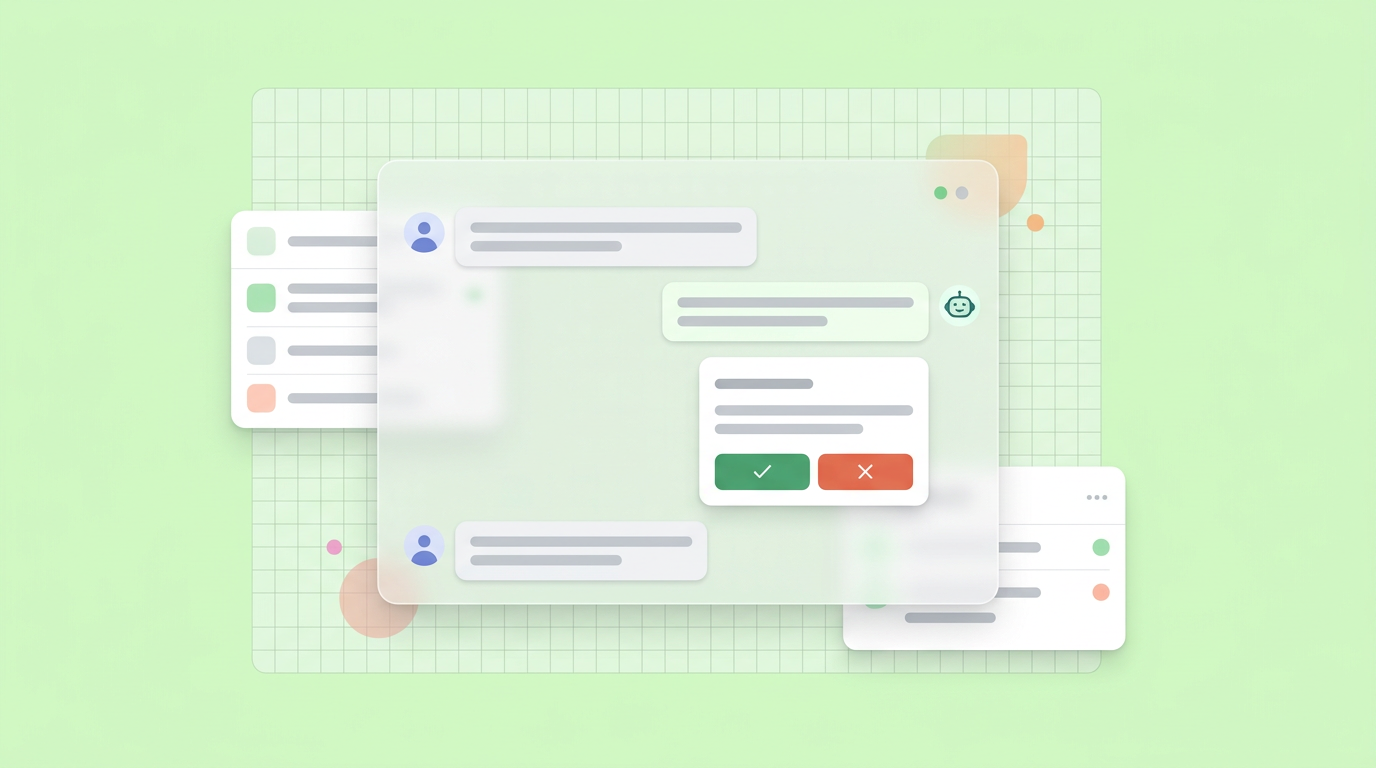
This is the exact stage where product teams hit a wall. Static mockups in traditional design tools struggle to communicate how a copilot interface behaves when it receives vague instructions. We found that teams who simulate these conversations interactively uncover critical user experience flaws long before writing the actual code. You can use Dazl to turn ideation and specs into hand-off ready prototypes, allowing teams to align on complex agent behaviors while managing issue tickets natively in Linear or Jira.
Mapping the Human-in-the-Loop Workflow
Mapping human oversight involves designing specific moments where the user must review, edit, or approve an AI-generated action before the system executes it permanently.
Agentic systems are moving beyond mere suggestions and attempting to execute actions directly. Whether an agent is booking a calendar slot or merging source code, users demand a clear visual pause to verify the intent. Structuring these human-in-the-loop checkpoints prevents catastrophic autonomous errors and builds immediate trust. A strong AI app development tutorial always highlights creating highly visible "undo" and "reject" buttons near every generative output.
Validating Probabilistic User Inputs Visually
Visual validation requires showing the user exactly how the system interpreted their prompt, breaking down complex natural language into visible tags or structured parameters before generating a final answer.
Users frequently type ambiguous requests. If your platform immediately generates an elaborate result without confirming its assumptions, frustration builds. By breaking a vague request into visible confirmed parameters - such as explicitly showing "Targeting date: next week" or "Tone: professional" - you allow the user to correct the model's interpretation early. This micro-interaction drastically reduces the need for expensive model re-runs and creates a much smoother product experience.
Integrate the Right AI Models for the Job
Proper AI model integration into apps depends on routing specific tasks to specialized models, optimizing for speed and cost instead of relying on a single massive language model for every basic function.
The ecosystem is maturing far beyond isolated chatbots. This data, echoed across multiple generative AI surveys, demonstrates an environment where choosing the correct model is a standard architectural decision rather than an experimental luxury.
Selecting Specialized Endpoints Versus Logic Checkers
Choosing specific models requires analyzing whether a feature needs complex generative reasoning or simple text categorization, matching smaller, faster endpoints to basic tasks to conserve system resources.
Large frontier models boast incredible reasoning capabilities, but they are expensive and often introduce unnecessary latency. For routing a customer support ticket or categorizing a numeric sentiment score, smaller open-source models perform the job substantially faster. Product managers should collaborate with technical leads to build routing frameworks where simple questions bypass the massive models entirely. Evaluating deep AI use cases realistically ensures you don't over-engineer simple logic problems.
Managing System Latency and Token Usage Costs
Controlling costs and latency requires caching frequent responses, truncating unnecessary conversation history, and setting hard character limits on user prompts to prevent massive API expenditure.
Latency completely destroys the illusion of intelligence. When wait times stretch beyond four seconds, user engagement drops sharply. Product teams manage this friction by introducing skeleton loaders, conversational typing animations, or partial streaming responses. Behind the scenes, aggressively managing your context windows ensures your application only sends the most relevant data back to the server, protecting both your operational budget and your user interface speed.
Refine the Output and Establish Feedback Loops
Refining agent behavior means setting strict system prompts to govern tone and implementing continuous evaluation loops where users can rate outputs to improve the application over time.
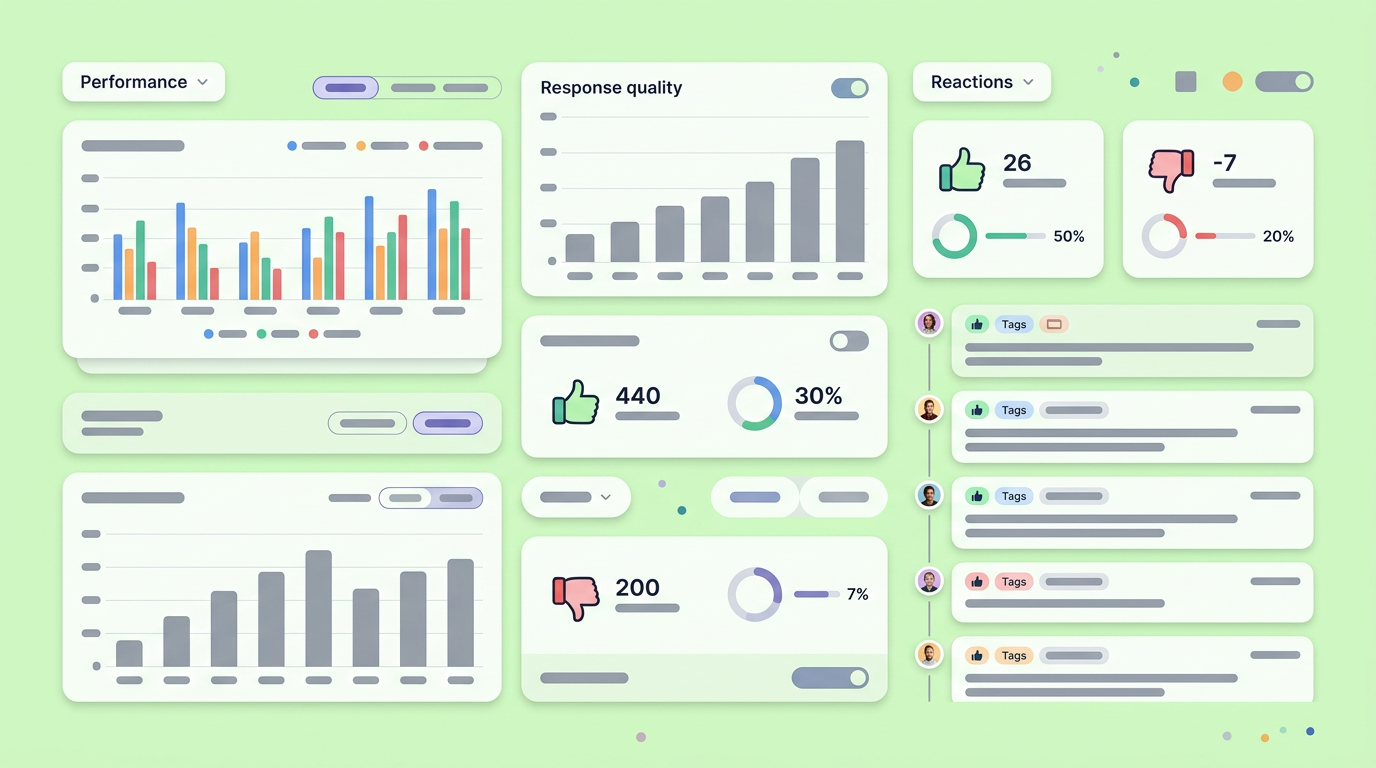
The concept of "practical vibe coding" has surfaced among citizen developers in 2026. After deploying multiple conversational interfaces, we noticed that unguided prompt refinement usually degraded the model's performance on core tasks. Real progress requires systematic constraints.
Setting Boundaries for Complex Behaviors
Setting boundaries involves drafting strict system instructions that define the persona, establish topics the agent must refuse to discuss, and dictate the exact formatting of the desired output.
An application quickly becomes dangerous if it confidently hallucinates answers outside its designated domain. As a product manager, writing the system prompt is functionally akin to writing business logic. You must define concise rules for handling offensive language, out-of-scope inquiries, and ambiguous commands. Effective boundaries force the agent to admit ignorance rather than inventing fictional data to please the user, securing the integrity of your core product.
Capturing Continuous Usability Data
Capturing usability signals requires embedding subtle rating mechanisms directly into the conversation stream, allowing users to report hallucinations or unhelpful answers without leaving their current workflow.
The initial launch is simply a baseline. Gathering explicit data points - like thumbs-up or regenerate clicks - gives your engineering team the analytics required to tweak system prompts. To ensure high response rates, the feedback mechanisms must be totally frictionless. Look for these engagement signals:
- The frequency of users deeply editing the provided output.
- The ratio of regenerated responses to accepted responses. * The points where users abandon a complex chat workflow entirely. * The frequency of copy-paste actions taken on generated text snippets.
Review, Test, and Ready the Application
Testing intelligent features demands an adversarial approach where the team actively tries to break the prompt guardrails, ensuring the platform handles edge cases securely before any external deployment.
Software quality concerns remain highly prevalent across the industry. An insightful review of developer habits highlights that while heavy majorities use coding assistants, 46% still harbor deep skepticism regarding the generated code's security. This lack of complete trust directly mirrors how users will feel about your application, making intense internal testing a non-negotiable step before pushing anything public.
Conducting Adversarial QA Testing
Adversarial testing means roleplaying as a malicious user and deliberately feeding the app conflicting instructions, code injections, or nonsense jargon to observe how gracefully the system recovers from errors.
Standard quality assurance involves checking if a button click opens a modal. AI testing requires a totally different mindset. Your QA process must actively push the boundaries of your system prompt. Teams should attempt to distract the agent, demand competitor information, or command the system to bypass its own safety mechanisms. Documenting how the model fails during these stress tests informs rapid updates to your contextual constraints.
Monitoring Output in Realistic Conditions
Monitoring real-world performance requires observing live user interactions to flag repetitive errors, slow response times, or specific prompts that consistently confuse the predictive models.
Observability tools designed for standard databases fail to capture the nuance of a generative error. You need specialized logging systems that record the exact prompt, the context window sent to the API, and the generated output. Reviewing these logs regularly with your product team uncovers hidden friction points. If users continually ask the same question and receive subpar formatting, you can immediately patch the experience by tweaking the system prompt behind the scenes.
Advancing Beyond the First Shareable Sandbox
Transitioning out of the prototyping phase requires translating qualitative feedback from early users into highly structured technical requirements for engineering teams to scale.
Once your interactive sandbox successfully validates the basic workflow, the product focus must shift immediately toward resilience. The initial deployment proves that your conceptual prompt chains work in isolation. The subsequent step involves wrapping those fragile API connections in solid enterprise architecture - monitoring rate limits, implementing user data partitioning, and ensuring zero downtime when third-party models degrade. Moving from an impressive concept to a durable product demands letting go of the perfect demo and focusing intensely on structural reliability.
You and your team can simplify this entire development process by signing up for Dazl to build your first prototype.
Get Started

