
7 Prototyping Tools Product Managers Actually Use in 2026
The Shift to Rapid Iteration in 2026
Rapid visual iteration has transformed product management, largely replacing static documentation with interactive prototypes. Product teams now validate ideas in hours using intelligent workspaces, allowing them to gather user feedback much earlier in the product development cycle. These modern prototyping platforms offer distinct advantages.
This massive gain comes primarily from reducing the manual hours spent on tedious documentation and basic coding tasks. Product leaders are spending less time writing heavy specifications and more time showing stakeholders exactly how features should look and behave natively. According to a recent analysis by Aakash Gupta, platforms in this category have redefined how non-technical leaders contribute structurally.
Expanding the Toolbelt
Modern product management wireframing software extends beyond drawing basic shapes and static lines today. Product managers now require sophisticated tools that can intelligently simulate logic, generate modular components, and maintain strict team alignment across the entire product development journey without constant oversight.
We found in our testing that the best prototyping tools for product managers drastically reduce organizational friction. They allow teams to validate features quickly without waiting on overbooked engineering resources. The transition from text-heavy specifications to functional, clickable mockups is setting a completely new standard for agile development teams worldwide.
1. AI-Driven Product Workspaces
Dazl represents a new category of intelligent workspaces designed explicitly for the entire product journey. It functions precisely as a product manager's teammate, moving fluidly from early ideation and specification writing directly into generating hand-off ready prototypes.
Product managers frequently struggle to keep external stakeholders aligned when moving from a written document to a visual layout. Dazl bridges this communication gap by maintaining core contextual knowledge across every single phase of early development. We found that teams utilizing these types of workspaces experience far fewer costly misunderstandings during the developer handoff process.
The Iteration Loop
An effective iteration loop requires collecting feedback directly on a working prototype rather than a static text document. This tactile approach minimizes dangerous assumptions and ensures that every stakeholder visualizes the exact same user experience entirely.
His documented process involves bringing the product context into the workspace, exploring multiple ideas rapidly, refining the interactions, and then sharing the prototype for immediate team reactions.
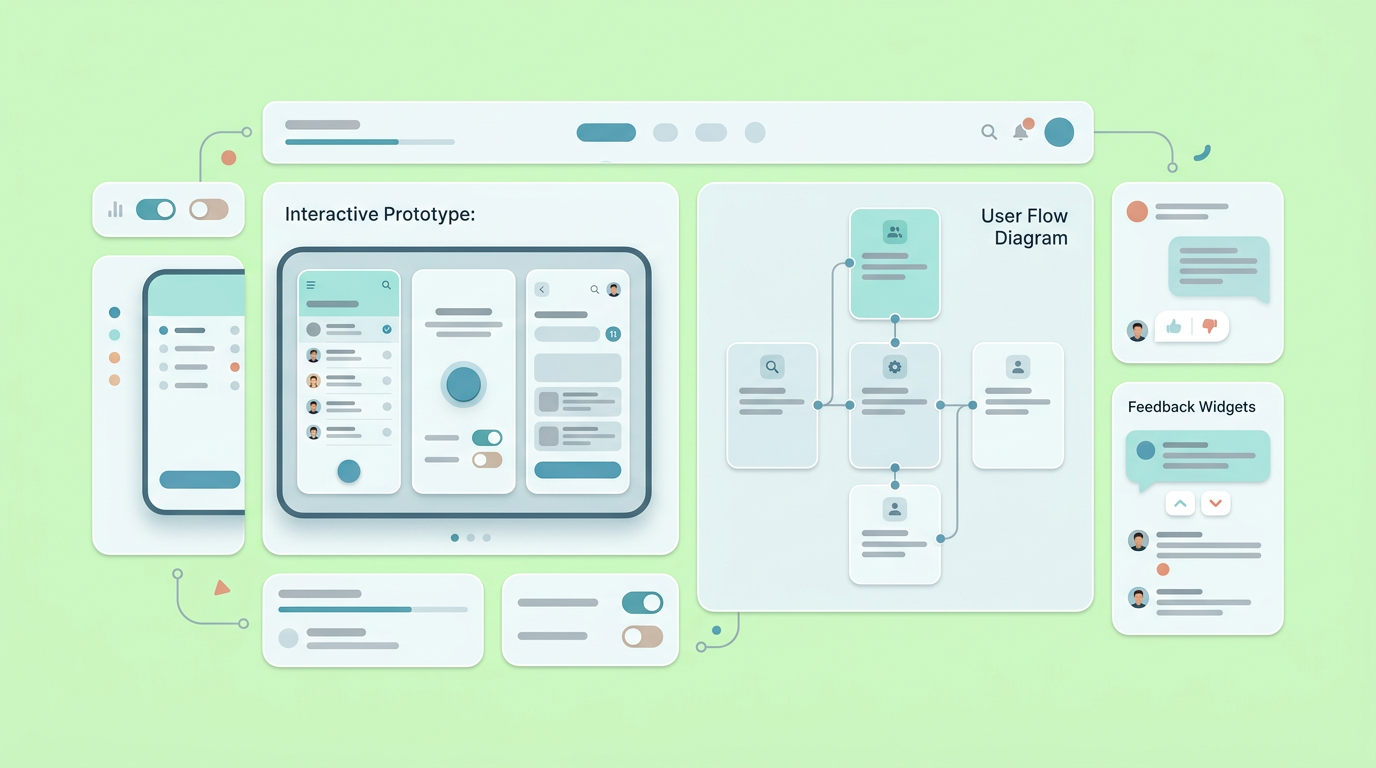
This exact methodology mirrors how modern teams prioritize interactive prototyping for product managers over lengthy specification documents that often go unread.
2. Instant UI Code Generators
Generative interface applications allow product managers to build clickable interfaces using plain text descriptions effortlessly. These platforms bypass traditional manual wireframing methods, giving agile teams functional web components almost instantly directly in the browser window.
These ui ux design tools for product managers have fundamentally altered how we approach early-stage idea validation. By turning simple text prompts into functional code instantly, they reduce the time from an initial idea to a working prototype from days or weeks to mere hours. Aakash Gupta highlights in his recent analysis of PM workflows that platforms in this exact category have redefined how non-technical leaders contribute structurally.
Accelerating Market Discovery
Fast prototyping software sharply accelerates the critical discovery of product-market fit. By putting functional interfaces in front of real users sooner, teams can fail fast safely or double down on winning concepts without requiring significant engineering investment upfront.
In our own workflows, shipping rapid component variations has proven highly effective. This extra time enables product owners to focus intently on strategic alignment rather than pushing pixels around a digital canvas manually. To see how these routines fit together, you can review How PMs Actually Use Generative AI in 2026.
3. Intent-Based Workflow Orchestrators
Intent-based orchestrators act as active workflow managers rather than passive design canvases. They handle complex, multi-step tasks autonomously, helping product managers connect very different phases of the design cycle while keeping overall logic incredibly consistent.
These intelligent systems focus heavily on understanding the overarching intent behind a specific feature request. Instead of just placing an isolated button on a page, they consider the entire user journey actively. As highlighted in a recent review of trustworthy design tools, intent-based orchestration is becoming essential for real product work.
Integrating Active Subagents
Intelligent subagents can now participate actively in product design meetings to document decisions and generate structural mockups in real time. This automated capability keeps cross-functional development teams moving forward rapidly without relying on manual note-taking continually.
Product educator Tal Raviv frequently explores how digital subagents integrate into real product strategy meetings. When the software acts as an active participant rather than a passive tool, teams iterate significantly faster. The orchestrator effectively captures raw customer feedback and maps it directly onto the updated interactive wireframes.
4. Component-Driven Production Workflows
Platforms focused on component delivery push prototypes extremely close to final production environments. They allow product development teams to skip the traditional specification cycle entirely and ship features directly utilizing interactive component logic.
Component-driven workflows compress the traditional validation cycle effectively. You can have a functional prototype that real stakeholders can use and react to within a single work block, which empowers non-technical product owners to validate fundamental project assumptions independently.
Moving Beyond Simple Sketches
While low fidelity prototyping tools product management options are excellent for early sketches, component-driven workflows ensure that the final mockup accurately resembles the shipped product. This exact match improves overall usability testing accuracy vastly from day one.
After deploying these structured component-based workflows, product teams notice a sharp decrease in developer pushback. The generated prototypes provide a tangible reference point that everyone easily understands. If your team is struggling with handoff clarity, reviewing Lo-Fi Prototypes: What to Include (And What to Skip) can quickly help clarify when exactly to increase visual fidelity.
5. High-Fidelity Interaction Simulators
High-fidelity interaction simulators specialize precisely in interactions that mimic final application code behavior flawlessly. This level of interactive realism is crucial when testing complex data inputs or intricate state animations right before actual software development begins.
A static screen often fails to communicate the subtle functional nuances of user input forms or dynamic loading states. High-fidelity interaction systems use real digital variables and conditional logic to simulate the exact user experience transparently.
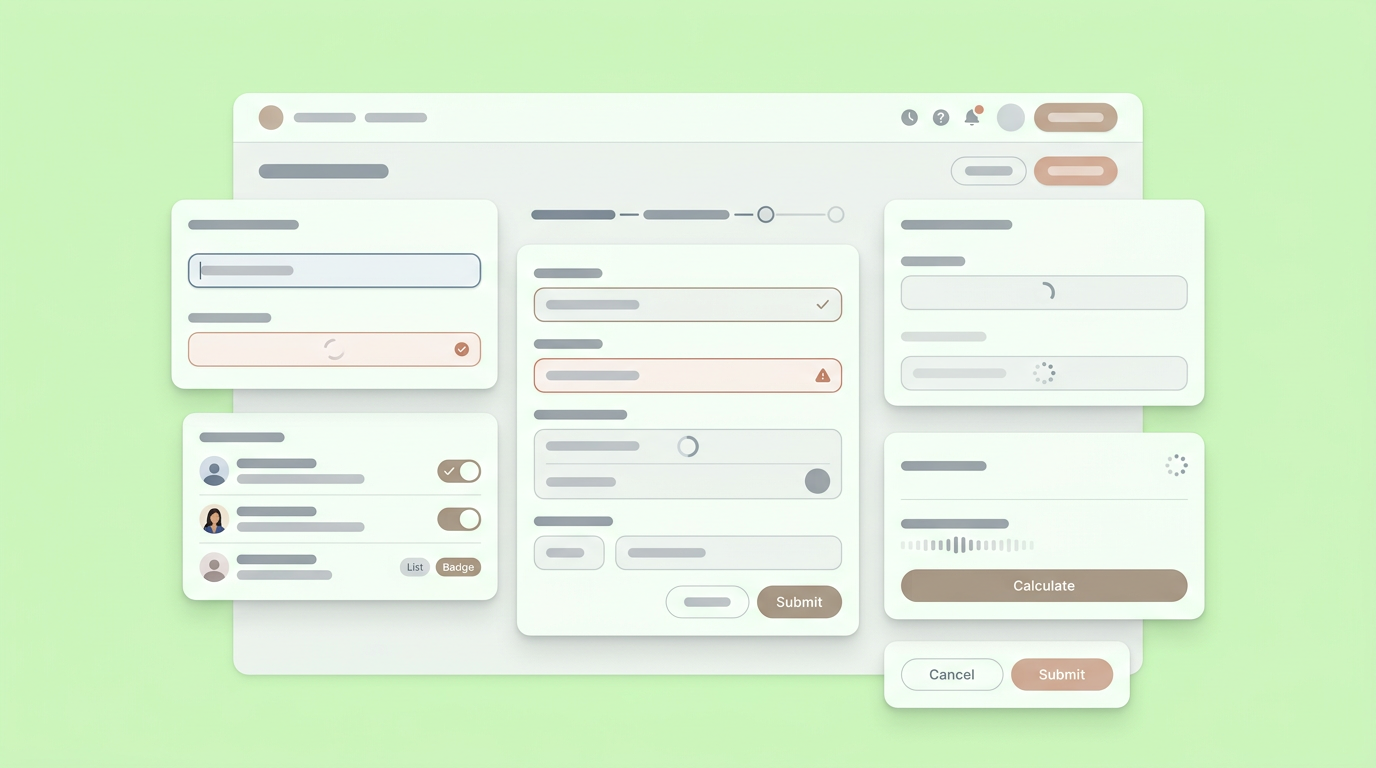
This allows product teams to conduct highly accurate asynchronous usability tests without scheduling full video interviews.
Validating Complex Logic Flow
Testing complex application logic requires specialized systems that can handle live variables and state changes effortlessly. High-fidelity dynamic mockups provide the necessary functional depth to identify tricky usability friction points before any expensive engineering resources are committed.
Product managers can confidently build clickable interfaces that react naturally to customized user keyboard inputs. We found in our internal evaluations that beta testers provide significantly better feedback when the digital prototype behaves exactly like a native coded application. This specific level of realism frequently helps secure executive buy-in for heavily resource-intensive product features.
6. Early-Stage UI Prompting Options
Generative prompt-to-UI platforms focus intensely on translating descriptive text prompts right into immediate visual layouts automatically. They serve ideally for product managers who need to visualize a vague concept quickly during early phases of market discovery.
These platforms represent a major evolution of low fidelity wireframing setups. Instead of arranging basic boxes manually on a grid, product leaders can describe a user onboarding screen naturally and receive multiple distinct variations instantly. This capability sharply reduces the barrier to entry for non-designers.
Scaling Discovery Phases
Rapid UI prompting applications easily scale the critical discovery phase by allowing parallel testing of multiple diverse concepts simultaneously. Agile teams can launch several distinct product variations to different beta user segments instantly without bottlenecks.
Generating multiple distinct options computationally helps prevent early commitment to a flawed architectural design. By utilizing prompt-based generation, product leaders can actively explore alternative user product flows without feeling overly attached to the first rough draft. The primary focus remains strictly on finding the right customer solution quickly.
7. Purpose-Built Product Companions
Specialized digital companions handle the specific structural nuances of day-to-day product leadership perfectly. They combine active user feedback synthesis directly with structural document creation, integrating tightly into the broader organizational prototyping process.
While general-purpose language models are highly flexible structurally, purpose-built companions understand the exact daily vocabulary of a busy product manager intimately. They are trained specifically to outline requirements, organize functional user stories, and structure clear feedback loops.
Synthesizing Customer Signals
Intelligent product companions automatically synthesize chaotic raw customer feedback directly into highly actionable product insights instantly. This continuous data analysis immediately informs the subsequent iterations of your shared interactive digital prototypes.
When user insights flow directly into the planning cycle, teams reduce internal guesswork massively. Specialized AI companions sort through the noise by reliably filtering out vaguely worded or contradictory feature requests. They also highlight the most frequent usability friction points across segments and connect reported bug tickets directly to newly revised mockup flows.
Implementing this tight feedback process guarantees that subsequent design updates are rooted entirely in actual customer behavior rather than internal product management opinions.
Transitioning to Smarter Prototyping Workflows
Shifting to modern interactive toolchains allows busy product teams to focus heavily on product strategy and user feedback rather than continually wrestling with static documentation alignment. Adopting the right workflow structurally accelerates validation and keeps every single stakeholder perfectly aligned.
The older methodology of waiting weeks just to see a core feature visualized is firmly behind us. As intelligent collaborative workspaces become deeply ingrained in our daily operational tasks, forward-thinking product managers are shipping confidence constantly instead of just writing lengthy technical specifications. The fastest professional route to actual production is creating a durable shared visual reality early in the design process. Ensure your internal team stays aligned from the first brainstorming idea directly to the final developer mockup by exploring how Dazl can comfortably function as your dedicated product teammate.
You and your team can simplify your workflow by joining Dazl to turn complex product documentation into functional interactive prototypes today.
Get Started

