
7 Ways AI Turns Static PDFs Into Interactive Prototypes
According to a recent report from Stanford HAI on the state of AI, enterprise AI adoption jumped to 78% of organizations last year. Product managers feel this shift directly in how they process documentation. Teams frequently receive detailed product requirements, user flows, and technical specifications locked inside dense static files.
For years, translating those static paragraphs into visual ideas meant long hours sketching wireframes. You spent days trying to visualize what stakeholders requested in writing. Today, turning a pdf to prototype ai workflow into a reality shortens that critical path. Product teams use specialized models to read complex document structures and instantly output baseline visual layouts.
These capabilities are changing daily product routines. To help contextualize this workflow, here are seven ways modern product managers extract interactive prototypes from static document files.
1. Extracting Requirements from Flattened Documents
An AI PDF to UX prototype workflow begins by extracting raw text, tables, and constraints from static files. The language model identifies user flows hidden within complex bullet points and builds an organized dataset for the primary prototyping engine. ### Key Steps in Requirement Extraction:
- Requirement Extraction: Clearly identify and pull out all functional and non-functional requirements.
- Data Structuring: Organize this raw data into a structured format that can be used for prototyping.
- Constraint Identification: Pinpoint any limitations or rules specified within the document that will impact design.
Product teams often struggle to align a written specification with visual design parameters. Dense files can easily obscure critical user touchpoints. By letting an AI system parse the file first, you get a clean summary of every actionable requirement before drawing a single box.
According to the PDF Association, the global PDF software market is projected to expand from roughly $3.14 billion last year to $6.2 billion by 2032. This growth is heavily driven by the demand to connect unstructured business documents to active workflow automation tools.
In our testing with dense specification documents, AI extraction routinely catches tiny edge cases that manual reviews overlook. This gives the product manager a comprehensive list of necessary screen states right from the start.
Structuring the Unstructured Data
Converting a PDF into actionable data requires parsing visual hierarchy alongside the literal words. AI tools map headers to system features and tables to data schemas to generate an architectural outline for the prototype.
This outline ensures the resulting screens actually match the business intent. If a document lists a multi-step checkout process, the parser breaks that text into sequential user actions that define the upcoming layout.
2. Automating the Core Wireframe Generation
Once requirements are synthesized, an AI-powered PDF wireframing tool outputs the foundational layout. It places buttons, inputs, and navigation elements where the written specification demands. This creates an immediate visual representation of text-based ideas. ### Components of Automated Wireframe Generation:
- Automated Layout Generation: The AI engine automatically generates core wireframe layouts based on extracted requirements.
- Element Placement: Buttons, input fields, and navigation components are positioned according to the document's specifications.
- Immediate Visualization: This process provides an instant visual interpretation of text-based concepts.
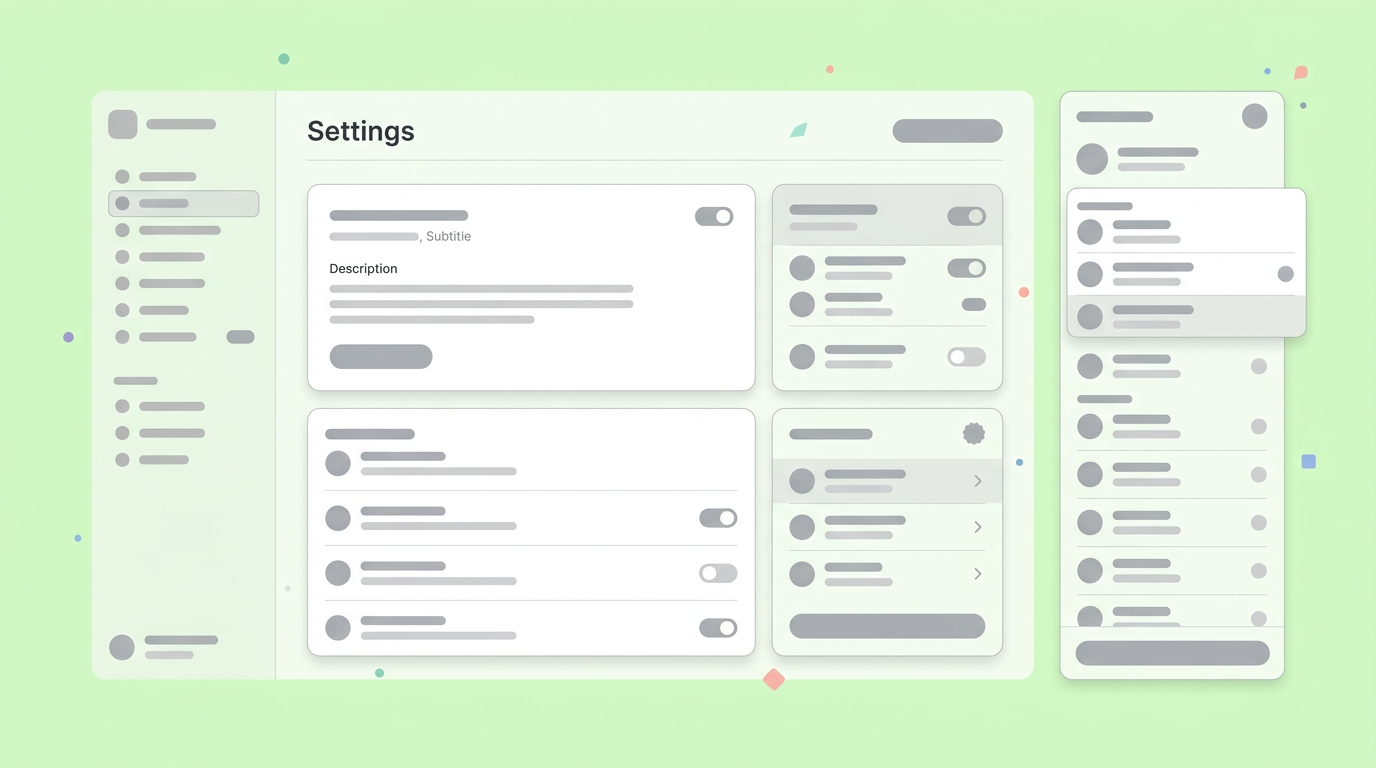
Generating these initial screens completely alters the pacing of early product milestones. Before this type of generation was possible, product managers spent heavy portions of their week moving baseline shapes around a canvas.
Complex layout generation and visual parsing are now incredibly economical and accessible for everyday product work.
You can feed a twelve-page requirement brief into the system and receive twenty foundational screens in under a minute. The generated assets give your entire team something concrete to review.
Bypassing Blank Canvas Syndrome
Starting from scratch frequently slows down product momentum. By automatically generating early screens from preexisting documentation, product managers react to visual concepts rather than drawing them.
Over the past year, we found that teams cut their initial scoping meetings in half by bringing generated mockups to the table. Reacting to a tangible baseline structure is simply faster than abstract debate.
3. Translating Concepts to Clickable Paths
Translating static mockups into interactive states accelerates the buildup to user testing. You can convert PDF designs to clickable prototypes by letting the model align user journeys with specific interactive screen zones. ### How Concepts Translate to Clickable Paths:
- User Journey Mapping: The model aligns defined user journeys with specific interactive zones on the screen.
- Clickable Prototype Generation: Static designs are transformed into interactive, clickable prototypes.
- Early User Testing Readiness: This enables quicker progression to user testing and feedback collection.
While heavy visual refinement typically happens in specialized tools like Figma, foundational logic now flows directly from the PDF into an interactive state before engineering tickets reach Jira. Showing interaction is much more effective than describing it.
This parity means product teams can securely deploy powerful, private workflows for processing sensitive strategy documents.
Adding interaction early gives designers and stakeholders a realistic sense of the final software flow. It highlights missing states or clunky navigation loops that the original written specification failed to address.
Validating Flow Early in the Cycle
Adding clickability early allows teams to navigate the proposed software just like a real user. This process exposes logical gaps or dead ends in the original PDF specification that simple static wireframes hide.
When you click through a generated journey, you instantly feel if a process requires too many steps. This early validation ensures you adjust the requirement document before requesting expensive engineering resources.
4. Shortening Product Iteration Cycles
Managing changing business requirements requires documentation that synchronizes with your prototype. An AI pipeline lets teams modify the source text and instantly see layout modifications reflected in the functional interface.
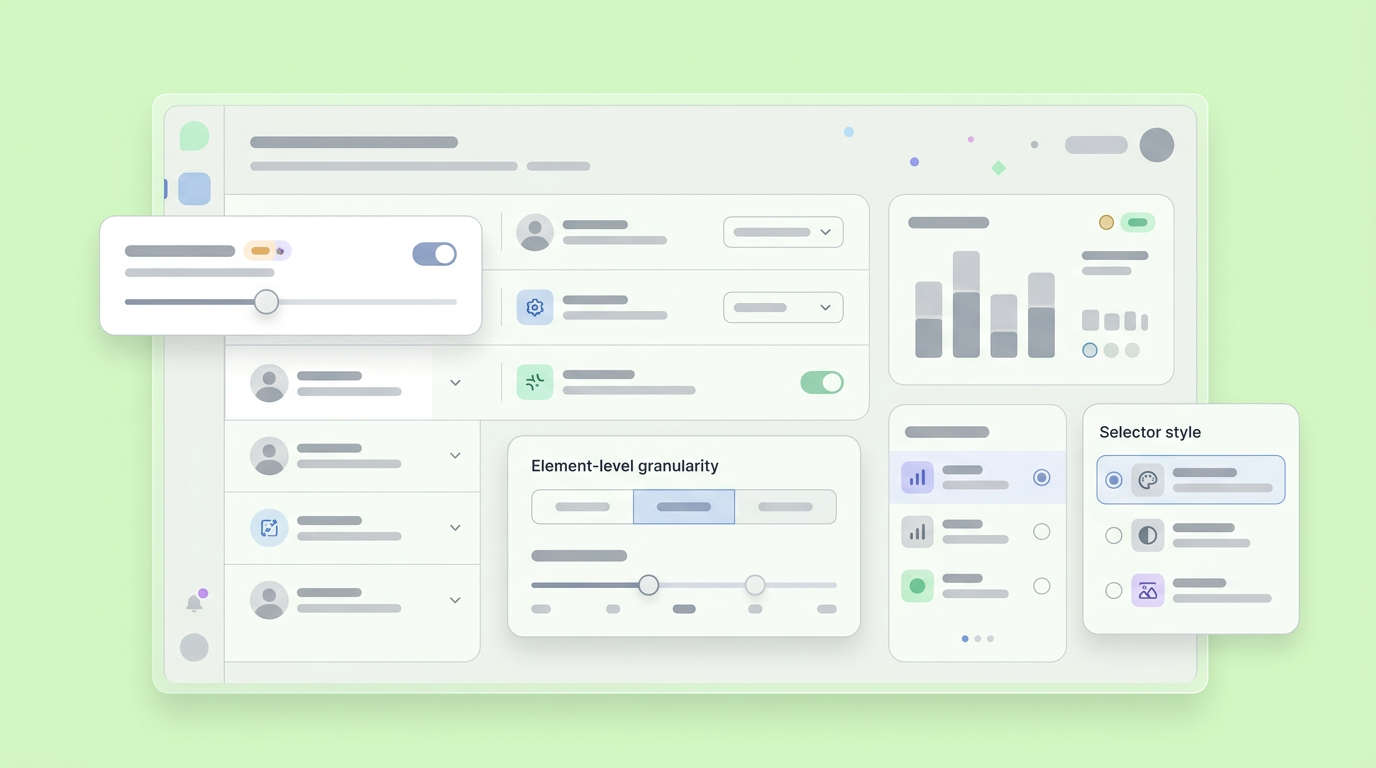
Product Growth expert Aakash Gupta recently explored how AI prototyping changes the PM role. He highlighted the specific workflow of bringing a written concept into an AI tool, exploring visual directions, and refining interactions live.
When stakeholders request an additional data capture field in the PDF, the AI can read the update and gracefully insert that new input into the active prototype. This keeps the visual source of truth aligned with the written requirements.
This iterative speed prevents the dreaded phase where documentation and design completely desynchronize. Everyone operates from a synchronized, up-to-date visual baseline.
Securing Early Stakeholder Alignment
Showing stakeholders a functioning interface resolves debates faster than reviewing paragraphs of text. Interactive prototypes bridge the communication gap between business leaders and the technical teams who eventually build the product.
After implementing these rapid workflows, product teams report higher confidence during executive reviews. Executives who struggle to visualize text-heavy product requirement documents frequently understand a clickable walkthrough immediately.
5. Integrating Logic and Data into Generated Mockups
Modern AI models understand the data intended to populate specific elements. By reading the contextual file, the system naturally generates realistic sample data and conditional interface states that mimic final production.
Replacing generic filler text with context-aware information grounded in the original PDF adds immense value. It forces teams to consider character limits, real-world constraints, and edge cases.
Product teams now benefit from specific, robust tools tuned entirely for technical translation and code generation tasks.
A realistic prototype with accurate data makes user testing much more reliable. Participants react far more authentically to a screen displaying mock inventory numbers rather than Latin filler words.
Harnessing Specialized AI Subagents
Product management educator Tal Raviv notes that bringing AI subagents into design sessions allows teams to refine prototypes on the fly. Specialized agents read specific requirement subsets and execute targeted visual updates interactively.
This targeted approach means one agent might format a complex data table while another handles responsive navigation rules. The subagents act as technical partners during live collaboration meetings.
6. Keeping the Engineering Team Aligned Early
The overriding goal is ensuring generated concepts cleanly translate for the final engineering push. To automate prototype creation from PDF files successfully, developers need access to both the original business context and the functioning visual reference.
A working, interactive asset removes ambiguity. Sometimes, a requirement document describes an interaction that behaves completely differently in a developer's mind than in a product manager's mind.
By providing a clickable result derived directly from the business text, you fix the tricky design handoff phase that so many teams struggle to manage.
In our experience deploying AI tools alongside core engineering teams, technical architects heavily prefer receiving an interactive functional flow alongside the original PDF file. It offers a tangible benchmark for their architecture planning.
Bridging Product Concepts and Active Code
Clear handoffs prevent misinterpretations that lead to heavy codebase rework later. An AI-generated flow that matches the PDF specification perfectly gives engineers a reliable blueprint to start planning data schemas.
Engineers can click through the precise experience the PDF outlined and immediately spot technical constraints. This early visibility allows them to push back on unrealistic requirements early in the project lifecycle.
7. Shaping the Future of Functional Product Delivery
Advancements in intelligent text processing keep accelerating the path from written intent to functional usability. As models improve their understanding of complex business rules, product managers spend less time translating requirements and more time validating holistic solutions.
OpenAI's latest State of Enterprise AI 2025 report reflects a clear corporate focus on deploying generative workflows directly into daily processes. Automating visual creation from static documentation is a highly valuable application of this broad enterprise trend.
The expectation for product managers is evolving. It is no longer enough to just write clear specifications. Teams must now bring those written specifications to life quickly to gather real user feedback.
Mastering this automated translation process allows you to maintain high velocity without sacrificing team alignment. The ability to pivot rapidly from a text requirement straight to an interactive review cycle gives your team a definitive structural advantage.
Transitioning from Read-Only to Testable Environments
Moving from static documentation to a testable environment changes how a product team measures progress. Completing a written brief is merely the starting line for product execution.
Having an AI workflow read that brief and output an actionable experience means teams capture valuable user insights within days rather than weeks. This continuous feedback loop ensures that what the team eventually builds will actually find traction.
Advancing Workflows with the AI Prototyping Workspace
Modern product tools are narrowing the distance between having a written idea and testing a visual concept. When your AI system can digest business logic and output functional interactivity, you save countless hours formatting basic shapes.
Whether you are a solo product manager mapping out a weekend idea or part of an agile enterprise team trying to stay aligned, having a capable technical partner makes a tangible difference. Founded by Wix co-founder Nadav Abrahami and backed by a $10M seed round, Dazl serves as the AI workspace for the entire product journey. It helps product professionals turn ideas into hand-off ready prototypes, ensuring your whole team stays connected from the initial PDF document to the final code logic.
Your team can streamline your entire design workflow by signing up for Dazl to transform your static requirements into prototypes.
Get Started

