Beyond Static Mocks: Tracking AI Startup Dev Tools Prototyping Trends
You are sitting in a roadmap planning meeting, staring at a static whiteboard sketch. The engineering lead asks how the new user onboarding states transition from screen to screen. Explaining complex logic changes using flat images creates friction between product strategy and execution. Managing this gap defines the everyday reality for product managers, a challenge many professionals, including myself, have encountered.
In recent years, the distance between capturing a product requirement and testing a functional interface has been shrinking as AI-assisted prototyping tools improve. Product teams no longer rely solely on low-fidelity wireframes that fail to demonstrate conditional logic or complex interactions. Building a hand-off-ready prototype directly from written specifications is an increasingly common way to reduce early-stage risk. Integrating these systems early reduces the ambiguity that typically disrupts sprint planning. This approach streamlines:
- Rapid Iteration: Quickly adjust designs based on feedback.
- Early Validation: Test core logic and user flows before significant investment.
- Clear Communication: Bridge the gap between product managers and engineers with interactive models.
The Shift Toward Prototyping AI Applications in Startups
Startups prototyping AI applications rely heavily on emerging development tools to validate complex interactive experiences without committing significant initial engineering resources. These horizontal platforms translate raw product strategy directly into tangible interfaces. Product managers use them to test core logic and user flow loops early during the critical validation phase.
Shrinking the Early Validation Window
The validation window for modern product teams has shrunk dramatically over the past two years. Product managers must transition from a written hypothesis to an interactive model in a matter of days. Rapid iteration cycles directly influence project survival when market conditions demand immediate functional proof.
Using specialized platforms speeds up the research process, sourcing and analyzing market data to help teams understand product demand. According to guidance from the U.S. Chamber of Commerce, there are generalized systems to brainstorm ideas and specialized applications specifically built for direct idea validation. Startups use these insights to frame their initial hypotheses.
When early validation requires more than basic surveys, product managers build functional wireframes to convey the specific user experience to beta testers. Showing an interactive path clarifies intentions immediately. This approach bypasses the weeks of back-and-forth communication usually required to clarify basic interactions.
Expanding Developer and Builder Demographics
The global builder ecosystem is expanding rapidly, driving unprecedented demand for software dev tools that bridge the gap between product managers and engineers. Technical toolsets must evolve constantly to support this massive influx of multidisciplinary teams coordinating on shared product visions.
The worldwide developer population reached 28.7 million in 2024 and is projected to expand significantly to 57.8 million by 2028. This represents a fundamental shift in how organizations staff technology projects. With more builders entering the application market, product teams need standardized methodologies to communicate interaction logic clearly.
U.S. employment of software engineers and quality assurance analysts is projected to grow over the next decade, according to labor projections. A larger technical workforce amplifies the necessity for precise communication. Hand-off ready prototypes keep distributed execution aligned strictly with the strategic requirements written by product managers.
Expanding Idea Testing Capabilities
Testing an abstract concept rarely yields actionable data regarding actual application usability. Product teams require interactive environments where users can click through realistic workflows and trigger conditional states. Building these environments early prevents engineering delays later in the cycle.
Startups depend on AI prototyping tools for startups to quickly test feature variations. When teams observe users navigating a functional prototype, they identify friction points immediately. Fixing an awkward user journey in an interactive mockup takes minutes.
Waiting until a feature is fully coded to test usability introduces unacceptable technical debt to the project timeline. Product teams validate their core assumptions by watching real interactions. Concrete behavioral data always supersedes theoretical discussions about user preferences during planning meetings.
Navigating the Application Layer Boom
The massive surge in software spending directly correlates to a boom in application-layer software, where growing startups invest heavily in specialized environments. Cross-functional teams benefit from horizontal utilities that streamline workflow coordination and improve early visual modeling.
Following the Focused Startup Spend
Venture capital strategy clearly signals that technology startups focus their financial resources on application-layer problem solving over raw infrastructure setups. Identifying the appropriate early-stage AI development tools is now a top budgeting priority for expanding technical teams.
Securing backend infrastructure is only part of the equation for new companies. A detailed Menlo Ventures report details how companies spent $37 billion on generative AI in 2025. This reflects a massive 3.2x year-over-year increase from $11.5 billion in 2024.
Companies are heavily prioritizing tooling that shapes the user experience directly. You can see this urgency reflected across the over 70,000 AI startups globally, which currently drive over 70% of venture capital activity.
Departmental AI vs Horizontal Workflows
Analyzing software expenditures reveals a strong preference for collaborative horizontal systems that span multiple disciplines over isolated departmental platforms. Product managers utilize these versatile systems for research, timeline planning, and rapid interface design.
The Menlo Ventures report segments 2025 generative AI spending into departmental and horizontal categories, but the exact dollar figures should be checked against the original report. This spending pattern highlights a growing demand for software that connects product managers, application designers, and backend engineers in a unified space. This connection provides several benefits:
- Reduced Friction: Horizontal platforms simplify the translation of written specifications into visual models.
- Collaborative Environments: Cross-functional teams thrive in environments where ideas transition smoothly between roles.
- Shared Context: Prevents crucial functionality details from being lost during department handoffs.
Escaping the Low-Fidelity Design Trap
Static design files lack the context necessary to explain conditional logic or complex state management accurately. Product managers often struggle to articulate how a feature should behave purely through low-fidelity squares and static text boxes.
A static screen cannot demonstrate an error state triggering a dynamic modal window. Product teams waste hours documenting these interactions in separate text files. Linking a static mock to a dense wiki page forces engineers to cross-reference materials constantly.
Interactive prototyping software merges the visual layout with the behavioral logic. The team sees how the system responds to false inputs directly on the screen. This unified approach eliminates the interpretation errors common with low-fidelity deliverables.
Core Workflows Powering Early-Stage AI Development Tools
Early-stage development software accelerates everyday workflows by translating written product specs directly into visual interactive models. Modern product teams depend on these digital environments to validate data structures and complex interface concepts before engineering gets involved.
Translating Strategy Prompts into Interfaces
Product managers frequently use advanced prototyping software to turn written requirements and strategic prompts directly into tangible application layouts. This specific workflow replaces vague functional concepts with precise visualizations that highlight potential usability gaps early.
In standard agile cycles, defining the next feature set begins with a comprehensive product specification. You outline the technical requirements and document the expected logic changes. Incorporating tools like Dazl into this sequence helps map those text-based requirements onto a functional mockup.
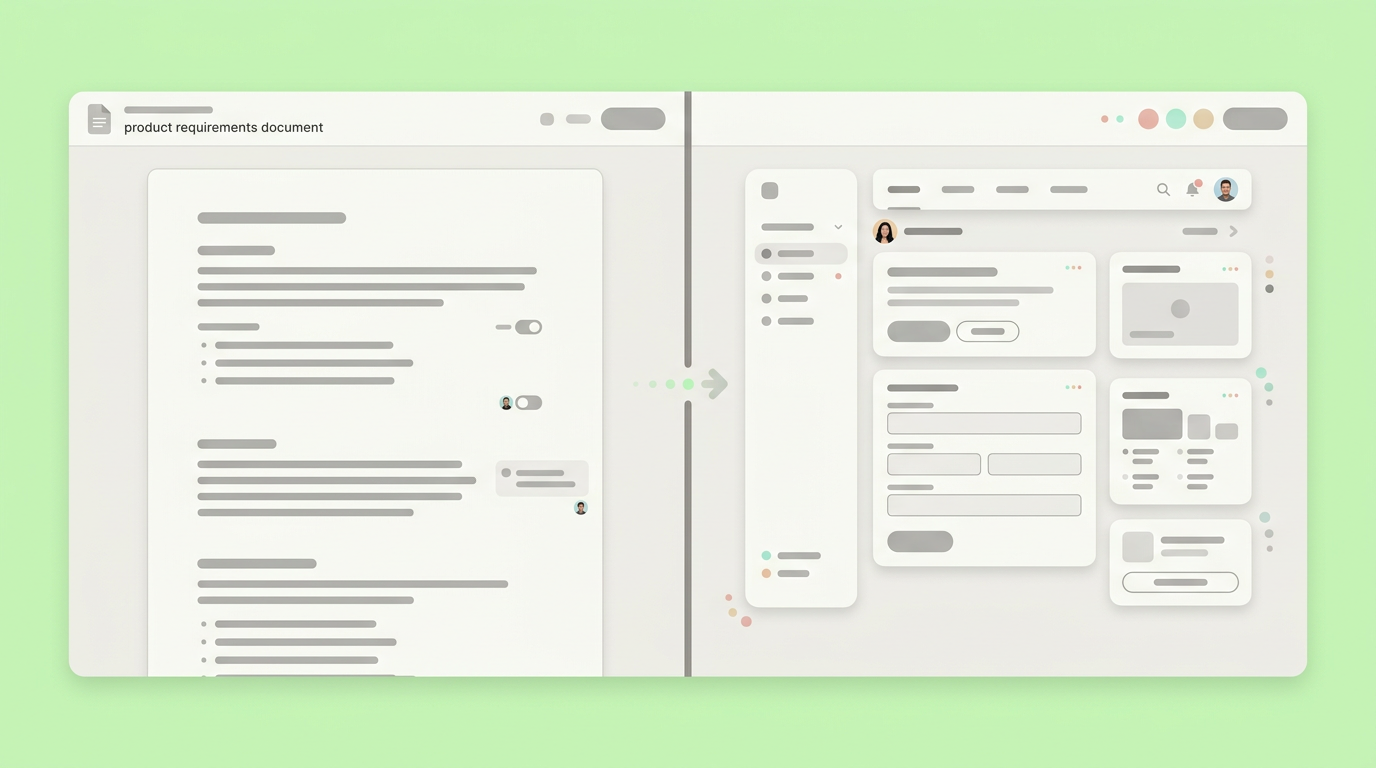
Our teams report that visual iteration speeds up alignment dramatically. Creating effective product scopes requires bridging the gap between verbal descriptions and visual reality. You adjust the flow by tweaking the written logic, resulting in real-time visual updates.
Validating Data Models Without Backend Engineering
Prototyping complex application logic allows teams to simulate data flow and interactive states without writing backend code. These systems create sandbox environments where product managers can verify edge cases quickly.
The global software development market is enormous, reaching $0.57 trillion in 2025, and shows a strong 12.9% compound annual growth rate. Building actual backend architecture requires significant budgeting. Simulating complex features helps validate information architecture safely.
{
  "user_profile": {
    "status": "active",
    "permission_tier": "admin",
    "recent_activity": ["login", "edit_record", "publish_draft"]
  },
  "interface_state": "expanded_view"
}
Passing a simulated JSON payload like the one above allows you to test interface responsiveness immediately. Verifying how the front-end handles varying data structures ensures the entire team agrees on the necessary API endpoints. This prevents engineering from building rigid databases that cannot support the intended user experience.
Fostering Cross-Functional Alignment
Alignment suffers when product priorities live in isolating documentation tools while engineering progress happens in separate ticketing platforms. Connecting these workflows ensures everyone operates from a single source of truth regarding the product roadmap.
Teams using AI startup dev tools prototyping methodologies create living documents. When a requirement changes, the corresponding interactive model updates to reflect that shift. You can present these models during sprint reviews to secure stakeholder buy-in quickly.
Visual alignment prevents the classic scenario where a team builds exactly what was written but fails to build what was actually needed. Shared interactive models provide a tangible reference point for all project decisions.
Connecting Software Planning to Production Paths
The primary goal of rapid prototyping is accelerating the timeline from initial concept directly to functional production builds. Streamlining the handoff process significantly reduces the usual friction between product planning and engineering execution.
The Custom Software Development Surge
The demand for bespoke internal software is rising sharply, forcing product teams to deliver accurate technical specifications at a faster pace. Scaling organizations require clear, interactive documentation to maintain consistency across parallel development tracks.
The custom software development market is projected to grow substantially through 2030, though the exact valuation and CAGR should be verified against the original market report. This represents an aggressive 22.6% annual growth rate. This rapid market expansion demands better synchronization during engineering handoffs. A recent industry trend report highlights how growing startups depend heavily on interactive logic planning.
When product managers hand an interactive model to engineering, they eliminate the guesswork inherent in static planning. Developers assess the technical requirements accurately based on the interactive behavior shown. Clear deliverables protect the project budget by reducing rework cycles.
Managing Design Handoffs in Agile Cycles
Effective design handoffs rely on the clear communication of component states, interactive behaviors, and core logic parameters. Intelligent development tools act as a central source of truth to prevent misaligned expectations during sprint setup.
Using specialized systems lets you define the specific states for every button, modal, or input field. You specify what happens during loading, success, and error scenarios. This level of detail is crucial for:
- Component States: Defining each state for interactive elements.
- Error Handling: Mapping out responses to various error conditions.
- Dynamic Interactions: Showing how elements behave across different scenarios.
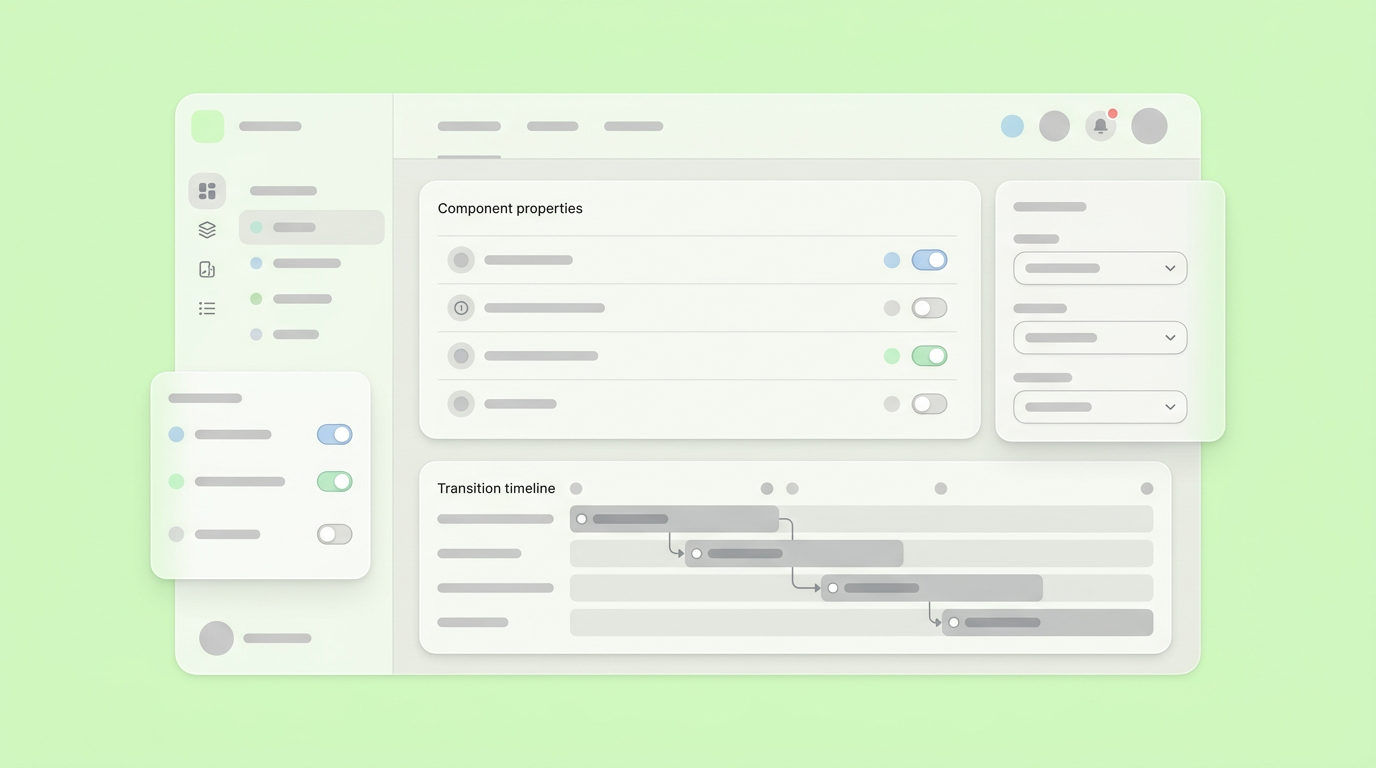
Engineers appreciate having the exact workflow variables mapped out visually before they write the first line of actual code. Integrating clear visual states into your specification formats establishes a shared language between product and technical teams.
Constructing Hand-Off Ready Deliverables
Delivering interactive deliverables ensures that developers understand the technical requirements without scheduling endless clarification meetings. The primary value of a functional mockup is its ability to showcase the application workflow explicitly.
As a product manager, I've often seen sprint cycles stall during the first few days while developers decipher ambiguous product requirements. Providing a clickable asset immediately answers questions about transition timing and required data inputs; developers can click through the specific user journey to understand the exact context.
A well-constructed interactive asset functions as the definitive reference point for functional requirements. This allows product managers like myself to focus our energy on strategy and user research rather than answering basic clarification questions about screen flows.
Moving From Concept To Functional Roadmaps
The evolution of startup development with AI tools points directly toward continuous validation models where requirements dynamically adapt to testing feedback. Product managers will increasingly prioritize interactive behavioral accuracy over static visual fidelity.
The industry focus shifts away from how quickly an interface renders and moves toward how accurately it represents technical constraints. As the application layer commands a larger portion of enterprise spending, teams require tooling that supports rigorous workflow testing. Integrating these prototyping processes directly into the early discovery phase brings risk mitigation earlier into the project lifecycle. Product teams will spend more time adjusting precise interactive loops and less time debating abstract feature definitions on a whiteboard.
Your team can accelerate your discovery phase by using Dazl to turn complex product requirements into interactive prototypes and signing up.
Get Started

