Building Better Products: A Step-by-Step Guide to Prototyping with AI
You spend three hours writing a product requirements document. You map out the edge cases, link the issue tracking tickets, and describe the precise interaction model for a new user onboarding flow. Two days later, the design team returns with static mockups that solve a completely different problem. Words leave too much room for interpretation when building digital interfaces, so teams need to see the idea, click the buttons, and understand the flow before anyone writes production code or finalizes a design library. We found that shifting focus toward visual concept validation shortens the feedback loop dramatically. Getting an interactive version of the feature in front of stakeholders early stops misaligned assumptions and keeps the product roadmap moving forward.
Why Speed Matters in Concept Validation
Fast iteration allows product teams to test hypotheses immediately without burning valuable engineering cycles. Using AI driven rapid prototyping tools condenses the traditional days-long mockup phase into hours, letting cross-functional groups evaluate actual interactivity rather than debating abstract specifications.
Teams expect faster returns on investment, and users expect immediate, polished value. Waiting weeks for a clickable prototype stalls the entire product development lifecycle. The global market for AI-powered design platforms reflects this urgency entirely, with analysts projecting a 15.15% compound annual growth rate through 2035 for the sector. Teams are investing heavily in automated design and prototyping AI to bridge the widening gap between product ideation and final delivery. Getting structural ideas onto the screen faster allows designers to focus on complex user problems rather than pushing pixels for early wireframes.
Shifting the starting line
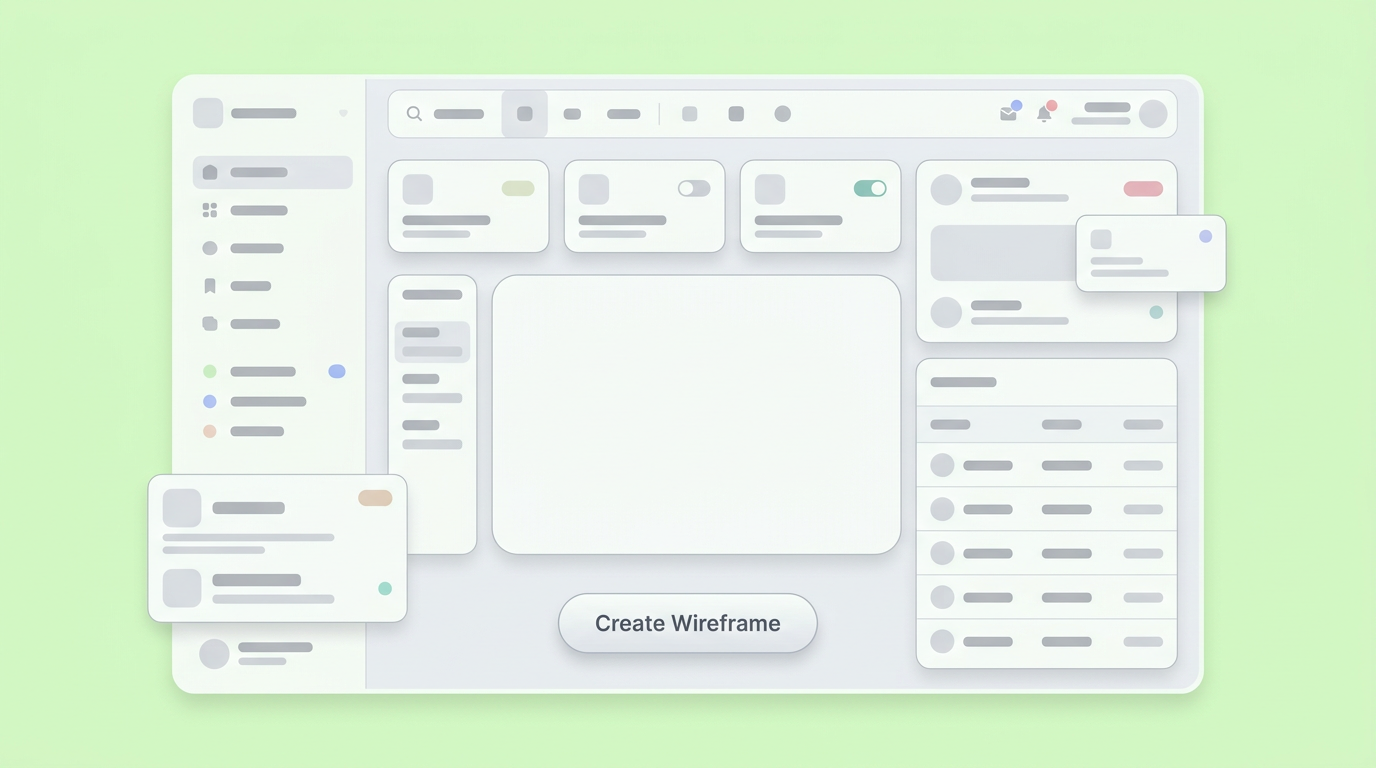
Producing a functional wireframe early sets a concrete baseline for the entire product team. It replaces imaginative interpretation with a tangible artifact that everyone can click, critique, and adjust in real time. This approach clarifies the vision for all stakeholders.
Prototyping usually begins with a blank canvas, often leading to anxiety. Machine learning for rapid prototyping changes that dynamic entirely. Generating a baseline layout from a plain-text prompt gives the team something concrete to react to immediately, eliminating the heavy friction of the blank page. Teams report that having a rough, clickable interaction on day one accelerates stakeholder sign-off. It also keeps conversations focused on user flow rather than getting derailed by early aesthetic choices.
Step 1: Translate Raw Ideas into Structured Flows
Start by defining the user journey logically before generating actual interface screens. Feed your core user requirements into an AI assistant to map out the required views, states, and transitions that make up the feature.
Product managers often write detailed specifications that fail to capture the spatial reality of an interface. A better approach involves outlining the specific states a user will encounter, writing down the starting point, the core action, and the success state. Validating ideas faster requires mapping these interactions out explicitly. Providing this logical structure to an AI generator yields much clearer initial wireframes.
Defining the boundaries of the prototype
Limit the scope of your initial generation to the most critical user path. Overcomplicating the prompt with obscure edge cases confuses the output and slows early validation efforts. This focused approach ensures the initial prototype remains functional and coherent.
Focus strictly on the primary task the user needs to accomplish. For example, if you are building a checkout flow, ignore the account recovery process for now. Keeping the scope tight ensures the generated prototype remains functional and coherent. You can rely on AI assistance in rapid iteration to layer in complexity later. Build the core path first, validate the steps, and then expand the footprint of the feature.
Generating the initial wireframe structures
Provide the system with a clear, role-based prompt detailing the required interface elements. The output will then assemble standard components into a cohesive, clickable structure, streamlining the initial design phase.
Plain language acts as the compiler for modern product exploration. Tell the system exactly what structural elements the page requires; for instance, you might request a sidebar navigation, a data table with filtering options, and a persistent action bar. When relying on AI accelerated prototyping software, clarity dictates quality. The system will map those requirements to standard interaction patterns, giving you a functional skeleton. We found this step critical for aligning product requirements with realistic screen real estate.
Step 2: Move from Blocks to Interactive Experiences
Convert static wireframes into interactive prototypes by defining state changes and component behaviors. Showing how the interface responds to user input reveals spatial friction points that static screens easily hide.
Static screens lie. A feature might look perfectly intuitive until a user tries to interact with a dropdown menu that obscures primary content. Activating the prototype forces the team to confront spatial and logical constraints immediately. As AI strategist Kimberly Inez Mays notes, interactive prototypes allow teams to see what people are responding to and make inferences on what to do next. Interactive components surface the reality of the user experience. Dropdowns must open, forms must validate, and modals must trap focus; connecting these states ultimately provides a realistic feel for the final product.
Adding logical state changes
Define how components react to user interactions like clicks, hovers, and data entry. Connecting these local states builds a convincing simulation of the working feature.
A button press often triggers off-screen consequences, such as a panel sliding out, a loading state appearing, or a success message rendering. You need to map these micro-interactions out clearly so reviewers understand the behavior. Modern platforms handle these state transitions organically, allowing you to build a structural simulation that feels real to test participants by defining the rules of interaction.
Hooking up simulated data
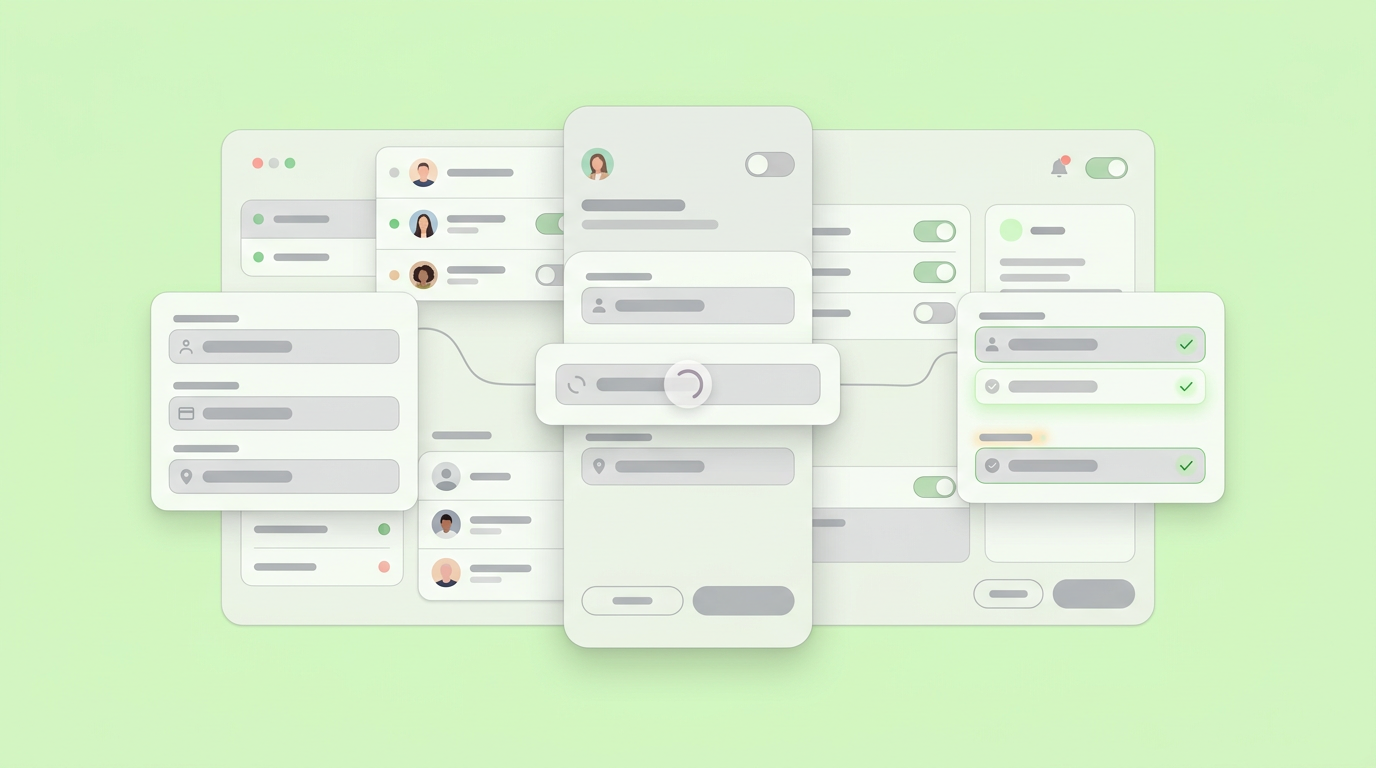
Populate the prototype with varied, realistic data to test how the layout handles different content constraints. Empty states and dynamic edge cases often break fragile design assumptions.
Designing with ideal data can hide structural issues. For example, a user's name might be three characters or thirty characters long, testing the resilience of the interface. Generating realistic, messy data using generative AI workflows is crucial. Viewing the prototype populated with actual informational density reveals whether a table needs pagination or if a card layout requires truncation, thus preventing costly structural redesigns during the engineering phase by validating with real data.
Step 3: Iterate Collaboratively Using AI Feedback Loops
Share the interactive prototype with stakeholders and users to gather direct behavioral feedback. Use AI tools to quickly implement structural changes based on observing actual usage patterns.
Sending a prototype link replaces sending a thick specification document. When reviewers click through the flow themselves, their feedback becomes highly specific and actionable, enabling them to point out exactly where they got lost or clicked the wrong button. This feedback loop is where AI-powered product development tools prove their true value. Rapid updates keep project momentum high; if a user struggles with a navigation pattern, you can adjust the layout and regenerate the view for the next testing session on the exact same day.
Consolidating stakeholder notes
Centralize feedback from different departments directly on the prototype to resolve conflicting requests. Having a single visual source of truth forces alignment across engineering, design, and product management.
Marketing might want larger promotional banners, while engineering warns about server load times for heavy assets. Debating these points in an issue tracker often leads to endless back-and-forth arguments. However, resolving them directly on the visual artifact clarifies the required tradeoffs immediately. Dazl serves as the PM's teammate from ideation and spec writing through a hand-off ready prototype, ensuring the entire team remains aligned. Showing the compromise visually helps end semantic arguments entirely.
Adjusting UI based on usability testing
Watch how users attempt to complete tasks within the prototype and alter the interface immediately to remove friction. Quick structural pivots based on behavioral evidence prevent shipping broken experiences.
User testing frequently yields surprising results, with participants often overlooking primary action buttons or misunderstanding the intended hierarchy of a page entirely. It's crucial to act on this behavioral evidence with speed. Altering the visual hierarchy or changing a multi-step form into a single dynamic view takes minutes with modern prototyping methods. Validating the adjusted flow with a new user cohort confirms whether the changes actually resolved the observed friction.
Measuring the Impact of Fast Iteration Cycles
Tracking the collapse in time from concept generation to functional validation shows the true value of modern workflows. Teams moving from days to minutes change how heavily they invest in early-stage ideas.
The velocity of product discovery defines competitive advantage in 2026. This translates into a smoother user experience, reducing friction points, and improving overall satisfaction. Teams no longer need to allocate entire sprint cycles just to produce testable low-fidelity mockups. Industry benchmarks for turning raw concepts into working prototypes now measure the cycle in minutes instead of days. This workflow efficiency expands prototyping access significantly across the organization. For example, product managers, researchers, and technical leads can visually articulate their ideas without pulling core designers away from complex system-level work. Early data underscores strong momentum, with reports showing 58 percent of product managers utilizing no-code generation frameworks to build out raw concepts.
Expanding who builds the baseline
Easing the technical requirements for creating interactive flows allows non-designers to contribute functional ideas directly. This broadens the ideation pool while preserving the core design team's time for high- visual polishing.
Cross-functional peers often struggle to articulate visual ideas using words alone. AI prototyping empowers these non-designers to draft their concepts into tangible artifacts quickly. Analysts note that plain language inputs significantly lower the barrier to entry for non-designers, creating an environment where the clearest structural idea wins regardless of specialized technical skill.
Shortening the path to validation
Validating functional prototypes before committing code reduces massive amounts of engineering rework. Creating high-fidelity experiences rapidly tests core business assumptions with minimal resource investment.
Building the wrong feature perfectly remains a classic product management trap. Teams preserve capital and morale by discovering flawed assumptions directly during the interactive phase. An accurate interactive simulation provides the behavioral data needed to make an informed go or no-go decision. Moving the primary decision point earlier in the software lifecycle protects the engineering roadmap from constant pivoting.
From Specs to Shared Reality
The shift from descriptive product documents to interactive visual artifacts permanently alters how teams align. Future product work will prioritize behavioral validation over flat, static documentation.
Writing exhaustive descriptions of how a dynamic feature should behave feels increasingly outdated, as words simply fail to convey motion, spatial hierarchy, and context effectively. The most successful teams we observe treat the interactive prototype as the primary artifact of product definition. This methodology forces clarity very early in the timeline by surfacing logical edge cases, exposing spatial constraints, and gathering cross-functional peers around a tangible shared reality rather than an abstract concept. This leads to a more intuitive and user-friendly final product. As the structural barrier to creating these artifacts drops, the organizational expectation for clarity rises. Product leaders who master translating raw ideas into functional, testable interactive flows will spend less time defending specifications and more time building actual alignment; showing the experience simply works far better than describing it.
Your team can explore these advantages firsthand by creating your first AI-driven project when you sign up for Dazl.
Get Started

