Ending Handoff Pain: Why Product Teams Need More Than Static UI Screens
Stakeholders often sign off on an incredibly polished set of screens during a review session. The interactive pathways look obvious on the canvas, the typography looks crisp, and the team agrees to move forward. Engineering then spends three sprints building those requested features. The minute you click through the staging environment, the entire user flow feels disjointed and entirely misaligned with the original product requirements. Product managers face an immediate choice between shipping a broken user experience or initiating an expensive rework cycle.
The Disconnect Between Static Approvals and Built Reality
Misalignment happens because static design files require teams to imagine how a product functions based on flat pictures. When stakeholders approve static screens, they approve the visual aesthetic rather than the actual user experience. Bridging this gap requires moving conditional logic and dynamic state management to the absolute front of your review process.
The primary issue stems from how different disciplines interpret two-dimensional representations of complex systems. When a product leader looks at a static mock-up of a data ingestion tool, they imagine the backend constraints, the validation rules, and the multi-step loading sequences. This is an example of an experience signal. Product leaders often project these functional aspects onto a static visual. A stakeholder looking at that identical flat screen mostly evaluates the layout and the branding colors.
However, those rich insights often fail to translate into the final software build. The research lives in text documents, the visual intent lives in design files, and the developers are left guessing how the two relate to one another when a user interacts with the final application.
How Misalignment Happens
Handoff gaps occur naturally when product logic lives in a specification document while the visual design lives in a completely disconnected canvas space. This structural separation forces developers to switch context constantly and make educated guesses regarding user intent.
Teams frequently evaluate collaborative design tools for teams based on how beautifully they render high-fidelity vectors. Visual polish is fantastic for final marketing assets, but it easily masks fundamental functional flaws. When an engineering team receives a flat picture of a dynamic form, they cannot see what happens during a server timeout or how the component behaves when the user inputs an invalid email address.
The disconnect widens when complex conditional rules govern the interface. For example, if a user selects a specific role on step one of an onboarding sequence, step three might need to display entirely different configuration options. A static presentation forces reviewers to analyze step one and step three side-by-side and mentally simulate the conditional transition. This removes the cognitive friction of actually experiencing that conditional transition, which is a key experience signal.
The Cost of Late-Stage Revisions
Catching fundamental interaction flaws during the engineering phase heavily taxes a product budget and aggressively delays shipping timelines. Revisions at this late stage require developers to rewrite core functions and rerun extensive quality assurance checks rather than just adjusting a wireframe rectangle.
We consistently observe teams derailing their quarterly roadmaps due to these late discoveries. Uncovering logic gaps in a staging environment triggers emergency meetings and hasty compromises. A careful analysis of shipping delays illustrates exactly how late-stage changes compound across multiple teams, eventually causing major feature rollouts to miss their intended market window.
Seeking a viable figma make alternative for product teams often originates from the painful realization that you must catch logic and interaction problems before developers write code.
Evaluating Your Current Interface Design Foundation
Understanding broad market dominance helps explain why so many established software teams struggle to evolve their daily workflows. High switching barriers consistently keep product managers tethered to platforms built strictly for visual illustrators rather than cross-functional product iteration.
Product teams operate in an environment heavily shaped by a few dominant players. According to a detailed review of the design tooling ecosystem, Figma currently holds approximately 70 percent of the professional UI market among technology companies. It excels at vector manipulation, component structuring, and generating meticulous style libraries for global enterprises.
The limits of flat interface illustration
Designing every conceivable digital state by hand slows down product momentum and frustrates iterative thinking. Product managers wait days for visual specialists to draw hover states and pagination bars instead of prioritizing immediate tests of the core business hypothesis.
Vendor adoption data published in a recent market report shows Figma maintains an 86 percent adoption rate among specialized professional design teams. The exact same dataset reveals an unusually low 10 percent switch rate for the platform. This specific stickiness confirms that most engineering and design teams have invested heavily in centralized component libraries they are highly reluctant to abandon.
This dynamic means finding product design software without figma dependency for pure visual styling is extremely difficult for established companies. The primary issue is not replacing the visual pipeline, but realizing the visual pipeline alone cannot serve as an interactive product laboratory.
Navigating open source and lower-fidelity options
Teams looking to reduce software consolidation costs often investigate open-source software installations, but these alternative platforms typically mirror the exact same flat-canvas methodology.
For teams that strictly prefer a native macOS application, older discussions regarding figma vs sketch for product teams occasionally resurface, noting Sketch's lower price point and deep offline capabilities.
However, swapping one vector drawing application for another does not solve the fundamental interaction gap. Stakeholders still stare at flat pictures. When searching for a true figma make alternative for product teams, the goal extends far beyond discovering cheaper ways to draw rectangles. Product managers need workspaces capable of managing functional logic first.
Transitioning to Spec-Driven Prototype Generation
You resolve the endless feedback loop by generating fully interactive prototypes directly from your prioritized product specifications. Introducing functional capabilities into your earliest review sessions forces internal stakeholders to interact with the idea directly.
The integration of artificial intelligence into this early product phase is accelerating rapidly across the industry. Recent 2026 usage statistics based on Figma's own internal data indicate that 56 percent of teams are actively integrating AI into existing product sequences. ,
Defining logic before pixels
Starting your product development with logic constraints ensures the team aligns on solving the correct business problem before debating typography. This requires an ideation environment that understands database structures, user permission roles, and rigid system parameters.
The best figjam alternatives for product managers skip the digital sticky notes entirely and move straight into structuring actual application requirements. You need an environment where adjusting the written product logic instantly updates a clickable interactive model.
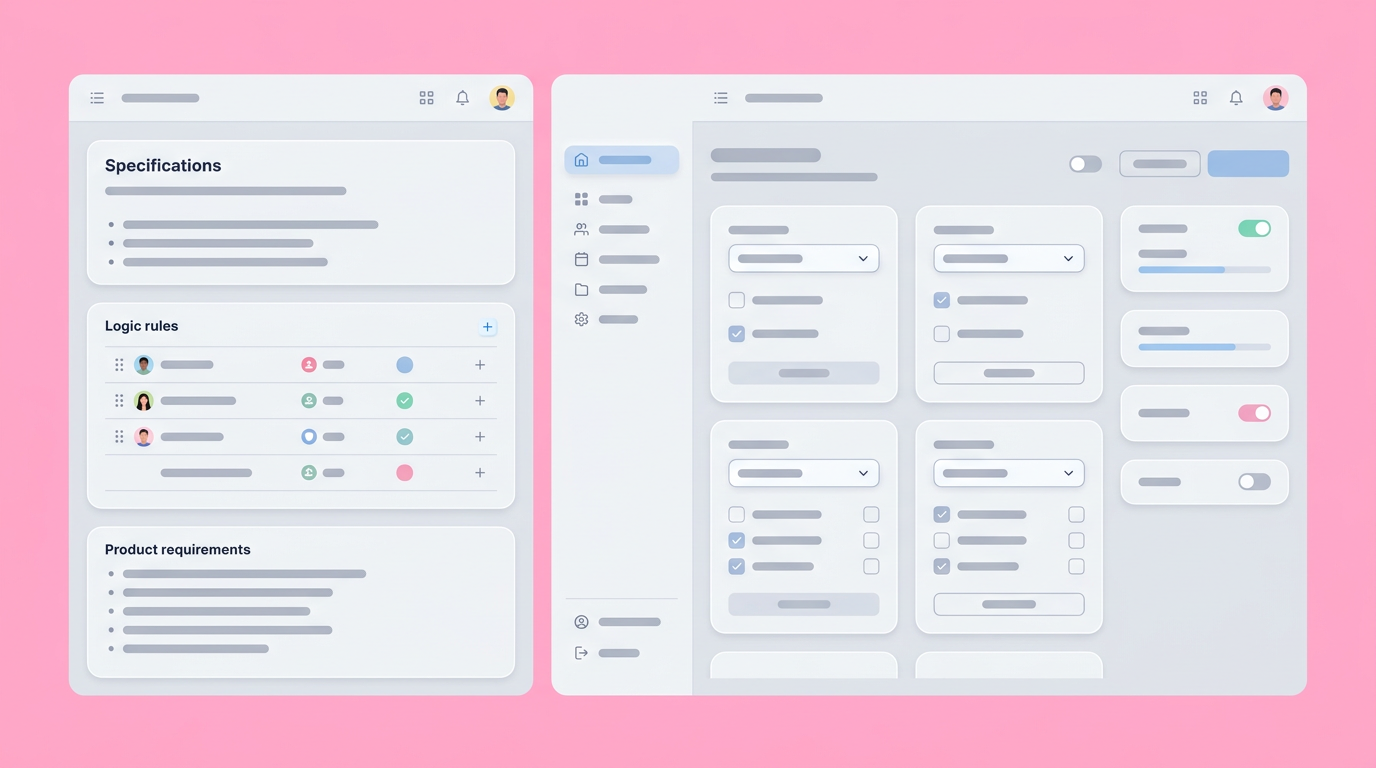
For product teams looking to validate requirements quickly, Dazl connects the written product specification directly to an interactive, hand-off ready prototype. This workflow naturally keeps the conversation anchored to functionality rather than purely aesthetic preferences.
Validating requirements in real contexts
Evaluating any new product concept requires seeing it behave realistically under constraints. Generating fully dynamic test environments allows product managers to verify complex edge cases without waiting for a developer to manually construct a staging build.
Bringing prototyping capabilities directly into your central requirements workspace entirely closes the historical gap between the written text and the visual execution. You can quickly adjust database relationships or toggle user states and see the results instantly on the screen.
When you look for figma alternatives for designers, you are usually seeking better illustration capabilities. When you look for PM-centric solutions, you are seeking environments that validate how features carry data from one screen to the text. Approaching reviews with functional prototypes allows your team to answer questions about complex API delays and variable loading states before assigning specific Jira tickets.
Establishing a Reliable and Centered Feedback Loop
Creating a unified source of truth for both interaction behavior and stakeholder comments actively prevents communication from fracturing across multiple disconnected systems. Centralized feedback ensures that every single design decision directly traces back to an established product requirement.
Product managers spend hours chasing down unorganized feedback scattered across Slack threads, Google documents, and email chains. Gathering all commentary around a single, testable prototype reduces cognitive load for reviewers and organizers alike.
Capturing early stakeholder confidence
Directing stakeholders to review functional prototypes confines their feedback directly to usability, flow, and business logic rather than abstract graphic design elements. This specific focus accelerates internal approval times and limits accidental misinterpretation.
If you ask executives for feedback too broadly based on flat images, you will inevitably receive conflicting opinions on spacing, padding, and font weight. When you constrain that review to a functional, clickable application prototype, reviewers naturally concentrate on whether the feature accommodates the primary user narrative.
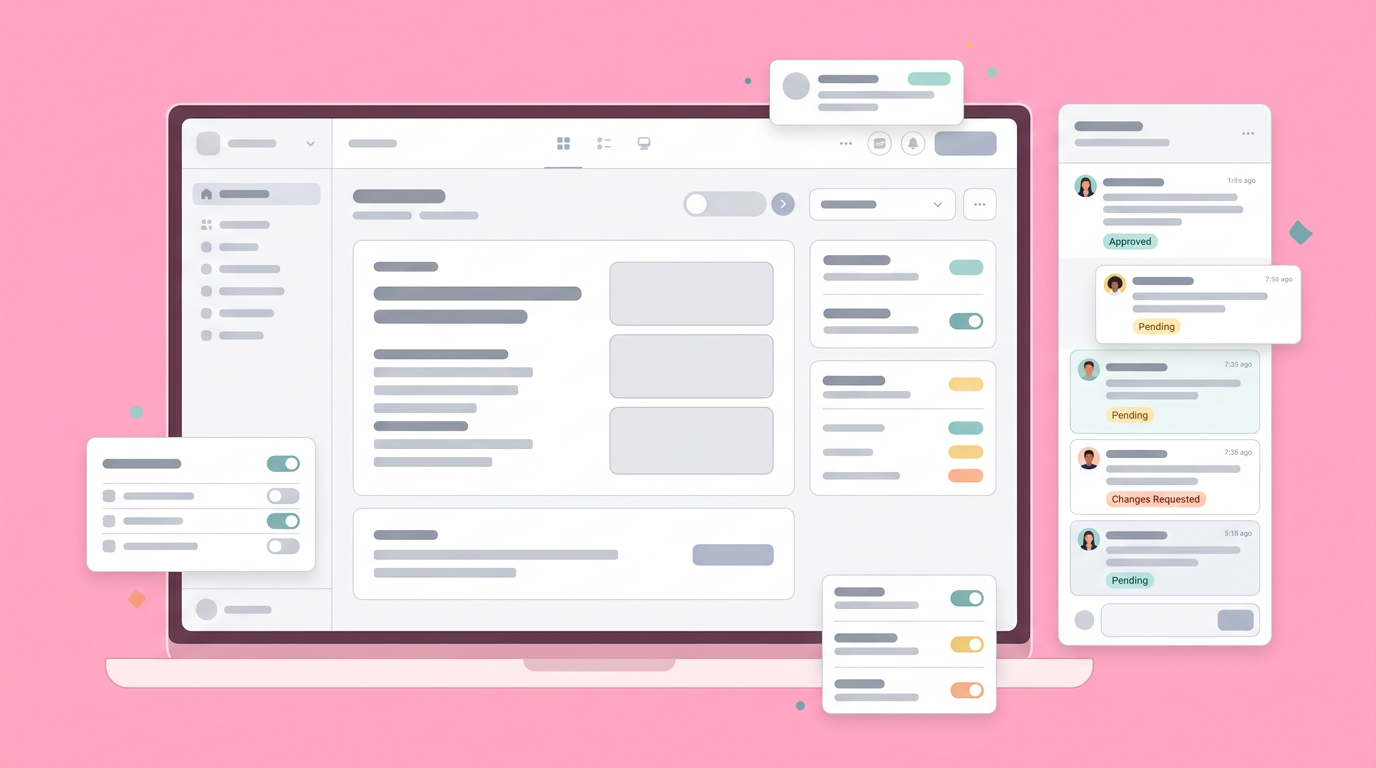
Redirecting focus to functionality creates massive efficiency gains for the entire organization. We have discussed this behavioral shift extensively in previous reports covering the silent disconnect between static specifications and reality. When reviewers experience the product functioning exactly as intended, they quickly grant approval based on actual mechanics.
Aligning workflows with engineering constraints
Handoff friction disappears almost entirely when developers receive a fully interactive model accompanied by exact logic parameters. Engineering teams build exactly what they see on the screen because the functional prototype removes:
- all room for ambiguous interpretation
- the need for continuous clarification
- the burden of cross-referencing multiple disparate documents
This clarity ensures that the product built matches the product envisioned.
Handing developers a clear, testable application model reduces their need to continuously interrupt product managers for clarification regarding minor component states. The written specification document and the interactive prototype merge into a single cohesive package. You bridge the communication divide effortlessly when developers can inspect functioning code structures instead of measuring pixel distances on a flat export.
Moving Product Requirements Beyond Flat Surfaces
The ongoing evolution of product management relies heavily on testing executable environments rather than compiling static specification documents. Future product leaders will expect their ideation workspaces to generate, text, and iterate on complex ideas dynamically.
The objective is no longer finding a slightly faster vector drawing tool or a more colorful digital whiteboard. The primary mandate for modern product leaders involves accelerating the entire journey from a messy initial concept to a validated, executable engineering hand-off. When organizations stop drawing static illusions of software and begin generating functional logic models, they rapidly reclaim the countless weeks lost to misaligned expectations.
You can streamline your entire workflow and bridge the gap between design and development by registering your team for Dazl.
Get Started

