
How to Prototype an AI App Fast in 2026
Attempting to explain a non-deterministic AI chat flow using a static 50-screen layout is an exercise in frustration. The stakeholder points to a perfectly aligned text box and asks what happens if the language model returns a bulleted list instead of a paragraph, or if the API takes ten seconds to respond. This type of inquiry highlights a core challenge: static mockups struggle to convey the unpredictable nature of AI outputs. Real products demand real logic validation long before engineering touches the backend code.
The Shift from Static Screens to Interactive AI Prototyping
Prototyping an AI app requires interactive components that can simulate natural language processing, dynamic responses, and variable latency. Static wireframes fail to capture the unpredictable nature of AI. Transitioning to interactive logic testing ensures stakeholders understand how the machine learning model behaves in real scenarios before engineering begins.
Why Traditional Wireframes Fail for AI Apps
Static tools like Figma or Sketch offer pixel-perfect rendering for deterministic workflows where button A always leads to screen B. AI features break this paradigm completely. Because generative models return highly variable responses, user interfaces must adapt instantly to different text lengths, unexpected formatting, or multimedia outputs.
In our testing across multiple product cycles, we found that aligning a team around a static wireframe for an AI agent usually leads to significant misalignment. Engineers look at the static mockup and assume the model output will always be concise and clean, which often results in unexpected UI breakdowns during integration. Product managers need prototypes that simulate this exact messiness.
Prototyping the AI Core First
Building the AI interaction layer before the surrounding application shell allows teams to isolate and test the primary value proposition. Validation happens when users experience the core model interaction, not the login screen. By focusing on the AI core, teams can test different prompt structures and immediately see the results.
According to a recent CapTech report detailing 2026 tech trends, the demand for rapid prototyping and accelerated product development cycles continues to skyrocket. Organizations are finding that isolating the AI logic first reduces time-to-market. Teams can iterate on the system prompt, adjust the expected variables, and preview the dynamic output without waiting for a full frontend wrapper.
Defining the AI App Development Process
The AI app development process requires defining the user problem before selecting the underlying machine learning models. Product managers must map out the specific data inputs, establish the required logic parameters, and build interactive simulations that validate both the user experience and the expected model outputs.
Identifying the User Problem vs. the Model Capability
Identifying the user problem separates distinct user needs from raw technical capabilities, ensuring the product remains focused. Teams occasionally build features simply because an LLM can execute them, rather than ensuring the AI functionality directly solves a documented customer friction point within a specific workflow.
A common pitfall is treating the underlying model as the product itself. When teams focus strictly on the user problem, they realize that building a minimum viable AI product requires more than an open text field. They need structured inputs and constrained outputs. You can find strategies for moving the 2026 AI app development roadmap for product managers forward by prioritizing workflow integrations over raw chat boxes.
Building a Minimum Viable AI Product (MVAP)
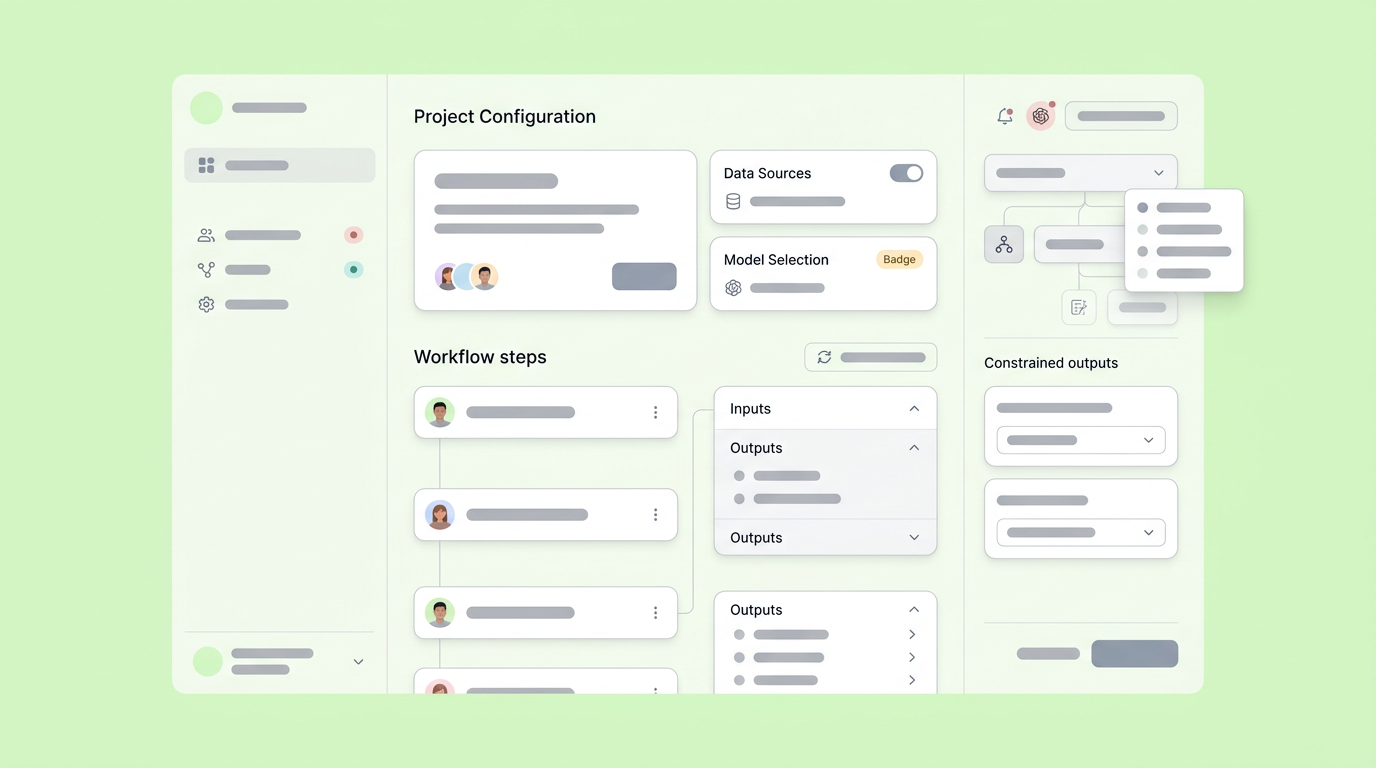
Building a minimum viable AI product means validating the core artificial intelligence functionality with the least amount of engineering effort. This involves configuring a simulation that processes realistic user inputs and returns credible model responses, allowing the team to measure value before committing to expensive compute architecture.
A successful MVAP relies heavily on simulated API calls and predefined logic rules. Instead of training custom models, product managers can wire together off-the-shelf LLMs with clear system constraints to mimic the final experience. If you are learning how to develop an app with AI in 2026, starting with these bounded simulations clarifies exactly what backend data structures will be necessary for:
- Data Models: Precisely define the structure of inputs and outputs.
- API Endpoints: Understand the necessary calls for model interaction.
- Database Schemas: Plan how data will be stored and retrieved.
Selecting the Right AI App Prototyping Tools
Selecting the right AI app prototyping tools means choosing environments that support dynamic data rendering, logic mapping, and state management. The ideal tool bridges the gap between a visual layout and functional logic, allowing product managers to create hand-off ready prototypes that exhibit true machine learning integration behaviors.
Moving Beyond Static Design Tools
Moving beyond static design tools requires adopting workspaces that handle variables, conditional logic, and live data requests. While traditional vector-based canvas tools work well for branding and layout, they struggle to communicate the wait times, loading states, and variable outputs inherent to artificial intelligence. Prototyping AI applications effectively requires tools that can demonstrate:
- Dynamic Content: How the UI adapts to different AI responses.
- Latency Simulation: Realistic delays in model processing.
- Interactive Logic: Conditional flows based on AI outputs.
When teams use Dazl, the PM's teammate from ideation and spec writing through a hand-off ready prototype, they keep the whole team aligned on exact prompt behaviors. Instead of writing paragraphs in Jira describing how an AI response should animate, product leaders map out the actual variables. This visual approach establishes a single source of truth for the interaction logic.
Simulating AI Model Integration in Apps
Simulating AI model integration in apps involves mocking backend data flows so the prototype reacts accurately to user input. By defining expected JSON formats and error states within the prototype, teams can test the entire interaction loop without requiring a functional machine learning pipeline.
By reviewing conversational AI prototyping: aligning teams and logic, teams discover that simulating these exact endpoint delays helps designers craft better empty states and skeleton loaders.
Mapping User Experience for AI Applications
Mapping user experience for AI applications centers on building trust, managing expectations, and designing intuitive interfaces for unpredictable tasks. AI applications require clear feedback loops, transparent system statuses, and graceful fallback mechanisms when the generated content fails to meet the user's intent.
Handling Latency and Loading States
Handling latency and loading states is critical because generative AI often takes several seconds to process complex queries. Interfaces must provide continuous, engaging feedback during these delays to prevent users from abandoning the task or assuming the application has frozen completely.
This decline intensifies when the wait time exceeds typical human patience thresholds, generally around 2-3 seconds for most web interactions. Providing phased loading indicators, partial text streaming, or contextual placeholder content keeps the user engaged. The prototype must demonstrate exactly how these states transition so engineering knows how to pace the API responses.
Designing for Non-Deterministic Outputs
Designing for non-deterministic outputs involves creating resilient UI components that expand, collapse, and reorganize based on unpredictable text lengths or variable data structures. The layout must remain unbroken whether the AI returns a single sentence or a densely formatted markdown table.
We found that running stress tests within the prototyping phase reveals spatial constraints early. When teams pass randomly generated long-form text into the prototype's containers, they quickly spot overflow issues or broken formatting. Identifying these edge cases iteratively prevents massive layout shifts once the product moves into the actual development environment.
Validating the AI Prototype and Preparing for Handoff
Preparing an AI prototype for engineering handoff requires documenting the system prompts, logic branches, and expected variable constraints alongside the visual assets. A successful handoff transitions from testing a concept to delivering an interactive specification that clearly defines how the machine learning model integrates with the user interface.
IBM's expert analysis on tech trends shaping AI in 2026 indicates that enterprise urgency requires validating user-facing capabilities within extremely tight windows. The old model of throwing static mocks over the wall to developers creates friction because it leaves all the difficult logic assumptions unresolved.
When the prototype accurately reflects both the user interface and the underlying generative logic, the team moves forward with confidence. The engineering team receives a clear mandate of the required API structures, designers have confirmed the layout resilience, and product managers have validated the core user problem. You end up with a fully aligned team and a product ready for its precise backend implementation.
You can empower your team to build these logic-driven interfaces by signing up for Dazl to streamline your prototyping workflow.
Get Started

