Interactive Prototypes for Executive Alignment: Ending the Endless Revision Loop
Product leaders are noticing a distinct shift occurring across the software industry in 2026. Teams are transitioning away from heavy specification documents and relying almost entirely on interactive, data-driven artifacts to secure early agreement. This movement changes how product managers secure stakeholder buy-in through prototypes. Evolving organizational resilience requires tools that translate abstract requirements into concrete actions.
When a VP of Sales opens a massive design file, they struggle to visualize the real user journey. An interactive prototype for stakeholder alignment solves this specific disconnect. By moving the conversation from theoretical capabilities to tangible layouts, product managers create a shared reality across departments.
The Core Problem with Static Visuals for Non-Technical Stakeholders
Static wireframes require stakeholders to imagine the transitions and interactions between screens. This translation effort frequently results in misaligned expectations and scattered feedback from leadership. Transitioning to interactive formats ensures that business partners experience the concept exactly as intended before engineering begins.
Bridging the Visualization Gap
Relying on flat imagery forces non-technical stakeholders to guess how features will function in production. A clickable prototype removes the cognitive load of imagining state changes and hidden menus. This tactile experience shifts early discussions from abstract layout preferences to actual user needs and business metrics.
When product managers present complex enterprise features, extensive written documentation frequently goes unread. Interactive artifacts force engagement. Stakeholders tap through the expected workflow and immediately discover missing steps or hidden edge cases.
In our testing across varied product cycles, we noticed that executives give far more precise guidance when they can click a realistic button. Presenting a flat screen often yields vague aesthetic critiques. Delivering a working mockup leads to tactical questions about data limitations and user permissions.
The Cost of Scattered Interpretations
When cross-functional partners review the exact same static requirement document, they frequently walk away with completely different assumptions. These separate mental models cause significant friction down the line. Resolving these disconnects early requires a tangible artifact that acts as a single source of truth for the entire organization.
The silent disconnect between static specifications and reality frequently surfaces weeks later during engineering handoff. A marketing leader might assume a feature includes an automated email sequence, while the engineering lead believes it is a simple interface update. You have to intercept these competing realities before development starts.
A functional interaction model directly forces teams to confront their assumptions. If a necessary step is absent from the clickable sequence, the gap becomes obvious to everyone in the room simultaneously. This shared discovery process drastically reduces the volume of conflicting Jira tickets filed later in the sprint.
Establishing a Milestone-Based Review Cadence
Securing early alignment means presenting progress at deliberate intervals rather than waiting for a polished release candidate. Establishing targeted checkpoint reviews keeps stakeholders informed while preventing minor critiques from derailing the overall timeline. The focus remains on validating fundamental workflow assumptions.
The 25 Percent Mark for Early Alignment
The earliest review phase should exclusively target structural concepts and user journey pathways. Avoid detailed aesthetic polish at this stage entirely. Presenting low-fidelity interactions ensures that stakeholders critique the underlying workflow logic rather than distracting themselves with typography choices.
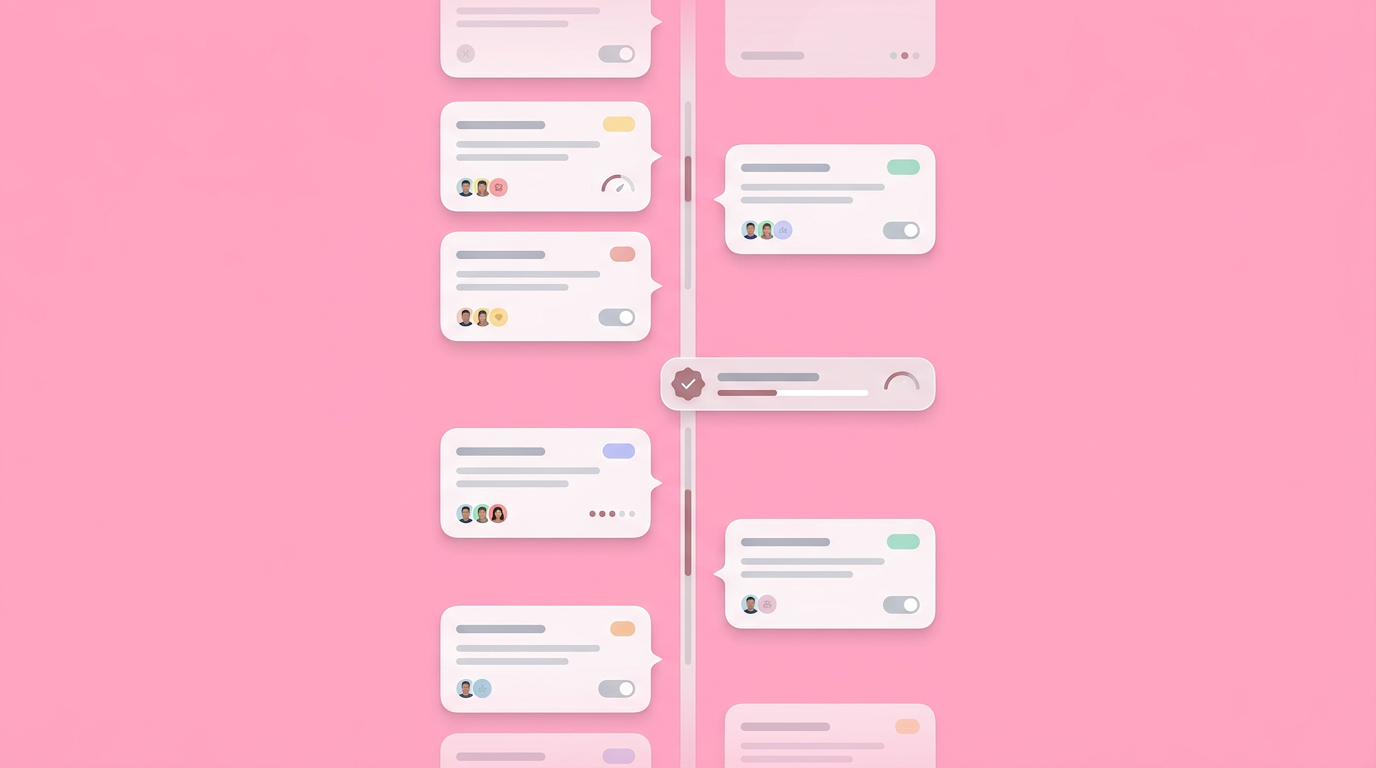
At the 25 percent milestone, you present the core skeleton. This initial synchronization ensures the primary navigation and fundamental task paths meet executive expectations.
If a department head disagrees with the fundamental structure, adjusting course here requires minimal effort. Waiting to reveal the layout guarantees significant delays and technical debt. Validating product ideas consistently at this early stage builds immense trust with the rest of the leadership team.
Deepening Feedback at 50 and 75 Percent
Subsequent review milestones shift the focus from structural logic to state changes and edge cases. The middle interval confirms data validation rules and specific interaction states. The late-stage interval serves as a final synchronization point prior to comprehensive technical documentation.
By the 50 percent mark, your interactive prototype should include realistic data scenarios and error states. Teams should evaluate how the system handles missing entries or failed loads. This is the exact moment to debate business rules and permissions with your compliance and security partners.
When you reach the 75 percent milestone, the conversation shifts toward stopping the feedback cascade before sprint planning. This review acts as final validation. No new structural features should enter the discussion here; the goal is securing explicit sign-off on the confirmed scope.
Managing High-Stakes Weekly Reviews
Complex initiatives with high organizational visibility require tighter control over the communication cycle. Moving to a condensed schedule provides immediate reassurance to anxious leadership teams. These frequent touchpoints keep volatile projects anchored to reality.
Weekly sessions prevent executives from drifting out of context. You maintain momentum by providing continuous, incremental updates rather than overwhelming them with massive systematic changes.
When teams report on their biggest delays, we hear consistently that infrequent communication breeds executive anxiety. Frequent check-ins with an interactive artifact reduce that anxiety. Stakeholders feel integrated into the building process, which transforms their posture from critical observers to active project champions.
Structuring Product Demos to Prevent Endless Revisions
Running a successful feedback session demands strict control over the agenda and the conversation scope. Presenting an open-ended mockup without clear boundaries invites endless, unproductive iteration cycles. Defining the exact parameters of the review ensures you gather usable guidance.
Running the 30-Minute Agenda
An effective review session maximizes clarity while respecting executive calendars. Moving efficiently through a predefined sequence ensures every participant understands exactly what input is needed. Tight timelines force stakeholders to prioritize their most critical structural concerns over minor details.
The optimal breakdown involves a 5-minute progress update, a 10-minute prototype walkthrough, a 10-minute guided discussion, and 5 minutes reserved for actionable next steps. This framework prevents meetings from dissolving into philosophical product debates.
After deploying structured review sessions internally, we learned that opening the floor to unstructured feedback guarantees scope creep. The product manager must dictate exactly which flows are under review. If you only need feedback on the checkout sequence, explicitly state that all other screens are locked.
Segmenting Audiences with Engagement Frameworks
Treating all business partners identically dilutes the value of your review sessions and limits actionable insights. Categorizing participants by their actual organizational influence ensures you dedicate appropriate time to the most critical voices. Proper segmentation is vital for achieving consensus with clickable prototypes without slowing progress.
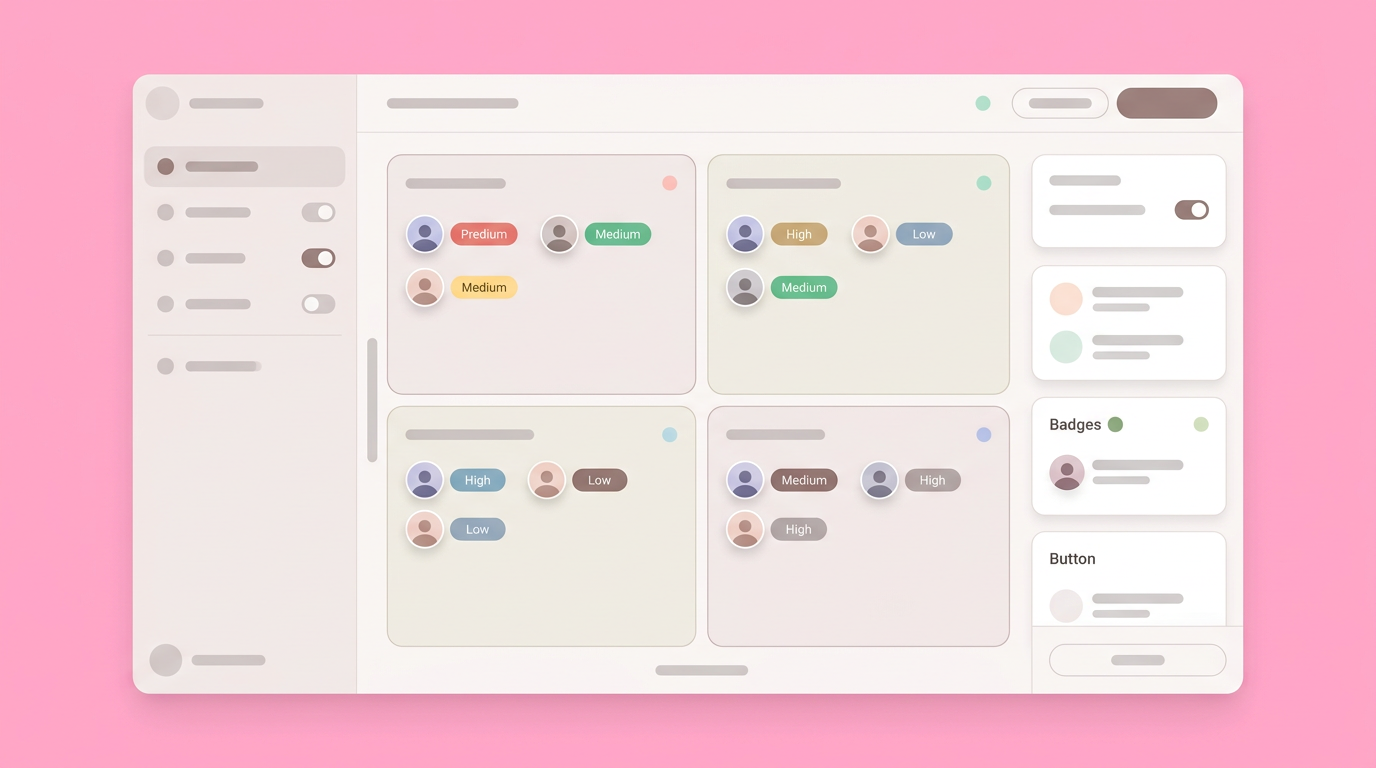
According to collaboration benchmarks, the four-level engagement framework (Inform, Consult, Involve, Collaborate) matches interaction intensity to stakeholder influence. You do not need to collaborate with everyone. Many departments only need to be informed through asynchronous video walkthroughs or simple status memos.
Using the Power-Interest grid model, you can categorize stakeholders by power and interest into four groups: Manage Closely, Keep Satisfied, Keep Informed, and Monitor. * Manage Closely: High power, high interest participants (like the CEO or VP). They require live, synchronous 1:1 prototype sessions.
- Keep Satisfied: High power, low interest participants. They receive concise milestone summaries.
- Keep Informed: Low power, high interest participants. They get access to the clickable links for independent review.
- Monitor: Low power, low interest. They receive general roadmap updates.
- Keep Informed: Low power, high interest participants. They get access to the clickable links for independent review.
- Monitor: Low power, low interest participants. They receive general roadmap updates.
This systematic approach prevents overcrowded review meetings where conflicting opinions create gridlock.
Framing Interactive Prototypes as Business Outcomes
Cross-functional leaders care about business metrics, not specific interface patterns or component libraries. Translating your prototype demo into the language of revenue, retention, and risk bridges the communications gap between product and executive suites.
Shifting from UX Metrics to High-Level Impact
Executives struggle to engage with presentations focused solely on usability scores or click paths. Framing the design decisions around tangible business goals immediately secures leadership attention. Every interaction you present should tie explicitly back to a strategic company objective.
When presenting a streamlined onboarding flow, do ify it by citing reduced cognitive load. Frame the change as a direct mechanism to improve trial-to-paid conversion rates and lower customer acquisition costs.
Presenting an interactive prototype for stakeholder alignment provides the perfect backdrop for business discussions. As you click through a simplified checkout process, explain how the reduced friction directly impacts annual recurring revenue. This alignment transforms a standard design review into a strategic business planning session.
Agreeing on a Definition of Done
Acceptance criteria mapped only to static layouts leave considerable room for interpretation during development. Tying technical requirements to specific interactions ensures that design, product, and engineering hold the exact same standard. A clear definition of done establishes objective boundaries for the sprint.
Your interactive prototype must directly inform the technical acceptance criteria. Before concluding any feedback loop, all parties must align on non-functional requirements. You need to agree on uptime targets, concurrency load expectations, and acceptable failure budgets.
Using the visual artifact to document these technical constraints ensures everyone understands the true scope of the build. If the prototype features complex real-time data visualizations, the engineering team can immediately highlight the backend indexing costs. This prevents budget overruns and architectural surprises before a single line of code is written.
Moving Discoveries Out of Purgatory and Into Production
Consensus holds little value if it cannot translate quickly into buildable tasks for engineering. The ultimate goal of early alignment is creating a direct, frictionless path to execution. When the feedback phase concludes, the resulting asset must serve as the foundation for technical implementation.
An aligned team ready to build moves confidently because the visual requirements carry explicit organizational approval. Teams generate a hand-off ready prototype directly from the approved concepts, eliminating the need to re-translate requirements into separate specifications.
The industry is moving toward workflows where the validation artifact naturally evolves into the production blueprint. This evolution renders endless speculation obsolete. You navigate the complexities of cross-functional friction by building a tangible reality that your whole team can test, trust, and ship.
You can help your team escape the cycle of recurring revisions by joining Dazl to build interactive prototypes for stakeholders.
Get Started

