Stop Sending Static Links: The 2026 Handoff Playbook
Sprint planning is in full swing. A product manager projects a beautiful user onboarding flow on the screen, ready for engineering estimates. The lead developer examines the screens and immediately asks a crucial question regarding a missing payment failure state on the third screen. Silence follows. The file offers no error state mapping, no interactive logic, and no consideration for edge cases. This specific discrepancy between what a file displays and what an application requires creates immense friction.
The Problem: Why Static Files Break During Implementation
Static mockups fail during implementation because they visualize ideal scenarios while ignoring real-world interactions entirely. Teams rely heavily on flat files that mandate intense context switching and leave fundamental functionality questions completely unanswered. This dynamic naturally creates endless asynchronous communication loops between product managers, designers, and developers.
The primary points of failure stem from five critical areas:
- context switching
- unanswered interactive questions
- static mockups lacking behavioral context
- disjointed asynchronous communication
- late developer involvement
When teams treat handoff as a discrete phase where responsibility passes directly over a wall, misalignment is inevitable. Engineers often start building features only to discover deeply embedded missing logic. Creative teams similarly feel the pain of this broken cycle.
Tool-Switching and the File Management Drag
The constant shuffling between whiteboards, specification pages, graphical platforms, and project trackers fragments early product context. Leaders indicate that tool-switching causes intense friction. This friction pulls engineers out of their development flow and forces product managers to play translator across multiple software environments.
In our internal reviews, we see how 71% of leaders report tool-switching friction A fragmented design to development workflow requires developers to match visual components with code systems manually. This manual alignment often introduces bugs before a single line of correct code reaches production.
Aakash Gupta wrote to his large product growth audience noting that AI prototyping has drastically changed how product managers function. He highlighted that interactive prototyping tools provide what earlier iteration cycles missed. The ability to present a working concept reduces the need to tab continually back and forth between flat pictures and code text.
The Solution: Shifting to Collaboration Over Transfer
Effective teams are replacing traditional file drops with continuous, interactive participation from day one. By bringing engineering into the product ideation phase early, the entire group builds deep shared understanding. This collaborative approach significantly decreases late-stage implementation surprises and frustrating code rework.
Integrating these distinct disciplines transforms a rigid checklist into an ongoing conversation. Finding success means bringing cross-functional roles together long before the final visual polish occurs.
When product managers adopt beyond mockups: agile handoffs in 2026 workflows, they stop asking if an engineer can build something. Instead, they begin asking if the engineer has everything needed to execute the shared vision. This shift in questioning entirely redefines the handoff relationship.
Embracing Intent-Driven and Machine Experience Design
Machine Experience (MX) design and intent-driven logic focus heavily on how systems respond to users rather than just how they look. Building responsive, AI-generated design systems ensures variables like dimensions and color codes translate directly into developer environments correctly.
In 2026, product design trends heavily emphasize these AI-generated systems to unify project consistency. Automated handoff workflows pull CSS values and spacing specifications directly from creative files. This establishes a single source of truth for the entire product squad.
Educator Tal Raviv, drawing from two decades of experience in product design, frequently explores how AI subagents integrate into real product design meetings logically. His teams utilize these specialized agents to quickly clarify logic gaps before they reach production. The result is a tighter feedback loop that avoids traditional documentation bloat entirely.
Prototyping Interactions Instead of Explaining Them
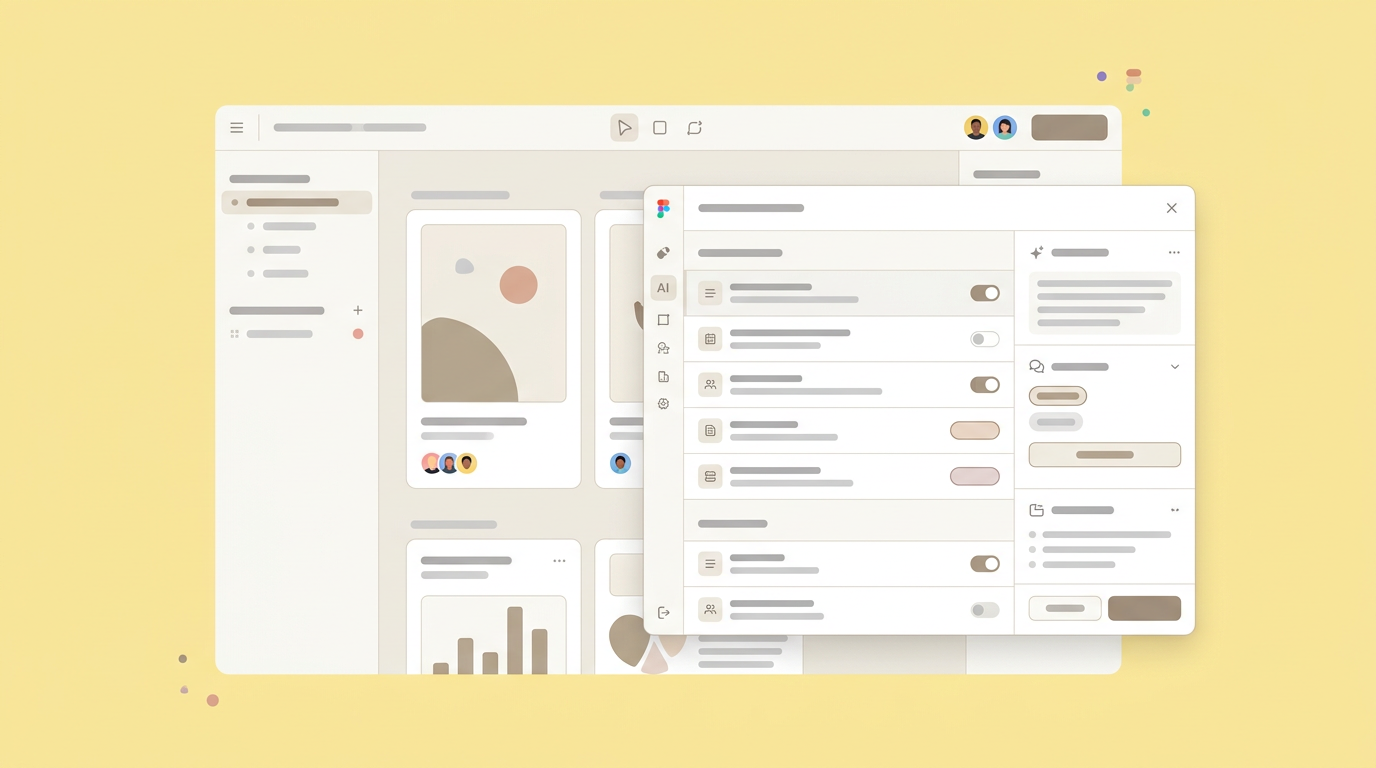
Demonstrating a user flow through a clickable prototype forces product teams to resolve interaction logic before writing code. Showing behavior actively instead of explaining it with text prevents engineers from guessing how transitions or error states should actively function.
We noticed that utilizing automated handoff capabilities allows developers to grab production-ready components quickly. This focused process limits the back-and-forth typical of a manual process. When designers utilize effective design handoff tools, the distance between idea and execution shrinks noticeably.
Product expert Christopher Nguyen frequently details a highly practical visual workflow for modern teams. He advises bringing the product requirements in, exploring ideas visually, refining the interactions, and sharing immediately for reactions. Communicating through working models keeps conversations focused entirely on tangible outcomes.
Case Study Application: The UI/UX Handoff Checklist
A structured checklist ensures no interactive flow, responsive breakpoint, or complex error state slips through the cracks before implementation begins. Establishing a documented pipeline for component naming conventions and behavioral states aligns expectations and standardizes the entire structural pipeline across all departments.
Organizations attempting to streamline their delivery often implement a strict UI/UX handoff checklist. This ensures the creative output closely matches the engineering environment constraints.
The practical execution should always start by analyzing how teams handle early documentation. Product managers track multiple specific checkpoints to ensure visual and technical quality. Creating clear rules of engagement serves as a protective guardrail for sprint completion goals.
Preparing Pre-Handoff Files and Assets
Cleaning up files by deleting unused layers and standardizing naming conventions saves developers hours of investigative work later. All structural variations, including:
- empty screens
- loading spinners
- failure states
must be clearly mapped and linked to corresponding product requirement documents.
When exploring how PMs actually use generative AI in 2026, keeping workspaces clean remains critical for squad alignment. Teams organize assets by exporting clean graphical elements systematically. They also map large media files to shared cloud storage to avoid system bloat and performance issues.
Adding explanatory notes directly next to complex logic screens gives engineers immediate technical context. This practice ties visual representation back to core business logic effectively. The documentation clarifies exact expected behaviors for variables that a static image cannot convey.
Executing the Async-First Walkthrough
Recording an asynchronous walkthrough allows developers to review interaction logic fully at their own pace. Presenting the prototype via video or detailed annotation sets clear implementation priorities while maintaining a shared responsibility model for project quality entirely.
An asynchronous approach profoundly respects the engineering timeline instead of booking another hour-long sync meeting. As detailed in guides comparing manual workflows to automated solutions, relying solely on flat images paired with synchronous calls often leads to distinct project misunderstandings.
Both product management and engineering should explicitly define exactly what completed features look like. A dedicated design handoff tool facilitates this asynchronous review strictly effectively, covering aspects like:
- visual design accuracy
- interactive behavior
- error state handling
Setting upfront expectations ensures testing frameworks match original intent perfectly.
Results: Measuring the Value of an Effective Design Handoff Process
Transitioning to an interactive, automated handoff aggressively reduces time-to-production and vastly increases functional team alignment. Teams experience drastically fewer bug reports related to user interface inconsistencies and spend substantially less time debating visual specs during the critical quality assurance phase.
By addressing common friction points directly head-on, organizations establish an effective design handoff process that scales smoothly with their functional growth. A deliberate focus on quality during the transition phase saves hours of frustrating rework later.
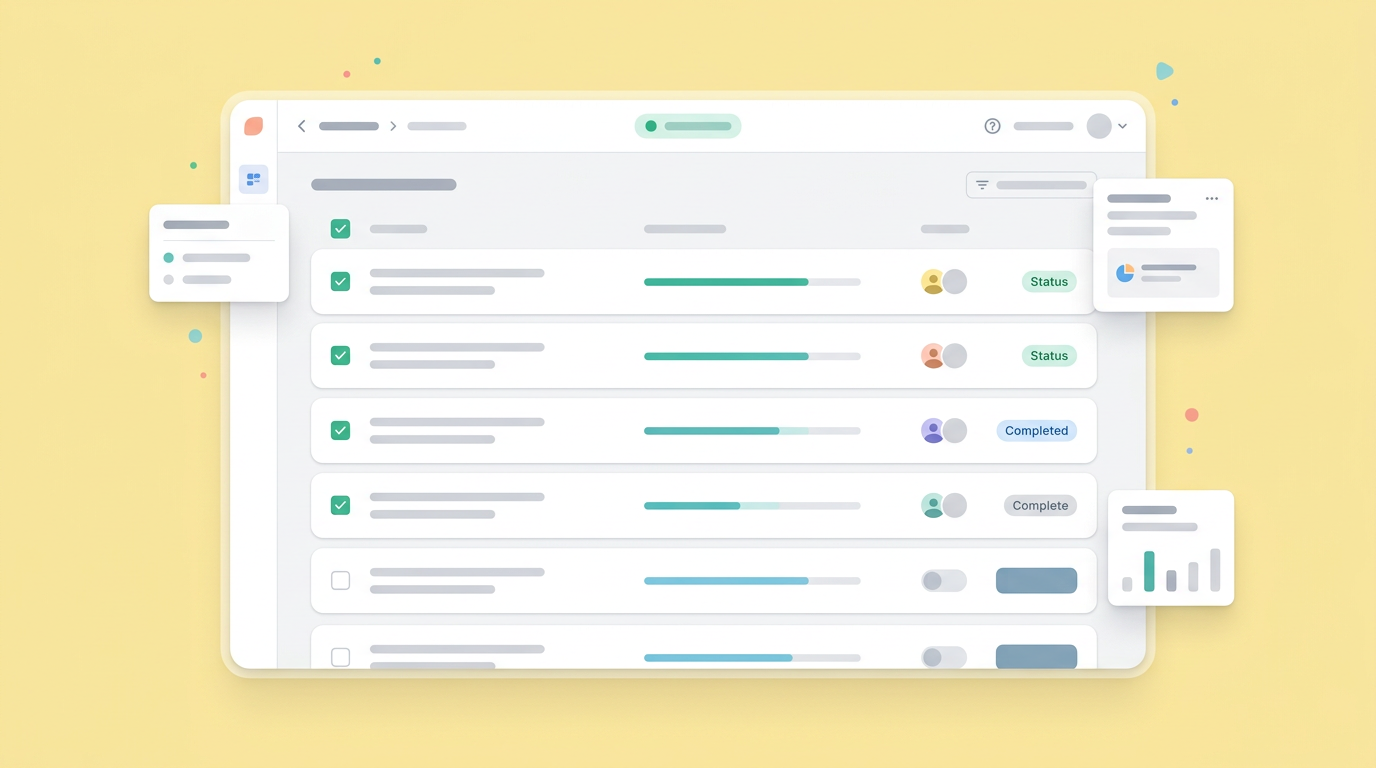
We regularly notice immediate technical improvements when product teams adopt these highly collaborative structural workflows. The painful friction of the transfer disappears. Teams start communicating about complex logic rather than arguing about pixel padding dimensions.
Increased Team Synchronization and Satisfaction
Shared workspaces actively break down departmental silos by making product managers, designers, and developers equal partners in the building process.
When everyone has access to the exact same interactive source of truth, toxic blame culture dissipates quickly. Developers understand the deep mathematical or logical reasoning behind specific UX decisions. Product managers can see technical constraints visually represented in the workspace.
A Figma 2026 updates review highlights how platform functional changes emphasize git fluency and deeper integration. Product managers act effectively as the strategic glue holding these cross-functional interactions together tightly.
Accelerated Paths to Production Alignment
Connecting established conceptual systems directly to code components allows engineering teams to ship major features significantly faster. Eliminating the tedious translation phase between visual intent and technical execution shrinks complex sprint timelines and allows product managers to validate practical ideas quickly in real environments.
A major strategic factor in squad speed is having strictly up-to-date documentation parameters. Auto-generated numeric values, standardized color logic, and firm dimensional spacing radically reduce manual data entry errors. This direct line to engineering resources prevents interface drift.
Collaborative tracking platforms map functional progress clearly across all organizational units. This shared reality is exactly why agile squads consistently rely on highly interactive planning tools for every single sprint cycle. Fast access to correct specifications prevents blocked development tickets entirely.
Beyond Mockups: The Future of Cross-Functional Alignment
The next evolution of product creation removes the formal handoff phase entirely by blurring the strict lines between ideation, visual styling, and functional code. As intelligent workspaces unify these steps securely, product teams maintain total context from the first product requirement draft to the final prototype review.
Looking closely at daily product management usage patterns, the need for centralized intelligent spaces becomes highly evident. Teams actively want tools that accurately reflect how they functionally work together. Keeping the logic attached directly to the visual element prevents endless specification searching behaviors.
By serving as a proactive teammate at every single step, Dazl takes early ideas and rough specs and turns them into handoff-ready interactive prototypes. The practical focus remains on keeping the complete organizational squad totally aligned, bridging the space strictly between a great functional idea and a ready-to-build solution.
Your team can implement these continuous collaboration strategies today by creating a free account and starting your first project on Dazl.
Get Started

