The Technical PM's Guide to Prototyping on the Real Codebase
You prompt an AI agent to build a new user dashboard. Three minutes later, a functional layout appears on your local machine. The problem? It uses a generic blue button, imports a charting library your engineering team explicitly banned, and lacks the global navigation bar. It functions perfectly in a vacuum, but it looks entirely foreign to your actual product. "This feels disconnected from our brand," a product manager might comment.
The symptom is clear: rapid generation outpaces architectural alignment. When technical product managers try to move fast, they often bypass the primary repository, opting for greenfield local environments. This creates isolated experiments that cannot easily transition into production. Such isolated experiments, while quick to generate, often lead to significant re-work, undermining the initial speed advantage. As one engineer put it, "It's faster to do it right the first time than to fix a broken prototype."
Diagnosing this disconnect requires looking at how we integrate artificial intelligence into the product discovery phase. We need to shift from treating AI as a standalone generator to treating it as a collaborator operating within the strict boundaries of the existing application.
The Greenfield Trap in AI Prototyping
Building functional experiments outside the main repository creates isolated, alien components that engineers cannot easily merge into the active application.
Generating a screen from scratch feels incredibly fast. You type a prompt, and a layout materializes. But this speed is often an illusion. When you build outside the real environment, you inevitably miss the foundational constraints that make your product function. Key elements like routing logic are absent, and global state management is ignored. The resulting output might demonstrate an idea effectively, but it almost always requires complete refactoring before it can ever reach users.
Why Off-Brand UI Happens So Fast
AI agents default to popular open-source component libraries when they lack explicit instructions to use your proprietary design system.
If you ask for a modal, the agent provides a standard modal. It does not instinctively pull the specific <CustomModal> component your engineering team spent three weeks standardizing. According to Builder.io, connecting AI prototyping to the real product repository helps keep prototypes aligned with existing flows, data, and components. Without that connection, the generated UI drifts entirely off-brand. Teams that prototype outside the real codebase are more likely to produce off-brand UI and require rework before implementation.
The Cost of Disconnected Repositories
Prototyping in an isolated environment shifts the technical burden to engineers, who must untangle the experiment before implementing the real feature.
We found that running isolated experiments creates a false sense of consensus. Stakeholders approve a flow that relies on mocked data, only to discover the actual database architecture cannot support the interaction. By stopping context loss early, you ensure the technical feasibility is validated alongside the user experience.
Diagnosing the Disconnect Between Concept and Code
Technical product managers often isolate their experiments because integrating an AI agent into a massive, legacy repository feels overly complex and risky.
It seems safer to spin up a blank slate. You avoid merge conflicts, bypass dependency issues, and sidestep the heavy local development environment setup. Yet, this safety net slows down the product journey.
Treating AI as Autocomplete Instead of a Teammate
Prompting for raw code generation without providing architectural context forces the agent to guess your technical preferences.
A common misstep is asking for an entire page view at once. The agent attempts to fulfill the request by inventing a new structure. Instead, we must treat the system like a new engineering hire. You would not ask a new engineer to build a dashboard without first pointing them to the component library and the routing documentation.
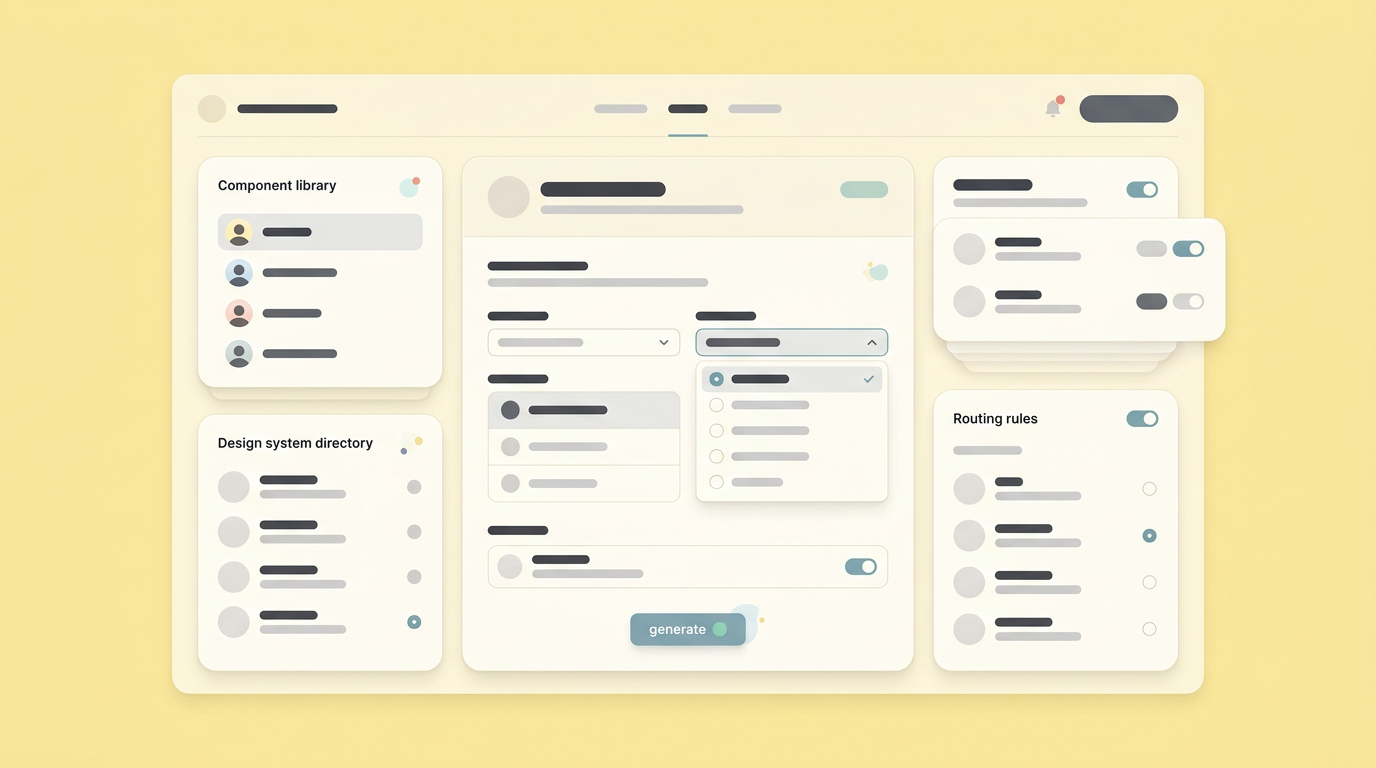
You must provide the agent with the exact same onboarding context. This requires defining the rules of engagement before requesting any logic.
Missing the Design System Context
Generating screens without access to the standardized component library results in duplicated CSS and inconsistent user experiences.
Every modern product team relies on standardized components. When your experiment bypasses these components, it ceases to represent the actual product. A web development trends resource from Figma emphasizes the importance of modern, well-structured front-end practices, but the provided excerpt does not support the specific claim about lighter codebases and browser behavior. This only works when the foundational components are strictly respected.
How to Prototype on Real Codebase as PM
Connecting your discovery process directly to the primary repository ensures every interaction accurately reflects the current state of the application.
Learning how to prototype on real codebase as pm requires a shift in workflow. You must move away from blank canvases and start modifying existing views. This ensures you inherit the application's authentication flow, data fetching patterns, and error handling mechanisms.
Connecting Directly to the Repository
Integrating your workspace with the active application repository forces your experiments to adhere to established technical boundaries.
Pulling the latest branch gives you the accurate starting point. You inherit the actual database schema and current user flows. This is where a workspace designed for the product journey becomes essential. Using Dazl to bridge ideation and hand-off keeps the entire team aligned because the work is grounded in reality. The focus remains on product discovery, but the output respects the technical foundation.
Scoping for Small, Realistic Slices
Validating a concept requires testing a single end-to-end path rather than attempting to generate an entirely new user interface.
We consistently observe that smaller scopes yield higher fidelity results. Do not ask for a whole new analytics suite. Ask to modify one existing chart to display a new metric.
Using the Existing Component Library
Explicitly instructing the agent to utilize predefined components prevents the introduction of rogue libraries and styling inconsistencies.
You must provide strict constraints. Tell the agent exactly which file contains the <PrimaryButton>. Direct it to the specific styling variables.
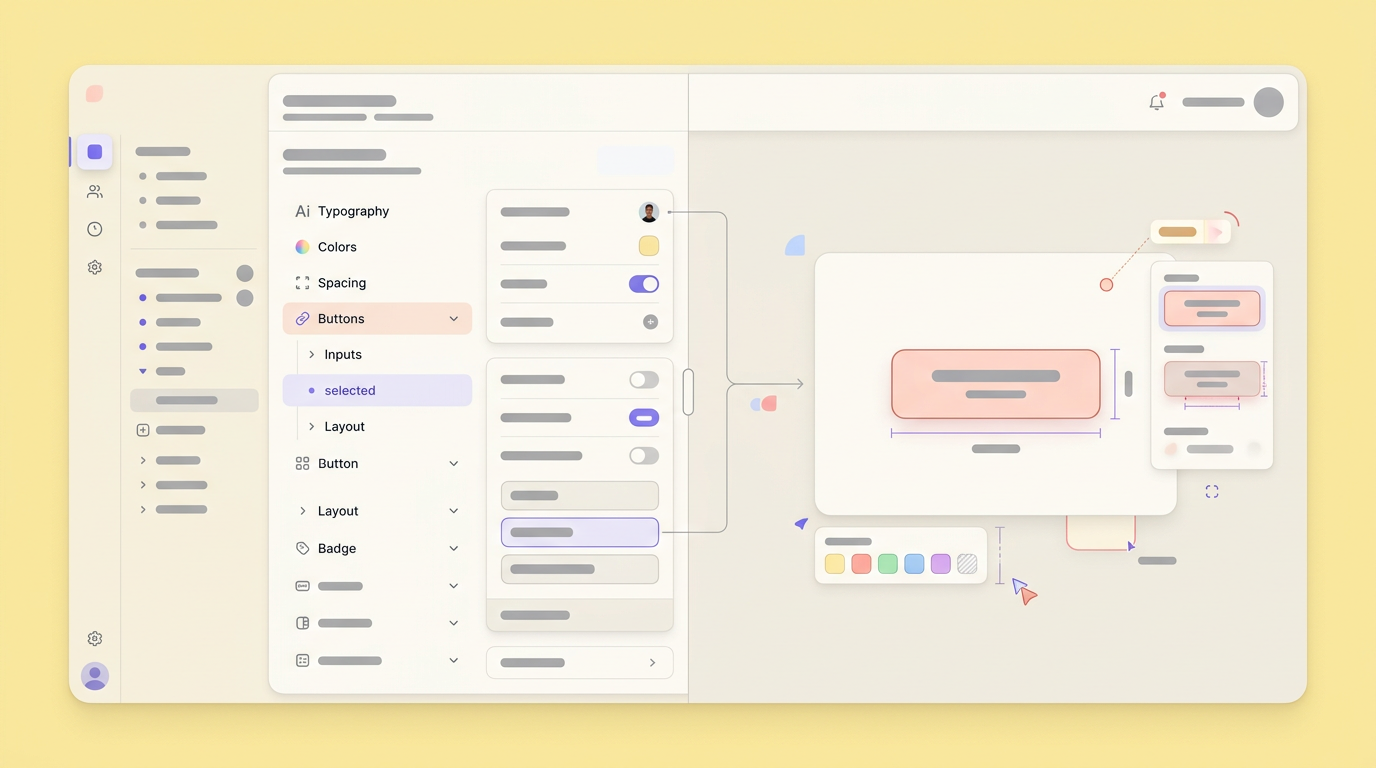
This bypasses the sprint backlog effectively because the resulting artifact uses the exact same vocabulary as your engineering team.
The Friction of Local Development Environments
Setting up the technical infrastructure to run the existing application locally is the primary hurdle preventing product managers from working in the real repository.
The gap between wanting to use the real codebase and actually doing it often comes down to dependencies. Installing the right version of Node, configuring the database, and managing environment variables creates significant friction.
Navigating Dependency Hell
Simplifying the local setup process is required before non-engineers can comfortably experiment within the main repository.
Engineers spend days configuring their local machines. Product managers rarely have that luxury. We found that teams succeeding in this workflow heavily depend on containerized environments or standardized setup scripts, along with well-documented processes.
- Use Docker containers to standardize the database setup and ensure consistent environments across the team.
- Maintain an updated internal wiki for environment variables, API keys, and other configuration details, making them easily accessible.
- Rely on cloud-based development environments when local setup is too complex, providing immediate access to a pre-configured workspace.
- Implement automated setup scripts that can provision a new local development environment with minimal manual intervention.
- Utilize internal tools or dashboards that centralize access to common development resources and documentation.
Creating Safe Staging Sandboxes
Establishing isolated branches ensures that PM experiments never accidentally impact the production environment or disrupt ongoing engineering work.
You need a safe place to fail. Creating a dedicated feature branch allows you to test bold ideas without fear. If the experiment breaks the routing logic, the damage is contained.
Making AI a Collaborative Product Team Member
Elevating an agent from a code generator to a true collaborator requires establishing strict rules of engagement before writing a single line of logic.
AI coding assistants can support multi-step planning and implementation when given clear context and constraints. A guide from Lenny’s Newsletter highlights that PMs can prototype ideas earlier and share them for validation before formal design capacity is available. But this autonomy must be channeled correctly.
Establishing Clear Constraints Before Prompting
Defining the technical and visual boundaries upfront ensures the agent operates within the acceptable parameters of your specific application architecture.
Before you request a feature, establish the rules. State the allowed libraries. Define the data structures. If you fail to set these constraints, the agent will invent its own.
Validating Behavior Over Pixel Perfection
The primary goal of a technical experiment is to prove a user flow works, not to perfect the visual polish of the interface.
Focus on the interaction. Does the data load correctly? Does the error state trigger when the API fails? We found that validating these functional behaviors prevents costly rework later in the development cycle. Let the designers handle the exact padding during the final hand-off.
Evolving Prototyping Beyond Greenfield Experiments
The future of product discovery relies on integrating exploratory work tightly with the production environment, ensuring no effort is lost in translation. This means moving beyond disconnected prototypes and towards a seamless continuum from ideation to deployment. The days of building isolated mockups that vaguely resemble the final product are ending, as they often create more problems than they solve.
Teams must now adopt workflows that respect the existing architecture from day one, treating the codebase as the ultimate source of truth. This approach also fosters a culture of continuous validation, where assumptions are tested against reality early and often. The next crucial step is standardizing how these functional artifacts are reviewed by stakeholders, moving beyond static presentations to interactive, collaborative validation sessions that truly reflect the product's live behavior.
Join Dazl to connect your team to your active repository and start prototyping your next feature directly on your codebase.
Get Started

