What Is a Product Prototype? A Guide for Product Managers
Product managers frequently sit in meetings where designers and engineers debate a static user story. Text descriptions fail to capture how an interface actually feels in the hands of a user, causing misalignment and delayed sprint cycles. A tangible, interactive model resolves these debates immediately by showing exactly what the team needs to build.
Decoding the Meaning of Product Prototype
Understanding what is a product prototype requires looking past static wireframes. A product prototype is an early sample, model, or release of a product used to test a concept, validate assumptions, and gather feedback; it may be interactive or non-interactive depending on fidelity and purpose. It serves as a tangible model that tests functionality before teams commit to expensive engineering cycles.
A working model forces the team to confront usability hurdles early. According to industry data on product development strategies, 85% of product managers consider prototyping and minimum viable products essential for testing new ideas.
Teams use these early builds to secure stakeholder buy-in and refine the product vision. Moving beyond abstract concepts saves significant development time.
Defining the Core Concept
The fundamental prototype meaning centers on interaction and learning. It is an experimental model constructed to test hypotheses about user behavior and system logic. Product teams use these artifacts to gather feedback and make informed design decisions without writing production code.
A successful model prioritizes the core user journey over polished aesthetics. By simulating the actual product experience, teams can identify friction points. This interactive approach helps companies avoid investing in features that users do not actually need or understand.
Clarifying Proof of Concept vs Prototype
A proof of concept tests whether a specific technical idea can actually be built, whereas a prototype tests how the user will interact with it. Technical teams use the former to validate feasibility, while product managers use the latter to align the entire team on the user experience.
If your team is unsure whether an API can return data fast enough, they build a proof of concept. If they are unsure whether a user will understand the checkout flow, they build a functional model. Both tools reduce risk but target entirely different phases of the development pipeline.
The 4 Types of Product Prototypes
Categorizing the types of product prototypes helps teams choose the right fidelity for their current feedback cycle. The four primary variations range from basic structural outlines to highly interactive simulations. Choosing the proper format ensures teams do not over-invest time simply testing basic layout concepts.
Recent market analysis projects the broad product prototyping sector will reach US$21.3 billion in 2025. This growth highlights how heavily companies rely on different model types to secure market fit.
Here are the four standard formats teams use to validate ideas:
- Proof of Concept Models: These are used for technical testing and validating engineering feasibility.
- Low-Fidelity Visual Layouts: These serve for early layout alignment and defining information architecture.
- Functional, Interactive Simulations: These are designed for comprehensive usability testing with real users.
- High-Fidelity Hand-Off Models: These models are essential for engineering specifications and final design approval.
- Paper Prototypes: Simple, hand-drawn sketches used for quick, initial concept validation.
- Clickable Wireframes: Digital versions of low-fidelity prototypes that allow basic navigation.
1. Proof of Concept Models
A proof of concept model exists solely to answer whether a technical challenge is solvable. These bare-bones structures verify engineering constraints, data flow, or integration capabilities. They intentionally lack styling, focusing purely on passing data from one endpoint to another.
Engineering teams typically take the lead on these early validations. Once the technical risk is cleared, the product manager can confidently move the feature into the formal design and user testing stages.
2. Low-Fidelity Visual Prototypes
Low-fidelity visual prototypes consist of simple outlines, sketches, or wireframes that map out the skeletal structure of a screen. Product teams use these rough drafts to establish basic information architecture and screen flow. They are cheap to produce and easy to discard.
In our experience mapping product cycles, the shift to AI-assisted design has forced product managers to rethink early staging. Low-fidelity mockups allow non-designers to quickly express structural ideas. This early visualization helps clarify writing product specs that actually accelerate builds.
3. Functional Prototypes
Functional prototypes simulate the actual behavior of the final product by incorporating clickable elements, state changes, and conditional logic. These interactive artifacts represent the core purpose of a prototype by allowing real users to experience the intended workflow. They bridge the gap between design and development.
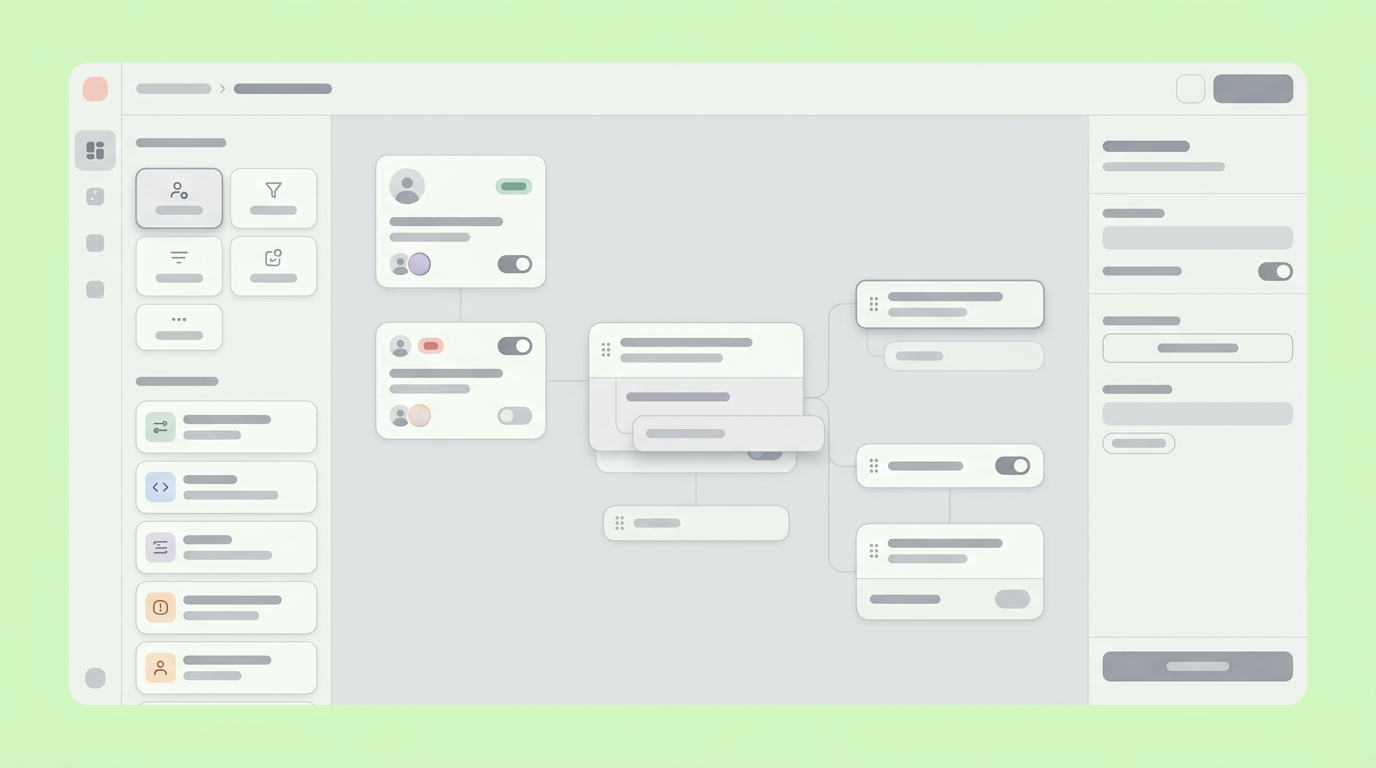
Creating interactive logic represents the turning point in the design process. Tools like Dazl serve as the PM's teammate from ideation and spec writing through a hand-off ready prototype, keeping the whole team aligned. A functional model reduces ambiguity because engineers can click through the exact user flow.
4. High-Fidelity Hand-Off Prototypes
High-fidelity hand-off prototypes mirror the exact appearance, animations, and micro-interactions of the final deployed application. Designers create these detailed models to provide engineering teams with a precise visual reference. Every button state, color hex code, and typography choice is finalized.
High-fidelity versions are essential for final stakeholder approval and strict design system adherence.
Step-by-Step Guide for Creating a Product Prototype
Creating a product prototype requires a structured approach to ensure the artifact actually yields helpful data. The process moves from defining goals to building interactive logic and finally securing user feedback. Following a disciplined sequence prevents scope creep and keeps the team focused on validation.
Projections indicate the prototyping software market is valued around US$0.92 billion in 2026, expanding rapidly. Software advancements allow non-technical team members to participate directly in the building process.
Step 1: Establish the True Purpose of a Prototype
The core purpose of a prototype must be explicitly defined before anyone starts building screens. You must determine exactly what hypothesis you are trying to test. Establishing clear boundaries prevents the team from spending days designing secondary features that distract from the primary test.
If the goal is to validate a new navigation layout, the model should only include the menu elements. Ensure the prototype is focused to avoid unnecessary complexity. If the goal is to test a complex data-entry form, the layout styling matters less than the input logic, emphasizing functionality over aesthetics.
Step 2: Map Your Prototype Development Stages
Mapping the prototype development stages guarantees a smooth transition from rough concepts to engineering hand-off. Product leaders must break the validation work into structured phases. This roadmap typically includes ideation, wireframing, logic integration, and final refinement.
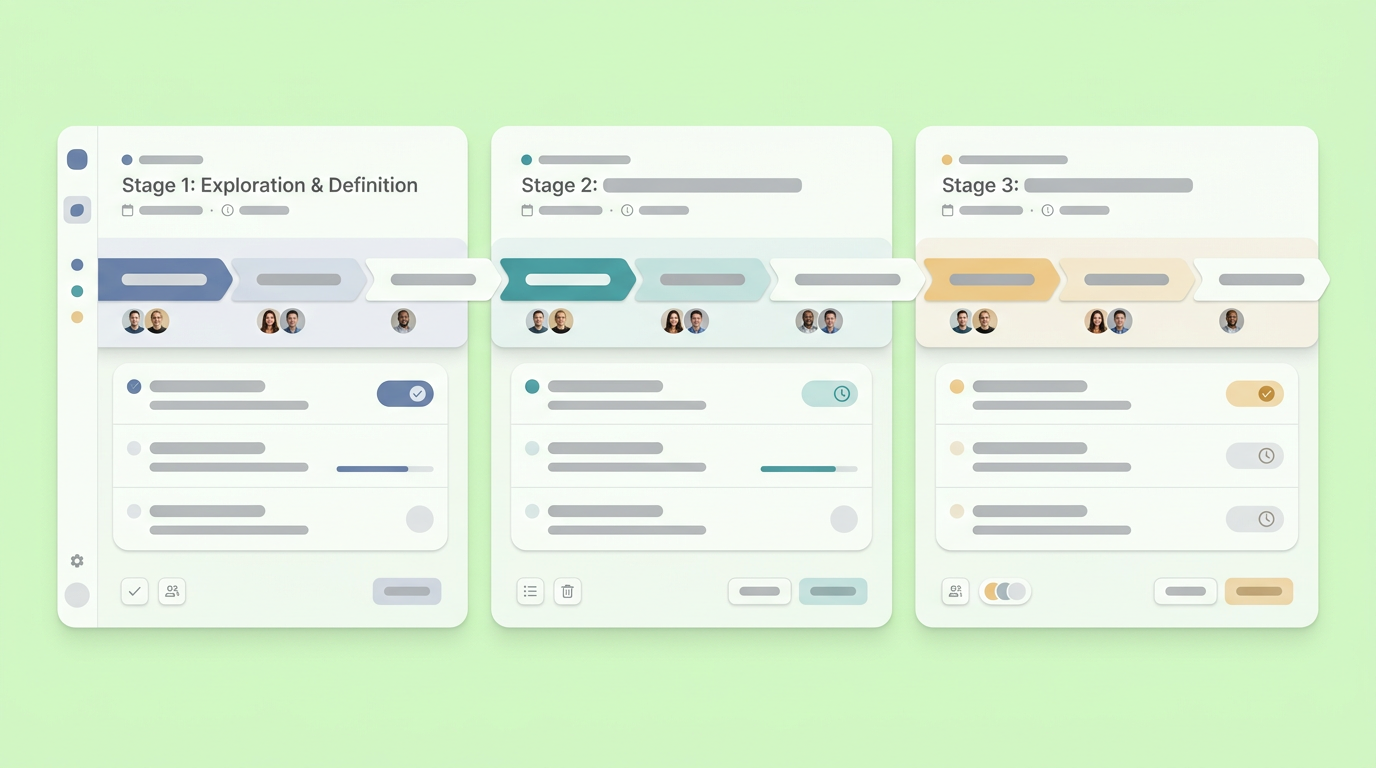
Defining these stages keeps cross-functional partners aligned on current fidelity expectations. For example, an engineer reviewing a layout during the early wireframing stage knows not to critique the typography. Structuring your process heavily influences your overall prototype to production timeline.
Step 3: Build the Interactive Logic
Building the interactive logic transforms a static picture into a sequence that simulated software users can explore. You must link buttons, define state transitions, and create realistic hover effects. This connectivity reveals broken user paths that flat designs naturally hide.
Recent usage metrics show 58% of product managers utilize no-code tools to construct these interactive paths. This capability democratizes the product planning process.
Step 4: Validate with Stakeholders
Validating the interactive model with stakeholders and end-users uncovers usability flaws before engineering begins. You should observe users clicking through the intended flows without offering them verbal guidance. Silent observation highlights exactly where the interface fails to communicate its function.
Gathering this feedback early allows the team to pivot safely. Altering a layout in a prototyping tool requires minutes, while refactoring production code takes days or weeks.
The Impact of Rapid Prototyping on Product Cycles
Rapid prototyping significantly alters product development metrics by front-loading error discovery. Creating functional models early forces teams to answer hard questions before they hit the development sprint. This deliberate testing culture creates more resilient, market-ready software architecture.
Firms leveraging modern digital validation routines see stark operational improvements. Implementing digital twin technologies and advanced digital modeling can reduce total development times by 20 to 50 percent. Prototyping is no longer just a design phase, but a complete risk mitigation strategy.
Accelerating Time to Market
Developing an early interactive model accelerates the overall timeline by eliminating endless specification debates. Because the model serves as the single source of truth, engineers spend less time interpreting documentation. Clear visual directions translate directly into faster coding cycles.
When developers can inspect a working simulation, they can plan their database schemas more efficiently. This alignment removes the typical friction found between sprint planning and actual deployment.
Reducing Costly Engineering Revisions
Using a tangible model reduces costly engineering revisions by catching flawed assumptions before code is written. Fixing a misunderstood user requirement during the design phase costs effectively nothing. Fixing that same error post-launch requires database migrations and significant developer resources.
The prototype acts as a functional blueprint that QA engineers use as their baseline for testing.
Moving Ideas From Validation to Production
Passing a completed, tested model to the engineering team marks the end of the validation phase and the start of assembly. The artifacts you produced now serve as the structural benchmark for the actual software build. The focus shifts from asking what to build toward asking how best to scale it.
Engineers will dissect your interactive states, transitions, and component hierarchies. Providing a precise, clickable artifact ensures their architectural decisions map perfectly to the validated user experience. This detailed transfer of knowledge minimizes misinterpretations and rework, ensuring that the final product accurately reflects the agreed-upon design.
This crucial hand-off streamlines the development process by giving engineers a concrete, interactive reference rather than abstract specifications. It allows them to anticipate technical challenges, plan their sprints more effectively, and build with confidence. Delivering clarity at this stage can improve development efficiency and product quality.
Your team can streamline your prototyping process and bridge the gap between initial concepts and final production by joining Dazl.
Get Started

